작성자: Kai Life Editorial Team
If a repeated task keeps consuming mental energy, turn it into a reusable checklist instead of rebuilding the process from memory. In about 15 minutes, identify the task’s trigger, write its essential steps, separate urgent decisions from routine actions, and add a short review point. The result should be a practical work checklist that supports your priorities without becoming another project to manage.
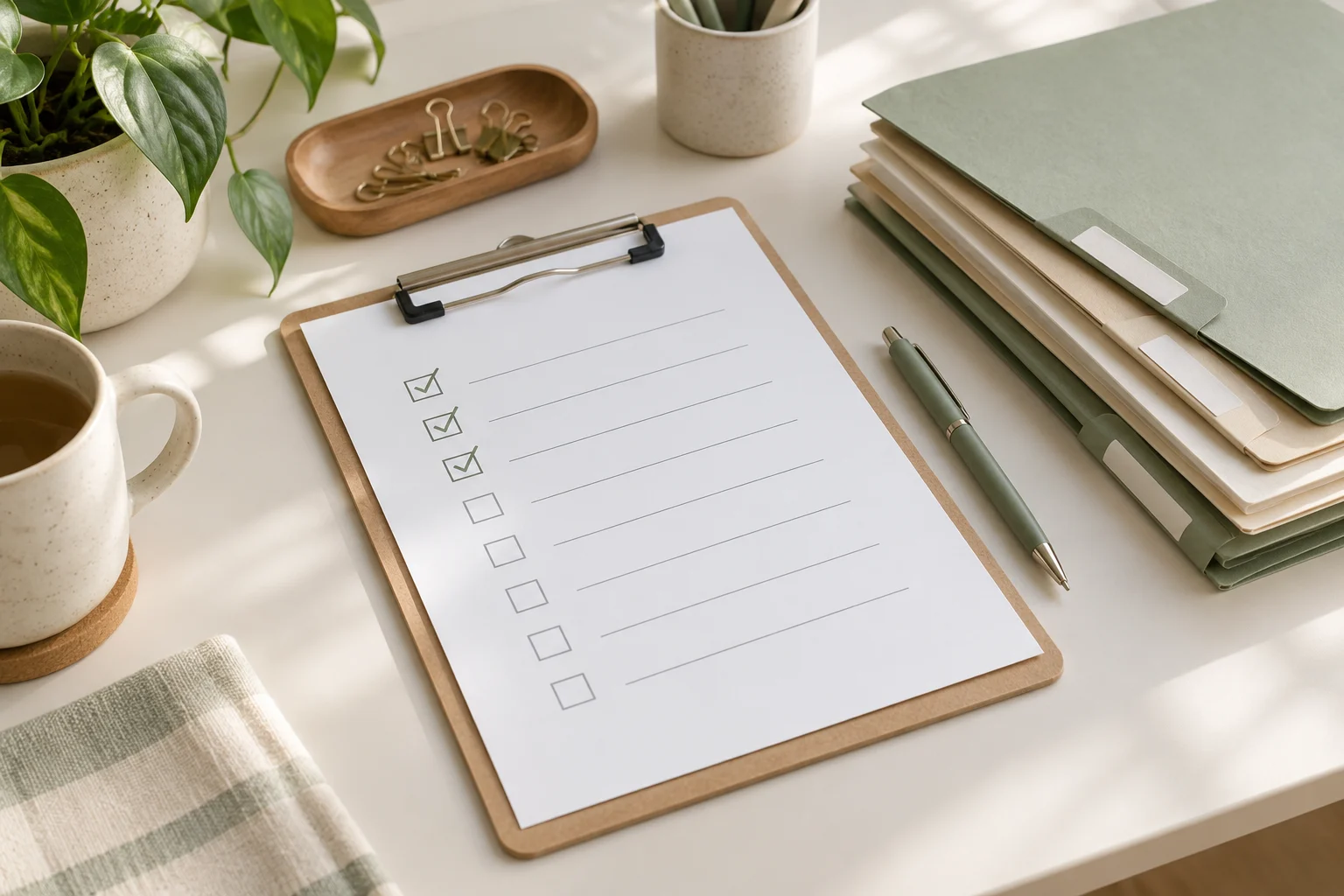
Why repeated tasks become difficult to manage
Repeated work often looks simple from a distance. It may involve preparing a weekly report, processing requests, organizing meeting notes, checking a shared inbox, or sending a regular update. The difficulty comes from the small decisions around the task:
- When should the task begin?
- What information needs to be collected first?
- Which parts are time-sensitive?
- What can be skipped when the available time is limited?
- What should be recorded for the next person or the next cycle?
When these decisions remain in your head, the task can feel new each time. A checklist makes the starting point visible and gives you a place to capture exceptions. It does not need to describe every possible situation. It needs to support the common path and point out the decisions that deserve attention.
The four-part framework: prepare, sort, act, and review
Use four sections to design a checklist that is short enough to use and detailed enough to help.
1. Prepare: define the trigger and inputs
Begin with the event that starts the task. A trigger could be a calendar reminder, the arrival of a request, the end of a workday, or the first day of a workweek. Write it as a clear sentence, such as “When the weekly update request arrives” or “At the start of the Monday planning block.”
Next, list the inputs needed before action begins. These might include a document, a list of open items, meeting notes, a deadline, or a person to contact. If an input is missing, the checklist should tell you what to do rather than leave you searching without a plan.
- Trigger: What tells me it is time to start?
- Inputs: What information or files do I need?
- Time box: How much time can I give this pass?
- Starting condition: What counts as “ready to begin”?
2. Sort: separate priorities from background work
Sorting prevents a routine task from expanding to fill every available minute. Divide the work into three groups: actions that affect a current deadline, actions that keep the process moving, and items that can wait.
| Group | Question | Example action |
|---|---|---|
| Priority now | What has a near deadline or blocks someone else? | Confirm a missing decision before sending the update |
| Routine next | What supports the standard process? | Update the task status and file the notes |
| Later or optional | What would be useful but does not affect this cycle? | Improve formatting or add background detail |
Keep the “priority now” group small. If every item is urgent, the checklist is not helping you choose. When priorities conflict, write down the decision or ask the relevant owner for clarification rather than silently changing the scope.
3. Act: describe observable actions
Write each checklist item as an action that can be checked off. “Handle report” is too broad to guide the next step. “Compare this week’s figures with the previous update” is easier to start and verify.
Use one action per line where possible. Include a result when the result matters:
- Collect the latest information from the agreed source.
- Check for missing fields, conflicting dates, or unclear ownership.
- Record decisions and open questions in the meeting notes.
- Send the update to the intended group.
- Move unfinished items to a named follow-up list.
A useful checklist also identifies stopping points. For example, after a routine check, you might stop and escalate only if a deadline, owner, or required input is unclear. This keeps unusual cases from making the standard process unnecessarily long.
4. Review: improve the checklist after use
Reserve a short review at the end of the task or during a weekly review. Ask what slowed the process, what was repeated unnecessarily, and what question appeared more than once. Then change one or two lines rather than redesigning the entire system.
Useful review notes include:
- A step that was missing from the checklist.
- An item that no longer belongs in the routine.
- A decision that needs a clearer owner.
- An input that should be collected earlier.
- An exception that deserves a separate note instead of a longer main list.
A 15-minute setup routine
Use the following sequence when you want to convert one repeated task into a usable checklist during a short planning block.
- Minutes 0–2: name the task. Write the task in plain language and state how often it occurs or what event starts it.
- Minutes 2–5: capture the normal path. List the actions you take when nothing unusual happens. Do not edit the wording too much yet.
- Minutes 5–8: identify decision points. Mark where you check a deadline, choose a priority, request missing information, or involve another person.
- Minutes 8–11: shorten and order. Put preparation first, priority decisions next, routine actions after that, and follow-up last.
- Minutes 11–13: add exception instructions. Write a brief response for common problems, such as “If information is missing, record the owner and next request date.”
- Minutes 13–15: test the first pass. Read the checklist as if you were starting the task tomorrow. Remove vague items and confirm that the final line tells you where unfinished work goes.
The goal of this session is not to document every detail. It is to create a reliable first version that can be adjusted after real use.
Copyable reusable work checklist
Copy the template below into your notes or task system and adapt the labels to the type of work you repeat.
| Stage | Checklist item | Notes or owner |
|---|---|---|
| Prepare | Confirm the trigger, deadline, and time available. | |
| Prepare | Gather the required files, requests, and previous notes. | |
| Sort | Mark the item that affects the nearest deadline or blocks another person. | |
| Sort | Move optional improvements to a later list. | |
| Act | Complete the standard actions in their working order. | |
| Act | Record decisions, missing information, and follow-up owners. | |
| Act | Share or file the completed output in the agreed location. | |
| Review | Note one friction point and one possible checklist change. | |
| Review | Move unfinished work to a dated follow-up item. |
How to use meeting notes and weekly reviews
Meeting notes can improve a repeated checklist when they capture decisions rather than only discussion. For each open item, record the decision or question, the owner, and the next point at which it will be checked. This gives the next work cycle a clear starting point.
During a weekly review, scan completed checklists for patterns. If the same clarification appears repeatedly, add it near the relevant action. If a task is often postponed, examine whether the trigger, time estimate, or priority rule is unclear. If a checklist has grown too long, separate the common path from an exception guide.
A simple weekly review can use these questions:
- Which step was easiest to forget?
- Which item created the most waiting?
- Did the checklist help distinguish important work from optional work?
- Were meeting notes clear enough for the next action?
- What single edit would make the next cycle easier to start?
Common checklist problems and practical fixes
The list is too detailed
If the checklist reads like a training manual, keep the main list focused on decisions and actions. Link or refer to supporting instructions separately, where appropriate.
The list is too vague
Replace broad verbs such as “review,” “handle,” or “follow up” with a visible action and a completion signal. State what is being checked and where the result should be recorded.
Everything is marked urgent
Add a priority rule based on deadlines, dependencies, or risk to the current work. If two items still compete, record the conflict and seek a decision from the relevant owner.
Exceptions take over the main process
Keep the normal path short. Add a small “if this happens” section for recurring exceptions, and create a separate reference when an exception requires extensive detail.
Unfinished work disappears
End the checklist with a handoff action: record the next step, owner, and date. A task is easier to resume when its current state is visible.
FAQ
How long should a reusable work checklist be?
It should be short enough to scan during the task. The right length depends on the work, but each line should earn its place by guiding an action, decision, or handoff. Detailed background material can sit outside the main checklist.
Should every repeated task have its own checklist?
No. Start with tasks that recur, contain easy-to-forget steps, involve handoffs, or cause repeated uncertainty. A simple task that is already easy to complete may not need formal documentation.
Where should meeting notes fit?
Use meeting notes as an input and follow-up record. Pull decisions, owners, and open questions into the relevant checklist step instead of copying an entire conversation into the routine.
When should I update the checklist?
Update it after a meaningful friction point or during a regular weekly review. Small changes based on actual use are generally easier to evaluate than a large rewrite based only on assumptions.
Conclusion
A reusable checklist is a small work organization system: it tells you when to begin, what to gather, how to sort priorities, which actions to complete, and where to leave the next step. Spend 15 minutes creating a first version with the prepare, sort, act, and review framework. Then use real work, meeting notes, and a weekly review to refine only the parts that cause confusion. The aim is not a more complicated workflow; it is a clearer way to start and finish repeated work.