Travel & Local

여행 준비와 지역 생활을 위한 실용 정보
Practical information for travel planning and everyday local life.

  • Travel Planning Checklist: Organize Bookings, Maps and Backup Plans

    Travel Planning Checklist: Organize Bookings, Maps and Backup Plans

    By Kai Life Editorial Team

    A practical travel planning checklist should show what is booked, what is only an idea, and what you will do if the first option changes. Keep the reservation source, map link and next action together on one page; save essential addresses and instructions in a form you can access without reopening every website.
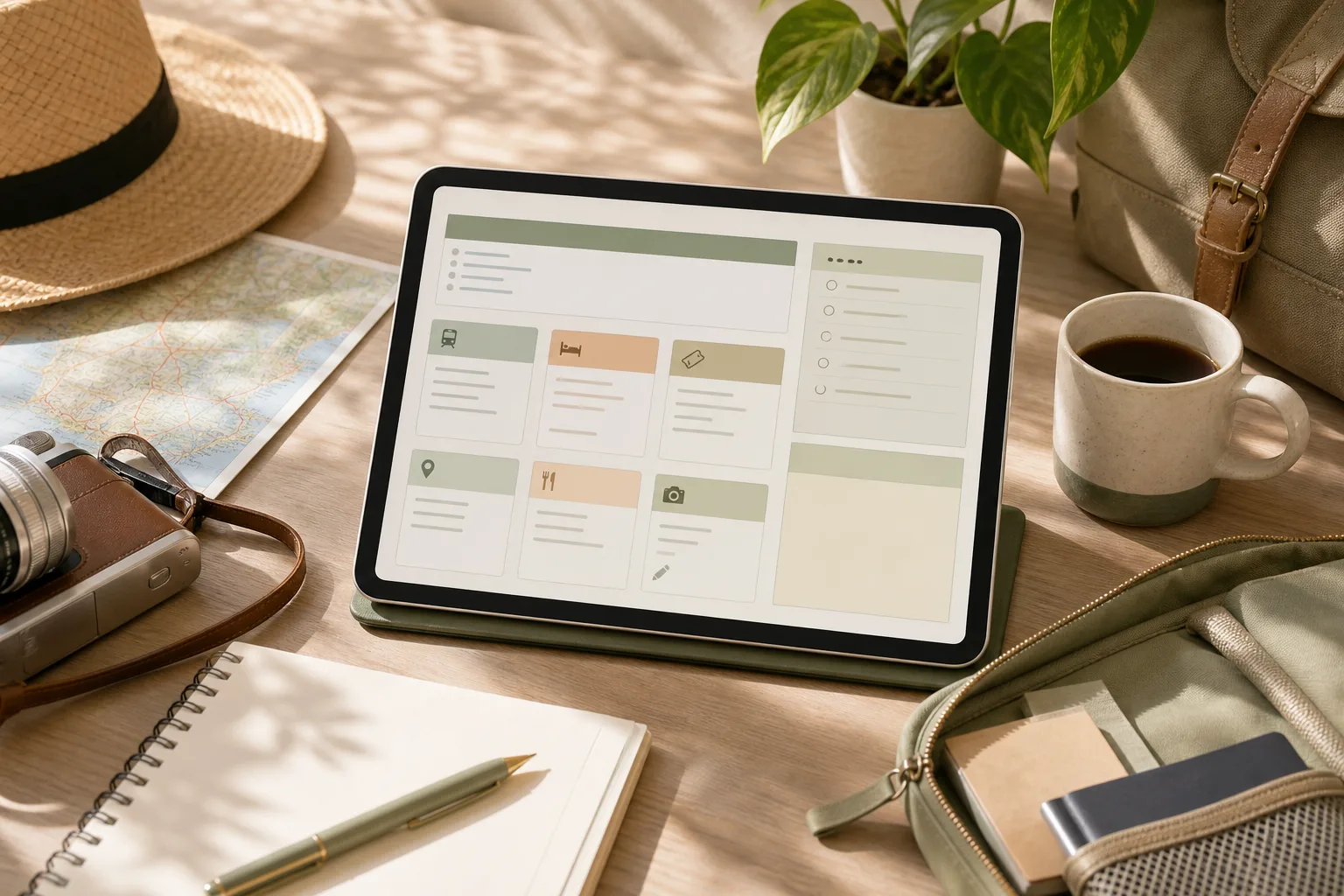
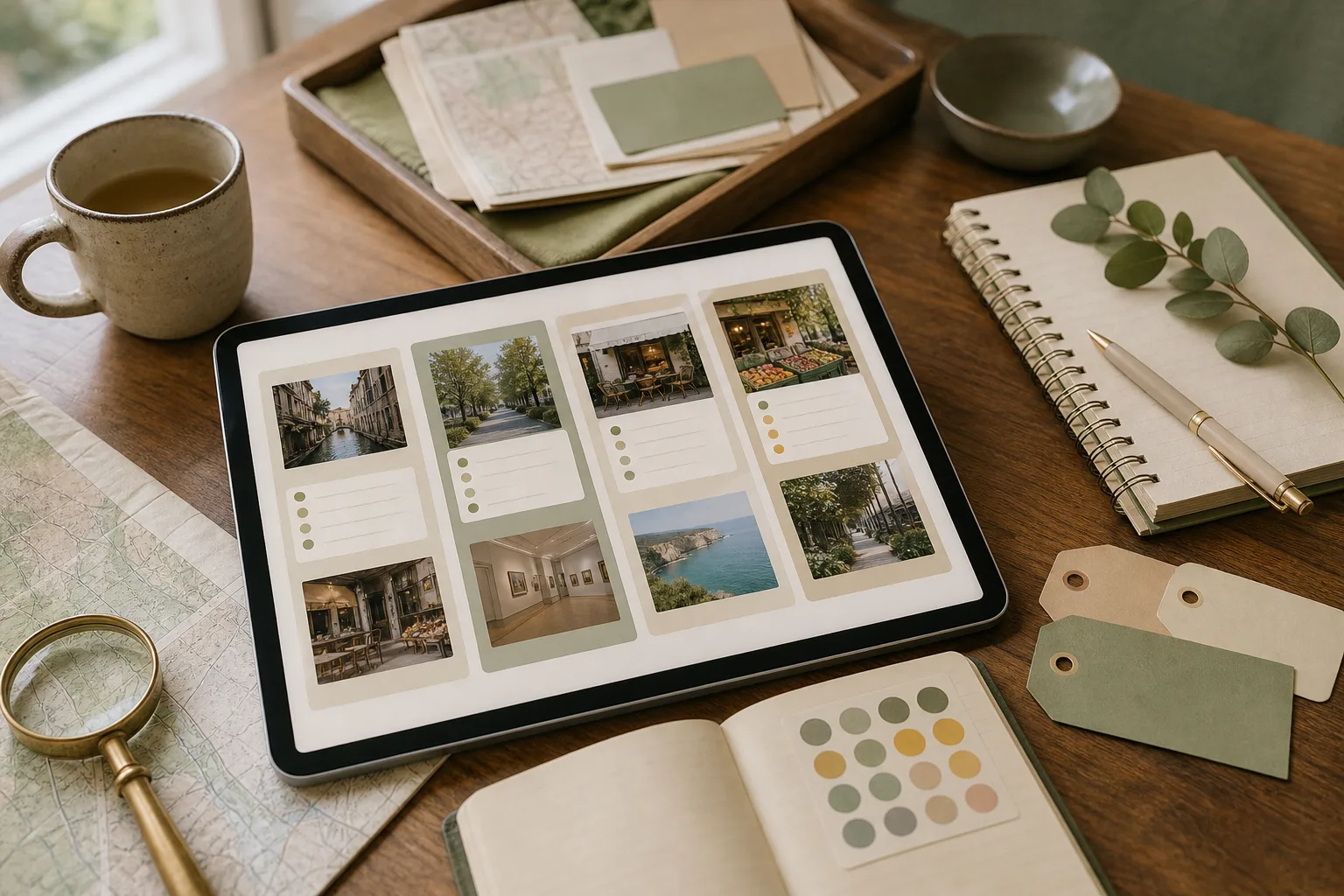
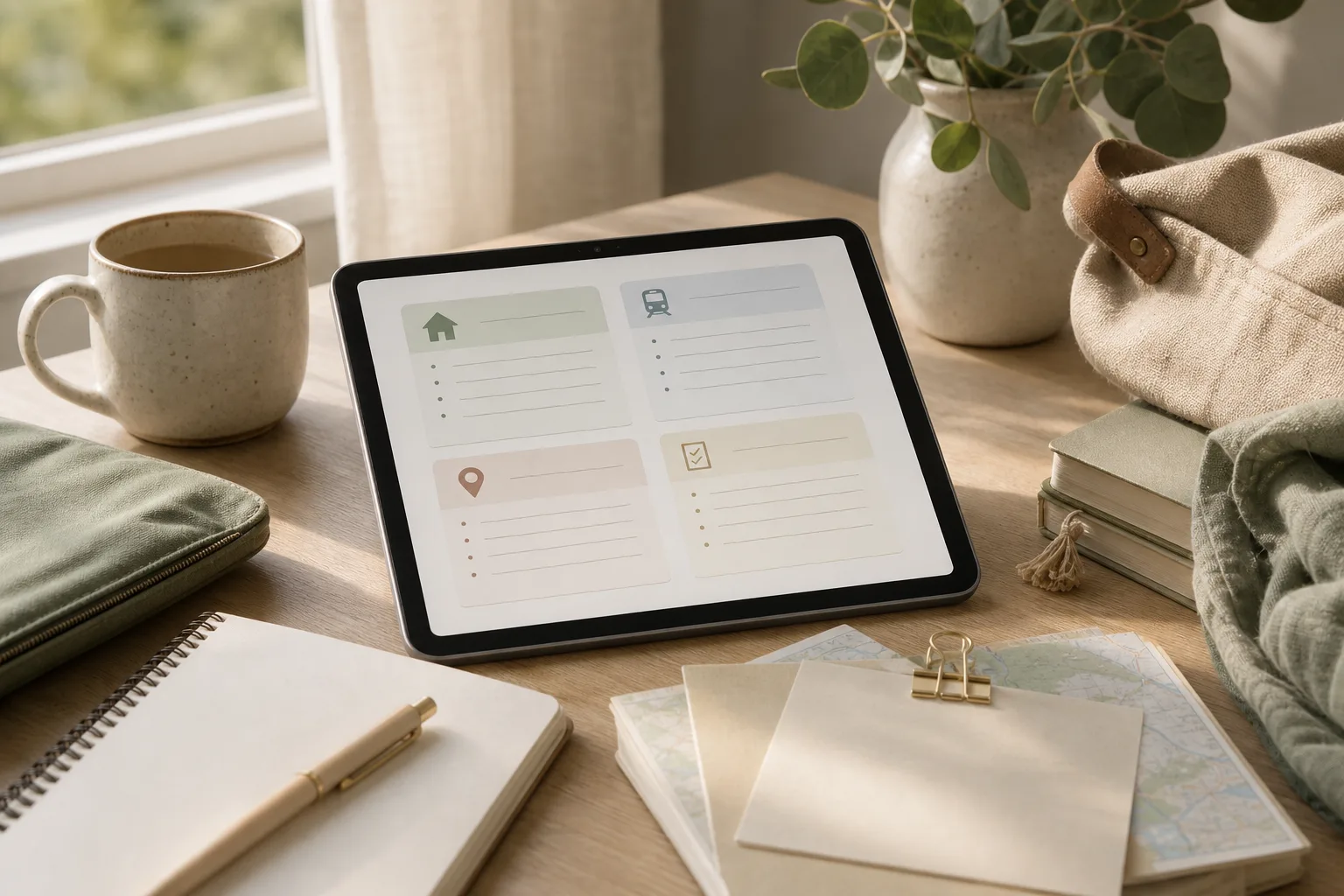
    Travel Planning Organization: A Four-Step Link Checklist — topic illustration

    Worked example: turn a saved place into a usable plan

    The entries below are fictional and contain no destination-specific opening times, prices or transport promises. Replace each placeholder with information checked on the relevant operator’s official page.

    Planning item Record now If the first option changes
    Arrival Accommodation address, booking reference stored privately, check-in instructions and the official contact route Keep the address and instructions available offline; check the provider’s current arrival guidance.
    Main visit Official place link, intended date and whether booking is actually confirmed Keep one nearby alternative as an idea, clearly separated from confirmed bookings.
    Travel between places The operator’s route information and the station or stop names you checked Recheck current service information before departure rather than relying on an old screenshot.
    Flexible time A small set of optional places grouped by area Drop an optional stop before compressing the entire day around it.

    Use three status labels

    Confirmed means a reservation or requirement has actually been completed. To check means a detail still needs verification. Optional means the item can be removed without disrupting a booking. A saved URL by itself should not be marked Confirmed.

    Do not put passport details, full payment information or private booking access links in a publicly shared itinerary. Share only the details the intended recipient needs.

    Why one page helps with travel planning

    Travel information often arrives in different forms: a booking confirmation in email, a map link in a message, a restaurant idea saved in a browser, and a local attraction found during research. Each item may be useful, but scattered information is difficult to compare when plans change.

    A single planning page gives every item a visible place. It does not need to contain every detail about a destination. Instead, it should answer practical questions:

    • What is this link for?
    • When might I use it?
    • Is action required before the trip?
    • What should I remember if the page is hard to access later?

    The goal is not to create a rigid schedule. It is to create a dependable reference that supports decisions while leaving room for local conditions, energy levels, weather, and unexpected changes.

    Step 1: Prepare one home page

    Begin with one note, document, or spreadsheet that can be opened from the device you expect to use during the trip. Choose the format based on how you think. A note may be convenient for short plans, while a table can make categories and missing details easier to see.

    Give the page a clear title that includes the destination and travel dates or trip name. Then add four simple sections:

    1. Core bookings: transport, accommodation, tours, or tickets already selected.
    2. Places: sights, food, neighborhoods, shops, parks, and other ideas.
    3. Practical details: opening information, arrival notes, access instructions, and transport references.
    4. Questions and actions: details that still need checking or decisions that remain open.

    At this stage, do not try to arrange the ideal itinerary. The preparation step is only about creating a clear home for information. A short heading and consistent layout will make later sorting easier.

    Copyable planning table

    Item Type Link When useful Action or note
    Accommodation Booking Paste URL Arrival and departure Save address and check-in details
    Local place Idea Paste URL Flexible day Note area, opening information, and priority
    Transport Practical Paste URL Travel between areas Record the relevant route or station
    Reservation Booking Paste URL Specific date or time Check cancellation or arrival instructions

    Step 2: Sort links by purpose, not by discovery order

    Once links are collected, sort them according to how they will be used. Discovery order is rarely useful: the first saved link may not be the most important one, and several links may describe the same place.

    Use a small set of labels such as booked, candidate, route, reference, and check. These labels distinguish firm commitments from optional ideas. They also prevent a long place list from looking like a fixed itinerary.

    For each link, add a short description in your own words. For example, “museum ticket page” is more useful than a long URL title. If a page contains information that may be difficult to find later, write the relevant detail beside the link rather than relying on memory.

    Remove or combine duplicates during sorting. If three pages refer to one location, keep the link that is most useful for the intended task and place other references in a short note if they provide different information. Avoid saving a link without identifying its purpose; an unexplained link becomes another research task later.

    Use a priority field

    A simple priority field can keep optional ideas from competing with fixed plans:

    • High: connected to a booking, a time-sensitive visit, or an important arrival detail.
    • Medium: useful if the route and schedule allow it.
    • Low: an idea to consider locally or on a future trip.

    Priority is a planning aid, not a promise to complete every item. Keeping some ideas in the low-priority group can make the page more realistic and easier to use.

    Step 3: Act on the details that affect the trip

    After sorting, focus on links that require a decision or a verification. This is where a collection of links becomes a working plan.

    1. Confirm fixed details: review dates, times, locations, names, and reference numbers shown in your booking materials.
    2. Mark time-sensitive items: identify reservations, ticket windows, entry periods, or places whose access information may affect the day.
    3. Group nearby places: place locations in the same area together, without treating the group as a mandatory schedule.
    4. Write a fallback: add one nearby alternative for an important activity when changing conditions could affect the plan.
    5. Record access notes: note the information you will need at the moment of use, such as an address, meeting point, or check-in instruction.

    Keep the action notes short. The page is not intended to reproduce every webpage. Its role is to reduce the number of decisions you need to make while moving between places.

    A 15-minute action plan

    1. Minutes 1–3: create the page and add headings for bookings, places, practical details, and questions.
    2. Minutes 4–7: paste the links already found in email, messages, browser bookmarks, or notes.
    3. Minutes 8–10: label each item by purpose and mark high, medium, or low priority.
    4. Minutes 11–13: write one useful note beside each high-priority item.
    5. Minutes 14–15: identify duplicates and list the next two details that need checking.

    This short session is enough to create a usable starting page. More research can be added later without changing the basic structure.

    Step 4: Review the page before and during the trip

    A planning page should be reviewed because information can change and because the page may reveal gaps that were not obvious during research. Review it at a sensible point before departure, then update only the details that affect decisions.

    Check whether each important item has a clear label, a working destination, and a short note explaining its use. Look for conflicting dates, duplicated places, missing addresses, and activities that are too far apart to combine comfortably. If you are traveling with other people, make the page readable to someone who did not collect the original links.

    During the trip, use a lightweight update method. Mark completed bookings or visited places only when that helps you orient yourself. Move postponed ideas into a separate section rather than deleting them immediately. This preserves useful research without allowing the main plan to become crowded.

    Review checklist

    • Are the most important bookings easy to find?
    • Does every saved link have a purpose or description?
    • Are fixed plans separated from optional ideas?
    • Have nearby places been grouped sensibly?
    • Are arrival, meeting, and access notes written in plain language?
    • Have duplicate or outdated links been removed or labeled?
    • Is there a short list of unresolved questions?
    • Can the page still be understood when you are tired or in a hurry?

    How to keep the system useful without overbuilding it

    Travel planning organization can become counterproductive when the system takes more time than the trip decisions it supports. Use the smallest structure that answers your questions. A single page with a table is enough for a short visit. A longer trip may benefit from separate sections for each area or day, but the same labels can remain in place.

    Separate research from commitment. A saved place is not automatically part of the itinerary, and a suggested route is not necessarily suitable for your timing or mobility needs. Treat the page as a decision aid rather than an instruction to follow every item.

    Also consider access. If a link depends on a connection, account, or page that may be difficult to open, copy the key non-sensitive detail into the note. Avoid placing private booking credentials or unnecessary personal information in a broadly shared document.

    FAQ

    Should one page include the full itinerary?

    It can, but a full itinerary is not required. The page may work better as a control center containing bookings, place ideas, route references, and unresolved questions. A separate day-by-day schedule can be linked or added only when it provides practical value.

    What should I do with places I cannot fit into the schedule?

    Move them into a low-priority or “if nearby” section. This preserves the research while making clear that the items are optional. The list can also become a starting point for a future visit.

    How many categories should the page have?

    Start with four to five categories. Add another category only when it solves a repeated problem, such as separating transport from accommodation. Too many categories can make quick scanning harder.

    What if a saved link stops working?

    Replace it with another relevant source when practical and keep the useful detail in your own note. For bookings, refer to the original confirmation or provider account rather than relying only on a copied link.

    Conclusion

    A one-page travel planning system does not need complex software or a detailed schedule. Prepare one home page, sort links by purpose, act on the details that affect decisions, and review the result before using it. With a few clear labels and short notes, scattered research can become a practical reference for independent travel while leaving space for changes along the way.
  • 여행 정보 정리, 지역별 방문 후보를 15분 만에 나누는 법

    여행 정보 정리, 지역별 방문 후보를 15분 만에 나누는 법

    작성자: Kai Life 편집팀

    여행 정보 정리를 빠르게 끝내려면 저장한 장소를 한 번에 일정으로 확정하지 말고, 먼저 지역별로 묶은 뒤 방문 우선순위를 나누면 됩니다. 핵심은 ‘가고 싶은 곳’과 ‘이번 여행에서 실제로 갈 수 있는 곳’을 구분하는 것입니다. 아래의 준비·분류·실행·점검 4단계를 15분 단위로 진행하면 장소 목록을 부담이 적은 방문 후보표로 바꿀 수 있습니다.

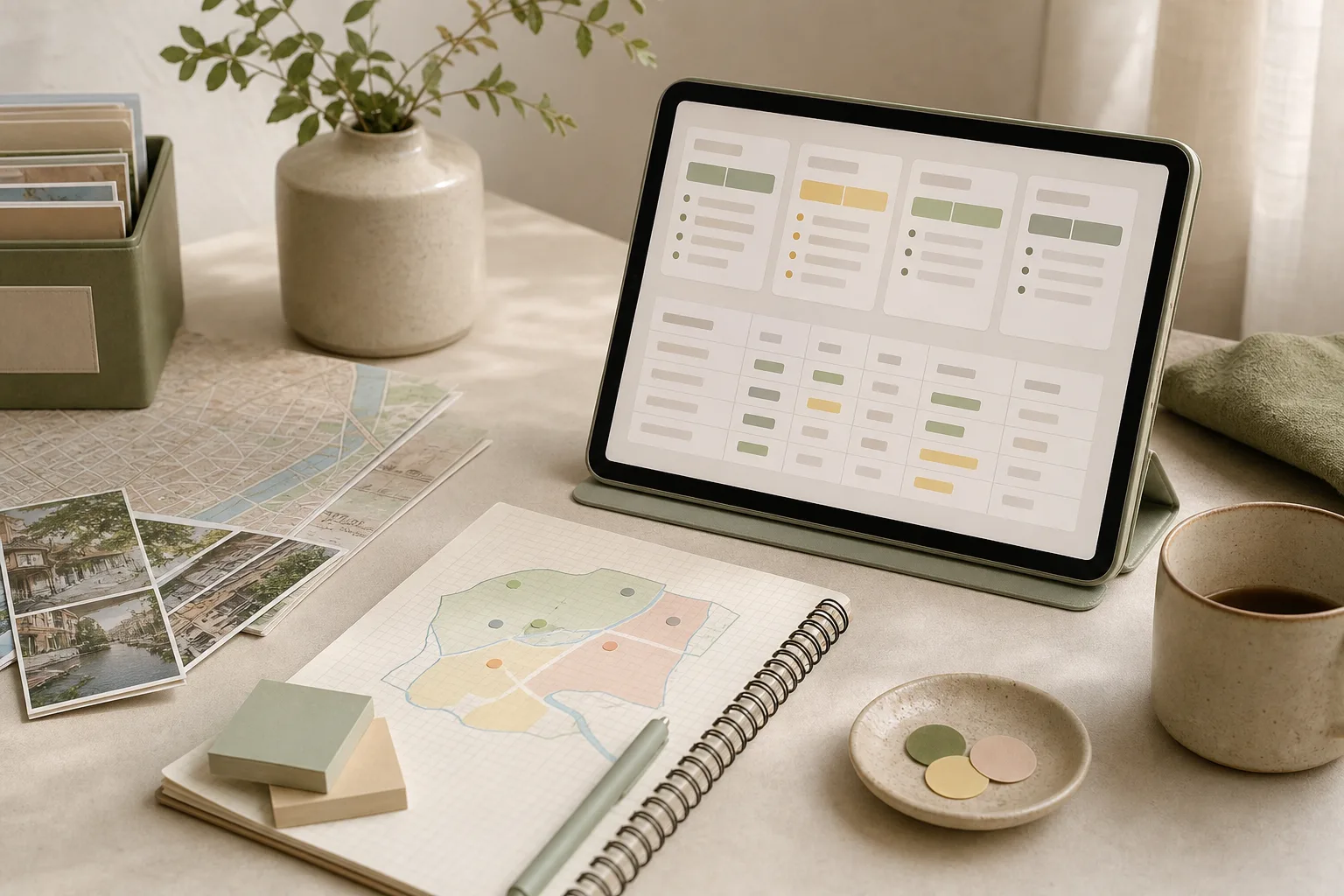
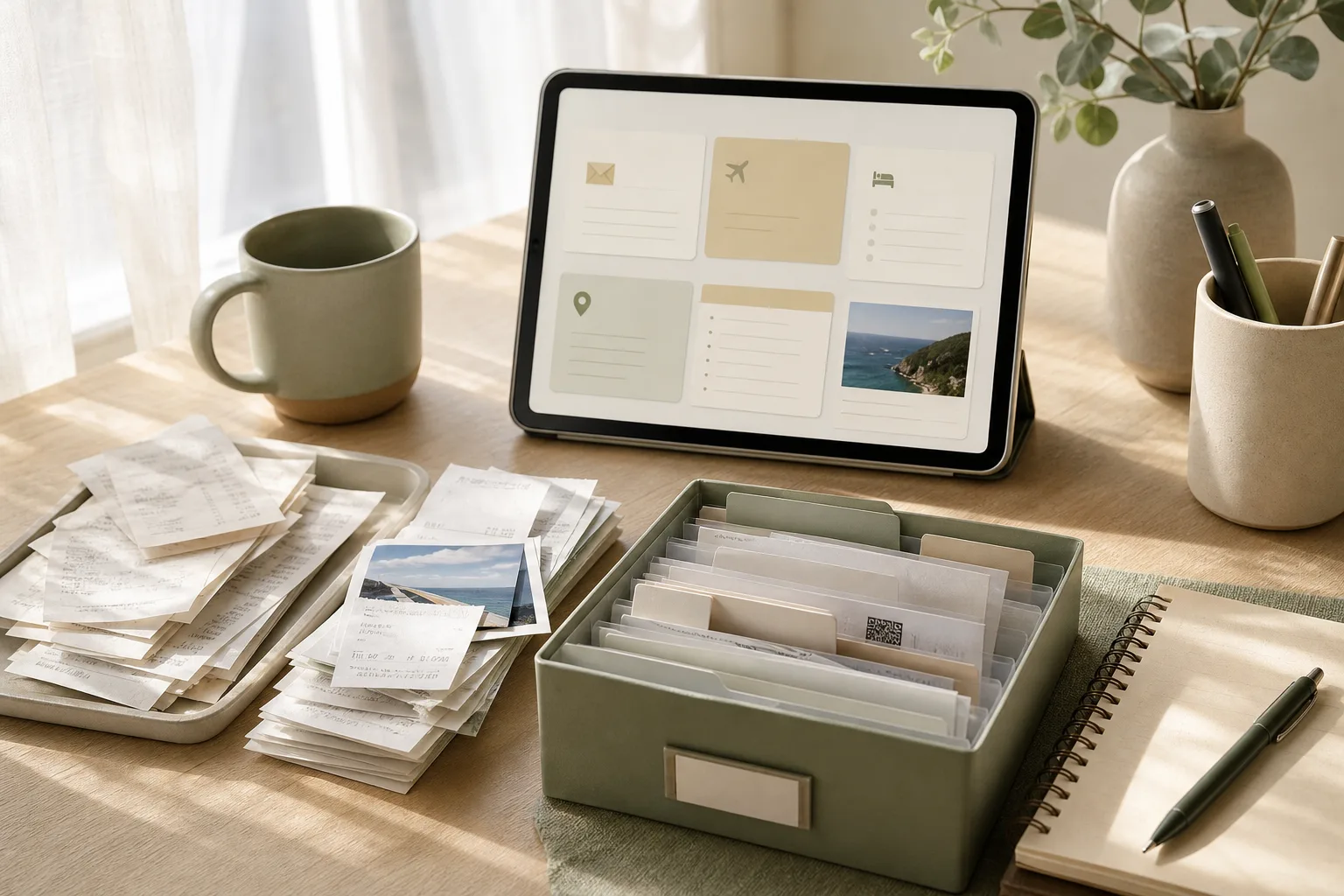
    여행 정보 정리, 지역별 방문 후보를 15분 만에 나누는 법 — 주제 설명 이미지

    1. 여행 정보 정리를 시작하기 전에 정할 것

    처음부터 완벽한 여행 계획을 만들려고 하면 저장한 정보가 오히려 방해가 될 수 있습니다. 먼저 이번 정리의 범위를 정하세요. 여행 기간과 숙소 위치가 확정되지 않았다면, 정확한 이동 시간이나 방문 순서를 억지로 결정하지 말고 후보 분류까지만 진행하는 편이 안전합니다.

    • 대상 지역: 도시 전체가 아니라 이번에 둘러볼 생활권이나 권역을 적습니다.
    • 방문 목적: 관광, 식사, 쇼핑, 산책, 휴식처럼 장소를 찾는 이유를 구분합니다.
    • 사용 가능한 시간: 하루 종일인지, 특정 시간대만 가능한지 기록합니다.
    • 정리 결과: 확정 일정이 아니라 우선 방문 후보와 예비 후보를 만드는 것으로 제한합니다.

    이렇게 범위를 좁히면 장소가 많아도 판단 기준이 흔들리지 않습니다. 특히 운영 시간, 예약 필요 여부, 날씨 영향을 받는 장소처럼 확인이 필요한 항목은 ‘미확인’으로 남겨 두고 추정하지 않는 것이 좋습니다.

    2. 4단계 프레임워크로 장소 목록 나누기

    1단계: 준비 — 흩어진 메모를 한곳에 모으기

    지도 저장 목록, 메신저로 받은 추천, 메모 앱의 링크를 하나의 표에 옮깁니다. 이때 장소 이름만 복사하지 말고 다음 항목을 함께 적으세요. 정보가 없는 칸은 비워 두거나 ‘확인 필요’라고 표시합니다.

    장소 지역·권역 방문 목적 방문 가능 시간 확인할 점
    장소 이름 인접 지역 또는 역 주변 관광·식사·휴식 등 오전·오후·저녁 운영·예약·날씨

    비슷한 장소가 중복 저장되어 있다면 일단 지우기보다 같은 이름으로 묶어 표시합니다. 나중에 비교할 때 원래 정보를 잃지 않기 위해서입니다.

    2단계: 분류 — 지역과 목적을 동시에 표시하기

    장소를 지역만으로 묶으면 이동은 편해도 하루의 흐름이 단조로워질 수 있습니다. 반대로 목적만으로 나누면 동선이 길어질 수 있습니다. 따라서 각 장소에 지역과 방문 목적을 모두 붙입니다.

    • 지역 묶음: 서로 가까워 한 번의 외출로 검토할 수 있는 장소끼리 모읍니다.
    • 목적 묶음: 식사, 전시, 쇼핑, 산책 등 방문 이유를 표시합니다.
    • 대체 여부: 비슷한 목적의 장소가 여러 개라면 서로 대체 가능한지 적습니다.
    • 제약 조건: 예약, 운영 시간, 날씨, 동행자의 선호처럼 일정에 영향을 주는 요소를 기록합니다.

    3단계: 실행 — 우선순위를 세 등급으로 단순화하기

    우선순위는 점수를 복잡하게 계산하기보다 세 등급으로 나누는 방식이 실용적입니다. 장소의 유명함보다 이번 여행의 목적과 실제 실행 가능성을 우선하세요.

    • A: 우선 방문 후보 — 이번 여행의 목적과 잘 맞고, 조건이 맞으면 먼저 검토할 장소입니다.
    • B: 조건부 후보 — 시간이 남거나 특정 동선과 연결될 때 선택할 장소입니다.
    • C: 보류 후보 — 정보 확인이 부족하거나 다른 장소로 대체하기 쉬운 장소입니다.

    A는 일률적으로 방문한다는 뜻이 아닙니다. 예약 가능 여부나 운영 상황을 확인한 뒤에도 적합할 때 우선 검토한다는 의미입니다. 반대로 C는 가치가 낮다는 판단이 아니라, 현재 정보와 일정에서 확정하기 어렵다는 표시입니다.

    4단계: 점검 — 한 지역에 후보가 몰리지 않았는지 확인하기

    등급을 붙인 뒤에는 지역별로 A와 B가 어떻게 분포하는지 살펴봅니다. 한 지역에 A가 지나치게 많으면 모두 방문하려고 하지 말고 대표 후보를 줄입니다. 하루에 방문할 수 있는 수는 여행 속도와 이동 조건에 따라 달라지므로, 특정 개수를 정답처럼 적용하지 않는 편이 좋습니다.

    3. 15분 실행 루틴

    아래 표는 한 번에 모든 여행 계획을 끝내는 방법이 아니라, 첫 번째 정리 작업을 시작하는 순서입니다. 장소가 많다면 다음 15분에 이어서 진행하세요.

    시간 할 일 완료 기준
    0~3분 저장한 장소를 한 목록에 모으기 장소 이름과 출처 메모가 한곳에 있음
    3~6분 지역·권역 표시하기 각 장소에 최소 하나의 지역 표시가 있음
    6~9분 방문 목적과 제약 조건 적기 왜 가는지와 무엇을 확인할지 구분됨
    9~12분 A·B·C 등급 붙이기 우선 후보와 보류 후보가 나뉨
    12~15분 지역별 대표 후보와 예비 후보 정하기 다음에 확인할 항목이 남지 않고 표시됨

    15분이 끝났을 때 일정이 완성되지 않아도 괜찮습니다. 좋은 첫 결과는 확정된 시간표가 아니라, 다음 판단을 쉽게 만드는 정리된 목록입니다.

    4. 복사해서 쓰는 여행 메모 체크리스트

    • [ ] 이번에 정리할 지역 또는 권역을 정했는가?
    • [ ] 저장한 장소를 한 목록으로 모았는가?
    • [ ] 각 장소에 지역과 방문 목적을 표시했는가?
    • [ ] 운영 시간, 예약, 날씨 등 확인 항목을 따로 적었는가?
    • [ ] 장소를 A·B·C 우선순위로 나눴는가?
    • [ ] 서로 대체 가능한 장소를 표시했는가?
    • [ ] 한 지역에 후보가 과도하게 몰리지 않았는가?
    • [ ] 아직 확인하지 않은 정보를 사실처럼 적지 않았는가?
    • [ ] 다음에 할 일 한 가지를 남겼는가?

    5. 일정으로 옮길 때 생기는 실수 줄이기

    첫 번째 실수는 저장한 장소를 모두 방문하려는 것입니다. 장소 목록은 선택지 모음이지 의무 목록이 아닙니다. 두 번째 실수는 온라인 추천만으로 우선순위를 확정하는 것입니다. 동행자의 선호, 당일 컨디션, 날씨, 운영 상황에 따라 후보의 적합성은 달라질 수 있습니다.

    세 번째 실수는 지역만 보고 이동 동선을 확정하는 것입니다. 같은 지역으로 표시되어도 실제 이동 편의나 방문 가능 시간이 다를 수 있으므로, 최종 일정 전에는 지도와 공식 안내에서 필요한 정보를 다시 확인하세요. 확인하지 못한 항목은 일정표에 확정 사실처럼 쓰지 말고 ‘출발 전 확인’으로 남기는 것이 안전합니다.

    자주 묻는 질문

    장소가 너무 적어도 우선순위를 나눠야 하나요?

    장소가 적다면 A·B·C 세 등급을 모두 사용할 필요는 없습니다. 우선 방문 후보와 예비 후보 두 그룹만 만들어도 충분합니다. 중요한 것은 등급의 개수가 아니라 선택 기준을 기록하는 것입니다.

    여행 날짜가 정해지지 않았을 때는 무엇을 적나요?

    지역, 방문 목적, 확인할 제약 조건 중심으로 정리하세요. 날짜가 정해지기 전에는 운영 시간이나 예약 가능 여부를 최종 판단하지 말고, 나중에 다시 확인할 항목으로 남겨 두는 편이 좋습니다.

    A 후보를 몇 개까지 정해야 하나요?

    정해진 정답은 없습니다. 여행 기간, 이동 방식, 동행자 수와 선호에 따라 달라집니다. 하루에 가능한 후보를 억지로 많이 넣기보다, 예비 후보를 남겨 일정 변경에 대응할 수 있게 구성하세요.

    결론

    여행 정보 정리의 목적은 많은 장소를 모으는 데 있지 않고, 현재 조건에서 무엇을 먼저 확인할지 분명하게 만드는 데 있습니다. 장소를 한곳에 모은 뒤 지역과 목적을 표시하고, A·B·C 우선순위와 제약 조건을 기록해 보세요. 15분 루틴을 여러 번 반복하면 확정하지 못한 정보도 구분된 상태로 관리할 수 있어 여행 계획을 수정하기 쉬워집니다.


  • A 15-Minute Routine for Organizing Local Places to Visit

    A 15-Minute Routine for Organizing Local Places to Visit

    작성자: Kai Life Editorial Team

    If you have a long list of cafés, museums, walks, markets, or neighborhoods but cannot decide what belongs in your trip, use a short four-step routine: prepare your notes, sort places by practical value, act on the highest-priority options, and review the list for gaps. In 15 minutes, you can create a ranked place list that supports travel planning without turning your itinerary into a rigid schedule.

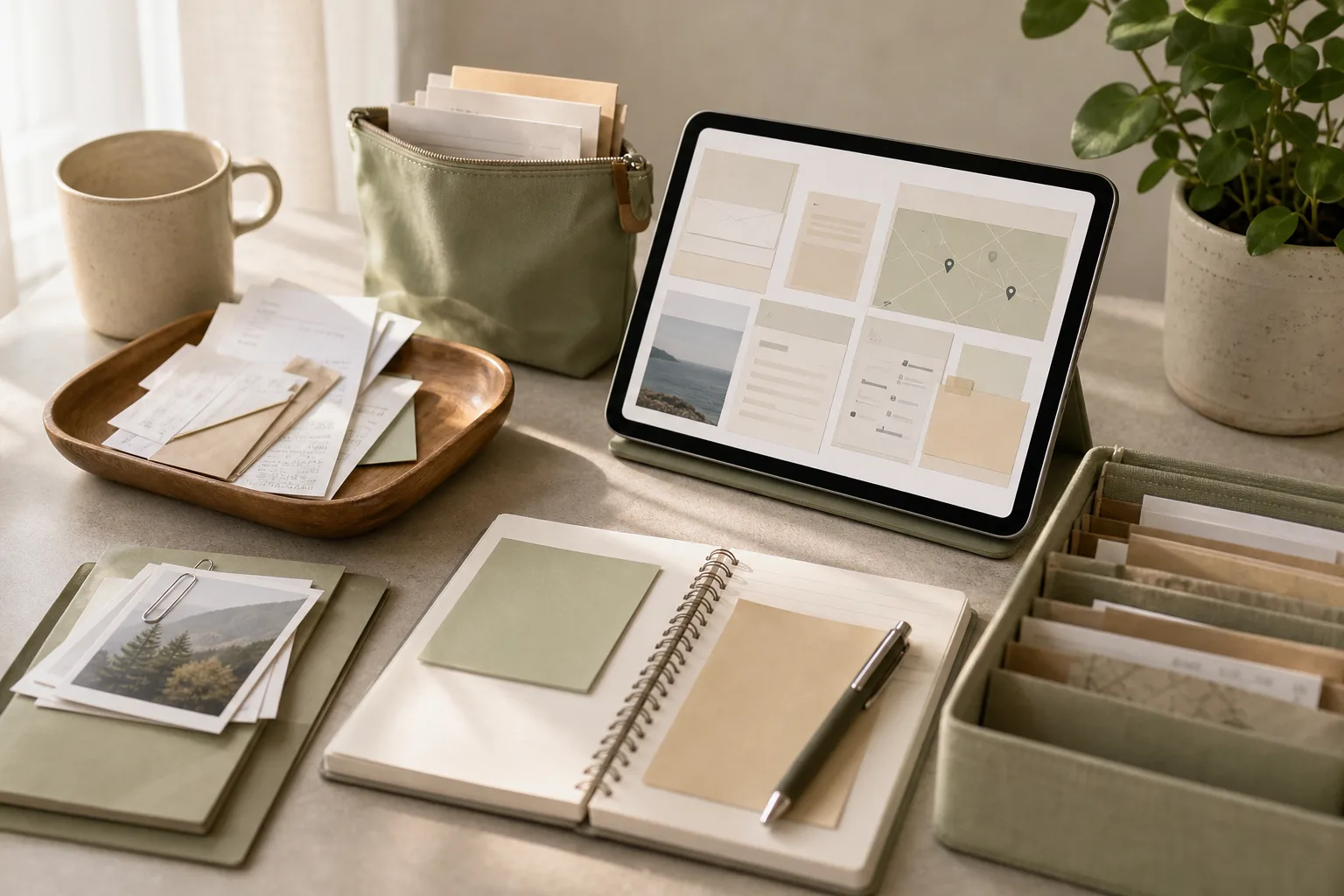
    A 15-Minute Routine for Organizing Local Places to Visit — topic illustration

    Why a ranked place list helps

    Unsorted travel ideas create a different problem from having no ideas at all. A saved map pin, a message from a friend, and a half-remembered article may all be interesting, but they do not tell you what to do first. A ranked list gives each place a role in your planning.

    The aim is not to predict every detail of a trip. It is to make the next decision easier. A useful list can show which places are central to your plans, which ones are convenient backups, and which ideas need more research before you spend time on them.

    Keep the ranking flexible. Opening hours, weather, energy, transport, and local conditions can change your choices. Treat the list as a decision aid rather than a promise to follow a fixed route.

    The four-part travel planning framework

    1. Prepare: gather the raw ideas

    Start with one temporary list. Bring together place names from your notes, saved links, map pins, messages, and guidebook pages. Do not research every place at this stage. The purpose is to see what you already have.

    For each item, record only the details that help you recognize it:

    • Place name and area
    • Reason it caught your attention
    • Possible trip day or time, if known
    • Any question that still needs checking

    Remove obvious duplicates and unclear entries. For example, combine two notes that refer to the same market, and mark a vague entry such as “old town food” for later clarification. This prevents your list from looking more complete than it really is.

    2. Sort: rank by usefulness, not excitement alone

    Give each place a quick score using four practical factors. You can use a simple scale from 0 to 2:

    Factor 0 points 1 point 2 points
    Personal interest Little appeal Some appeal Strong reason to visit
    Fit with the trip Does not match the trip Could fit Fits the trip purpose well
    Practical access Unclear or difficult Needs checking Seems easy to combine with other plans
    Timing flexibility Very limited Some flexibility Works across several possible times

    Add the points for a rough priority score. The number is not a verdict; it is a prompt for comparison. A place with high personal interest but limited opening hours may deserve attention before a convenient place that you would only visit if nearby.

    Use three labels alongside the score:

    • Anchor: a place that gives the day a clear purpose.
    • Pair: a place that works well near another plan.
    • Backup: a flexible option for a change in weather, energy, or timing.

    These labels make itinerary organization more useful than a single long ranking. They help you build days with a main idea and alternatives rather than trying to visit every saved location.

    3. Act: convert the top options into next steps

    Choose a small number of high-priority places for immediate follow-up. For each one, write the next action rather than a vague instruction such as “research more.” A next action could be checking the official opening information, confirming whether reservations are relevant, comparing its location with another place, or noting the best part of the day to consider it.

    Record the result in a compact planning table:

    Place Role Why it matters Next action Fallback
    Place A Anchor Main interest Check current access details Nearby indoor option
    Place B Pair Fits the same area Compare walking distance Move to another day
    Place C Backup Flexible timing Save location and notes Unplanned local walk

    Use official or current local information when a detail could affect your visit, such as closures, reservations, access rules, or operating times. If you cannot verify a detail during the 15-minute session, label it as an open question instead of guessing.

    4. Review: test the list against real travel conditions

    Finish by looking at the list as a traveler with limited time and energy. Ask whether the places are spread across too many areas, whether every day depends on one specific condition, and whether the list includes options for a slower day.

    A short review can reveal problems that scores do not show. Three highly rated places may all require separate journeys. A lower-ranked place may be easier to combine with a planned activity. The review is where you add balance and reduce unnecessary movement.

    Your 15-minute action plan

    1. Minutes 0–3: collect place ideas into one temporary list.
    2. Minutes 3–6: remove duplicates and clarify vague names.
    3. Minutes 6–10: score each place for interest, trip fit, access, and timing flexibility.
    4. Minutes 10–12: label the leading places as anchors, pairs, or backups.
    5. Minutes 12–14: write one next action for the leading options.
    6. Minute 14–15: check area, timing, and fallback balance.

    If the list is large, do not try to score every saved idea in detail. Move uncertain or low-priority items into a “later review” section. This protects the short planning session from becoming a research project.

    Copyable travel planning checklist

    • [ ] I collected place ideas in one list.
    • [ ] I removed duplicate or unclear entries.
    • [ ] I noted why each promising place interests me.
    • [ ] I considered how each place fits the trip purpose.
    • [ ] I considered access and how the place could combine with nearby plans.
    • [ ] I considered timing flexibility rather than relying on one narrow window.
    • [ ] I marked anchors, pairs, backups, and items needing research.
    • [ ] I wrote a concrete next action for the leading places.
    • [ ] I included at least one option for a change in weather or energy.
    • [ ] I left uncertain facts marked for verification.

    Common mistakes in place-list planning

    Ranking only by popularity

    A popular place may be useful for your trip, but popularity does not describe your personal interest, timing, or route. Add your own reason for considering it.

    Confusing research with planning

    Collecting more links can feel productive while leaving the main decision unresolved. Set a stopping point, rank what you have, and identify the next question that matters.

    Building a list with no flexible options

    A schedule based entirely on outdoor activities, distant locations, or narrow time windows can become difficult to use. Backups give the list room to adapt.

    Turning the ranking into a strict itinerary

    A ranking shows preference; it does not account for every local condition. Keep room for rest, spontaneous discoveries, and information that becomes available closer to the visit.

    FAQ

    How many places should be on the final list?

    Use the number that you can realistically compare and revisit. For a short session, a focused shortlist plus a later-review section is more useful than a large list with no priorities.

    What if I do not know the travel dates yet?

    Rank by personal interest, general trip fit, area, and flexibility. Leave date-specific questions open until the dates and other commitments are clearer.

    Should I use a spreadsheet, notes app, or paper?

    Choose the format that makes sorting and reviewing easy for you. The framework works with a simple table, a note, or a paper checklist. The structure matters more than the tool.

    What should I do with places that score poorly?

    Do not delete them immediately if they still interest you. Move them to a later-review section with a note explaining what would change their priority, such as being in the same area as another plan.

    Conclusion

    Travel planning organization does not require a detailed itinerary for every hour. A 15-minute routine can turn scattered place ideas into a ranked, adaptable list. Prepare the information you already have, sort it by personal and practical value, act on a few next steps, and review the result against real travel conditions. The finished list should help you choose with less friction while leaving space for the trip to change.


  • 여행 후 영수증과 예약 메일을 15분 만에 정리하는 순서

    여행 후 영수증과 예약 메일을 15분 만에 정리하는 순서

    작성자: Kai Life 편집팀

    여행 후 영수증과 예약 메일을 정리할 때는 모든 자료를 완벽하게 정리하려 하기보다, 먼저 한곳에 모은 뒤 보관 가치에 따라 나누는 순서가 효율적입니다. 15분을 준비 2분, 분류 5분, 실행 6분, 점검 2분으로 나누면 여행 계획과 일정 정리에 다시 사용할 핵심 정보만 남길 수 있습니다.

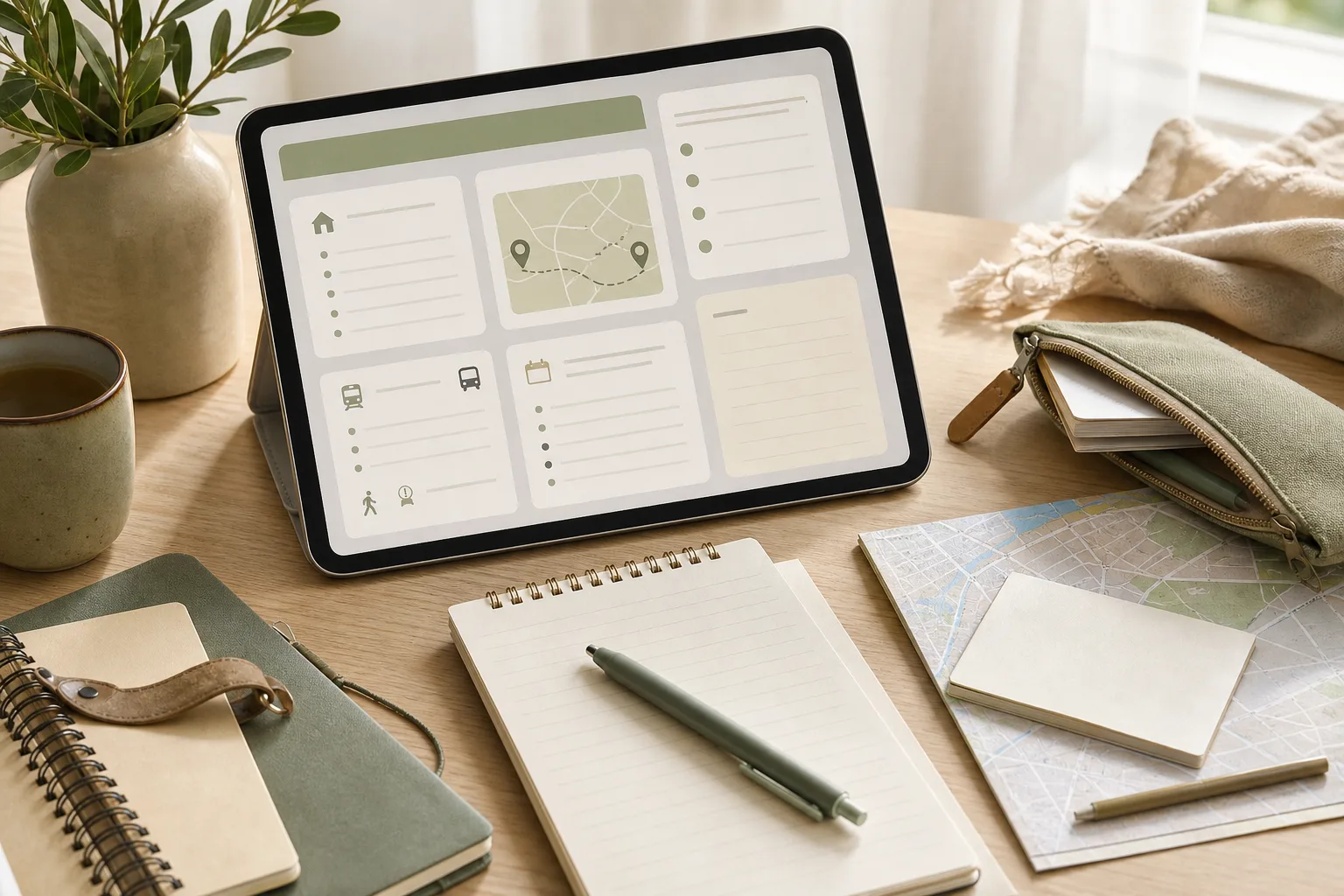
    여행 후 영수증과 예약 메일을 15분 만에 정리하는 순서 — 주제 설명 이미지

    여행 후 정리가 필요한 이유

    여행이 끝난 직후에는 항공·교통 예약 메일, 숙소 안내, 입장권, 식당 영수증, 현지에서 적은 장소 목록이 서로 다른 위치에 흩어져 있기 쉽습니다. 시간이 지난 뒤 비용을 확인하거나 같은 장소를 다시 찾으려 하면 어떤 자료가 중요한지 판단하는 데 시간이 더 걸릴 수 있습니다.

    여기서 목표는 자료를 많이 저장하는 것이 아닙니다. 다음 세 가지 질문에 답할 수 있을 정도로 정리하는 것이 핵심입니다.

    • 어떤 예약과 이동을 이용했는가?
    • 실제로 방문했거나 다음에 참고할 장소는 어디인가?
    • 영수증과 메일 중 다시 확인해야 할 자료는 무엇인가?

    여행 정보 정리는 여행 기록을 예쁘게 만드는 작업보다, 나중에 필요한 정보를 다시 찾는 시간을 줄이는 작업에 가깝습니다.

    15분 실행 루틴 한눈에 보기

    시간 단계 할 일 완료 기준
    0~2분 준비 메일, 사진, 파일, 지갑 속 영수증을 확인할 위치를 정함 자료를 찾을 범위가 정해짐
    2~7분 분류 예약·지출·장소·삭제 후보로 나눔 각 자료에 임시 분류가 붙음
    7~13분 실행 폴더명, 메일 라벨, 메모 목록을 만들고 필요한 정보만 옮김 다시 찾을 핵심 자료가 한곳에 모임
    13~15분 점검 중복, 개인정보, 보관 필요 여부를 확인 다음 정리 시점과 보관 기준이 남음

    1단계: 준비하고 자료의 범위를 정하기

    정리 도구를 먼저 고르기

    정리를 시작하기 전에 사용할 도구를 하나 정합니다. 이메일의 폴더나 라벨, 휴대전화 메모, 컴퓨터 폴더 중 평소 가장 자주 확인하는 것을 선택하면 됩니다. 여러 도구에 같은 내용을 복사하면 나중에 어느 정보가 최신인지 헷갈릴 수 있으므로, 기준 장소는 한 곳으로 두는 편이 관리하기 쉽습니다.

    예를 들어 기준 장소를 메모장으로 정했다면 메모 제목을 여행-지역-방문연도-정리처럼 일정한 형식으로 만들 수 있습니다. 실제 지역명이나 연도는 본인이 알아보기 쉬운 방식으로 입력합니다.

    자료를 찾을 위치를 빠르게 훑기

    다음 위치만 확인하고, 2분이 지나면 바로 분류 단계로 넘어갑니다.

    • 예약 확인 메일과 취소·변경 안내 메일
    • 휴대전화 사진 속 영수증과 티켓 이미지
    • 다운로드 폴더에 남은 PDF 또는 모바일 티켓
    • 지갑이나 가방에 남아 있는 종이 영수증
    • 여행 중 작성한 메모와 장소 목록

    이 단계에서 자료 내용을 모두 읽을 필요는 없습니다. 자료가 어디에 있는지 확인하는 것이 목적입니다.

    2단계: 네 가지 분류로 자료를 나누기

    각 자료를 아래 네 가지 중 하나로 임시 분류합니다. 애매한 자료는 판단을 미루고 ‘확인 필요’로 표시한 뒤 다음 자료로 넘어갑니다.

    예약 자료

    항공, 철도, 버스, 숙소, 투어, 입장권처럼 일정이나 이용 조건을 확인할 수 있는 자료입니다. 예약 번호, 이용일, 장소, 변경·취소 조건처럼 나중에 다시 볼 가능성이 있는 내용만 메모합니다. 예약 메일 전체를 복사하기보다 원본 메일을 보관하고 핵심 항목만 별도 기록하는 방식이 깔끔합니다.

    지출 자료

    교통비, 숙박비, 식비, 입장료, 쇼핑처럼 비용을 확인하는 데 필요한 영수증입니다. 금액을 합산할 계획이 없다면 모든 항목을 세세하게 옮길 필요는 없습니다. 다만 환불, 보증금, 비용 정산처럼 나중에 확인할 가능성이 있는 자료는 별도로 표시합니다.

    장소 자료

    다시 가고 싶은 장소, 다음 일정에 참고할 장소, 실제로 방문하지 못한 후보 장소를 구분합니다. ‘좋았음’처럼 모호한 표현보다 장소명·지역·방문 이유·다시 확인할 점의 네 항목으로 짧게 적으면 다음 여행 계획에 활용하기 쉽습니다.

    삭제 또는 확인 필요 자료

    중복 사진, 이미 처리한 안내 메일, 읽을 수 없는 영수증은 삭제 후보로 둡니다. 다만 환불·분쟁·정산에 관련될 수 있는 자료는 즉시 삭제하지 말고 확인 필요로 남깁니다. 보관 기간은 개인의 정산 방식이나 이용한 서비스의 조건에 따라 달라질 수 있습니다.

    3단계: 6분 동안 실제로 정리하기

    예약 메일은 제목과 핵심 정보만 정돈하기

    메일 제목을 바꾸거나 라벨을 붙일 수 있다면 여행 단위로 묶습니다. 예를 들어 여행명-예약-숙소, 여행명-예약-교통처럼 유형을 함께 적으면 검색어를 떠올리기 쉽습니다. 메일을 이동하기 전에 예약 변경이나 취소 관련 안내가 별도로 있는지 확인합니다.

    메모에는 다음 항목만 남겨도 충분합니다.

    • 예약 대상과 이용일
    • 예약 번호 또는 확인에 필요한 식별 정보
    • 장소와 운영 시간처럼 다시 확인할 내용
    • 변경·환불 여부를 확인해야 하는지

    영수증은 보관 목적에 따라 이름 붙이기

    영수증 사진이나 파일은 여행명과 지출 유형을 함께 사용해 이름을 붙입니다. 예를 들어 여행명-식비-날짜와 같은 방식입니다. 날짜를 정확히 알기 어렵다면 파일의 촬영일을 그대로 믿기보다 영수증에 표시된 날짜를 확인합니다.

    종이 영수증은 사진을 찍은 뒤 원본을 바로 버리지 말고, 환불·정산·보증과 관련이 없는지 먼저 살핍니다. 이미지가 흐리거나 일부가 잘리지 않았는지도 확인합니다.

    장소 목록은 추천 목록이 아니라 재사용 목록으로 만들기

    장소 메모는 다음 네 칸으로 간단히 정리할 수 있습니다.

    장소명 지역 기록할 이유 다음 확인 사항
    방문한 장소 지역명 무엇이 유용했는지 재방문 시 달라질 조건
    후보 장소 지역명 왜 저장했는지 운영 여부와 이동 경로

    운영 시간, 요금, 휴무일 같은 정보는 바뀔 수 있으므로 오래된 메모를 현재 정보처럼 사용하지 않습니다. 다음 여행 전에 공식 안내나 현지 안내를 다시 확인해야 합니다.

    4단계: 마지막 2분 점검하기

    정리한 자료를 저장하기 전에 아래 순서로 점검합니다.

    1. 중복 확인: 같은 예약 메일이나 같은 영수증 이미지가 여러 개 남아 있지 않은지 봅니다.
    2. 개인정보 확인: 예약 번호, 주소, 연락처, 결제 정보가 포함된 파일을 공유 폴더나 공개 메모에 두지 않았는지 확인합니다.
    3. 재사용성 확인: 다음에 다시 봤을 때 장소명과 기록 이유를 이해할 수 있는지 확인합니다.
    4. 보류 표시: 환불, 정산, 분쟁 가능성이 있는 자료는 삭제하지 말고 확인 날짜를 적습니다.

    점검이 끝나면 ‘다음 확인일’을 하나만 정합니다. 예를 들어 여행 경비를 정산해야 한다면 정산 전날을 확인일로 적는 식입니다. 특별한 확인 사유가 없는 자료까지 계속 들여다보면 정리 루틴이 길어질 수 있습니다.

    복사해서 쓰는 여행 후 정리 체크리스트

    • [ ] 예약 메일을 여행 단위로 모았다.
    • [ ] 예약 변경·취소 안내가 있는지 확인했다.
    • [ ] 영수증을 보관, 확인 필요, 삭제 후보로 나눴다.
    • [ ] 영수증 이미지가 읽히고 날짜가 확인되는지 살폈다.
    • [ ] 장소 목록에 지역과 기록 이유를 적었다.
    • [ ] 다음 여행 전에 다시 확인해야 할 정보에 표시했다.
    • [ ] 개인정보가 포함된 자료의 공유 상태를 확인했다.
    • [ ] 보류 자료의 확인일을 정했다.

    자주 묻는 질문

    여행 후 정리를 바로 하지 못했다면 어떻게 하나요?

    자료를 한 번에 완성하려 하지 말고 먼저 예약 메일과 영수증을 한곳에 모으는 것부터 시작합니다. 이후 일정이 있는 자료, 비용 확인이 필요한 자료, 단순 기록으로 나누면 늦게 시작해도 우선순위를 정할 수 있습니다.

    모든 영수증을 보관해야 하나요?

    보관 필요성은 환불, 정산, 보증, 개인 기록 여부에 따라 다릅니다. 관련 가능성이 있는 자료는 바로 삭제하지 말고 확인한 뒤 처리합니다. 단순히 파일이 많다는 이유만으로 중요한 자료와 불필요한 자료를 같은 기준으로 다루지는 않는 것이 좋습니다.

    예약 메일을 삭제해도 되나요?

    예약이 끝났더라도 환불·변경·정산과 관련될 수 있다면 원본을 보관하는 편이 안전합니다. 반대로 중복 안내 메일은 핵심 예약 메일과 관련 조건을 확인한 뒤 정리할 수 있습니다. 서비스별 보관 정책과 개인의 정산 필요 여부가 다르므로 일괄적으로 판단하지 않습니다.

    여행 메모에는 무엇을 남겨야 하나요?

    다음 사람이 아니라 미래의 내가 다시 이해할 수 있는 정보가 기준입니다. 장소명, 위치, 방문 이유, 다시 확인할 조건을 남기고, 시간이 지나면 달라질 수 있는 운영 정보는 확인 시점을 함께 적습니다.

    마무리

    여행 후 영수증과 예약 메일 정리는 자료를 완벽하게 보존하는 작업이 아니라, 필요한 정보를 다시 찾을 수 있게 만드는 작업입니다. 15분 동안 준비·분류·실행·점검을 차례로 진행하고, 예약·지출·장소·확인 필요의 네 가지 분류를 적용해 보세요. 정리한 자료는 다음 여행 계획의 출발점이 될 수 있지만, 운영 시간이나 이용 조건처럼 변할 수 있는 정보는 출발 전에 다시 확인해야 합니다.


  • Travel Planning Organization: A 15-Minute Post-Trip Routine

    Travel Planning Organization: A 15-Minute Post-Trip Routine

    작성자: Kai Life Editorial Team

    For a useful post-trip record, spend 15 minutes creating one trip folder, sorting items into a few clear groups, taking only the follow-up actions that matter, and writing a short review. The goal is not to preserve every message. It is to make future travel planning easier by keeping booking details, receipts, places, and trip notes in one predictable location.

    Travel Planning Organization: A 15-Minute Post-Trip Routine — topic illustration

    Why post-trip organization becomes difficult

    Travel information arrives in different forms. A booking email may contain a confirmation number, a receipt may show the final amount, and a saved map place may contain the detail you wanted to remember. Photos, messages, calendar entries, and paper slips can add more fragments.

    The problem is usually not a lack of storage. It is a lack of a shared order. If each trip is handled differently, finding one detail later becomes a small investigation. A simple routine reduces that search by giving every item a first destination.

    This method is designed for independent travelers who want a practical record rather than a detailed travel diary. It separates information that supports future planning from information that is only useful for personal memory or short-term administration.

    The four-stage framework: prepare, sort, act, review

    1. Prepare: create one temporary workspace

    Start with a single workspace for the trip. This can be a digital folder, a note, or a paper envelope. Use a name that includes the destination and travel dates if those dates are already known. The exact tool matters less than having one place to collect the first pass.

    Gather only the sources that are easy to reach:

    • Booking and confirmation emails
    • Receipts or payment records
    • Saved places and map lists
    • Calendar entries
    • Short notes about what was useful, inconvenient, or worth repeating

    Do not open every photo or message at this stage. Preparation should make sorting easier, not expand the task.

    2. Sort: use four practical categories

    Give each item one primary category. A four-category system is usually enough for a first pass:

    Category What belongs there Why keep it
    Bookings Transport, lodging, tours, reservations, and confirmation details Useful for records, follow-up, or reconstructing an itinerary
    Receipts Payment confirmations, invoices, and expense notes Useful for personal budgeting or reimbursement records
    Places Cafes, shops, sights, neighborhoods, and saved map locations Useful for a future place list or local-visit plan
    Trip notes Short observations, timing notes, cautions, and ideas Useful for improving a later plan

    If an item fits two categories, choose the category that explains its future use. For example, a restaurant receipt with a note about the reservation can go under Receipts, while the restaurant name and a brief recommendation can also be copied into Places. Keep the copied note short so the system does not become a second inbox.

    3. Act: handle only items with a clear next step

    Sorting is not the same as completing every possible task. After placing an item, ask whether it needs an action. Examples include checking a pending refund, saving an invoice for a reimbursement request, deleting a duplicate attachment, or moving a promising location into a broader place list.

    Write the next step beside the item rather than relying on memory. A useful action line includes a verb and an object, such as “check refund status,” “save final invoice,” or “add museum to future city list.” If there is no clear action, keep the item in its category and continue.

    For sensitive documents, use the storage and access settings you normally use for personal records. This article does not determine how long a particular financial or tax document should be retained; that depends on your circumstances and any applicable local requirements.

    4. Review: extract the reusable information

    Finish with a short review. Keep no more than a few useful observations for future travel planning. A note can describe a planning preference, a timing issue, a location worth revisiting, or a detail that would reduce friction next time.

    Good trip notes are specific enough to guide a later decision:

    • “Group nearby places on the same afternoon.”
    • “Keep a buffer before the final departure connection.”
    • “Check reservation conditions before adding this type of stop.”

    These statements are more useful than broad labels such as “good trip” or “busy day.” They turn the record into a planning aid without requiring a long journal entry.

    A 15-minute action plan

    Use a timer if the task tends to expand. The time blocks below are a guide, not a test. If the trip has many items, complete a first pass and leave a clearly named follow-up task.

    1. Minutes 0–2: open the workspace. Create or locate the trip folder or note. Add the destination and a date range when available.
    2. Minutes 2–5: collect the visible items. Search for booking messages, receipts, calendar entries, and saved places. Move or copy only the items that are easy to identify.
    3. Minutes 5–9: sort into four categories. Place each item under Bookings, Receipts, Places, or Trip notes. Use a short filename or heading where helpful.
    4. Minutes 9–12: record next actions. Mark items that need a follow-up. Add one action phrase for each. Leave uncertain items in a small “Review later” section rather than stopping the routine.
    5. Minutes 12–15: write the reusable summary. Add a few planning notes, update the broader place list if appropriate, and note any unresolved task.

    At the end, the workspace should answer four questions: What was booked? What payments or receipts exist? Which places are worth remembering? What would help with the next plan?

    A copyable trip organization table

    Copy this structure into a note or document. The “next action” column helps separate stored information from unfinished work.

    Item Category Useful detail Next action
    Example booking Bookings Confirmation or reservation reference Keep for records
    Example payment Receipts Date, merchant, and payment record Check whether follow-up is needed
    Example location Places What made it useful or memorable Add to a future place list
    Example observation Trip notes Planning lesson or timing note Use during the next itinerary draft

    How to decide what to keep, shorten, or remove

    Keep information that supports a later decision

    Keep confirmation details, final payment records, and notes that change how you might plan a similar visit. A detail earns its place when it helps answer a future question, supports a follow-up, or preserves a useful reference.

    Shorten information that is useful but repetitive

    If several emails describe the same booking, keep the clearest message and record the important reference in the trip note. If a receipt has a long attachment, use a concise label while retaining the original according to your own record-keeping needs.

    Remove information that adds search noise

    Duplicate downloads, promotional messages, expired reminders, and screenshots with no context can make the workspace harder to use. Review them only after important records have been identified. Avoid deleting anything when you are unsure whether it has administrative value; place it in “Review later” instead.

    When an item does not fit neatly

    Uncertainty can consume more time than sorting. Use a temporary label such as “Review later” for items that need context. Then apply one question: “Would I look for this by booking, payment, place, or lesson?” Choose the category that matches the likely search path.

    For example, a message about a canceled reservation is primarily a Booking item if you may need its reference later. A message about a charge correction is primarily a Receipt item. A note about a crowded area or a convenient walking route belongs in Trip notes if it affects future planning.

    Do not create a new category for every exception. Additional categories are helpful only when they support a recurring type of search.

    Copyable 15-minute checklist

    • □ Create or open one workspace for the trip.
    • □ Gather booking emails and confirmation details.
    • □ Gather receipts or payment records that need attention.
    • □ Collect saved places worth remembering.
    • □ Add short trip notes about planning lessons.
    • □ Sort items into Bookings, Receipts, Places, or Trip notes.
    • □ Write a next action for unresolved items.
    • □ Move uncertain items to a clearly labeled review section.
    • □ Update a broader place list when a location has future value.
    • □ Write a short summary for the next travel planning session.
    • □ Set aside a separate follow-up task if the 15-minute pass is incomplete.

    FAQ

    Should receipts and booking emails be stored together?

    They can share one trip workspace while remaining in separate sections. Bookings answer itinerary and confirmation questions, while receipts support payment records. Keeping those labels distinct makes later searching easier.

    What if I have no time to write trip notes?

    Write one sentence about a future planning decision. For example, record what to group together, what buffer to allow, or which type of place to revisit. A short specific note can be more useful than a long account written much later.

    How should I handle a large backlog?

    Use the routine as a first pass. Sort obvious items, mark uncertain ones for review, and avoid opening every attachment. You can process one trip at a time and use the same four categories for consistency.

    Should every saved place go into a permanent place list?

    No. Transfer a place when you can explain why it may matter later. A short reason—such as location, atmosphere, or suitability for a future itinerary—helps prevent the broader list from becoming an unfiltered collection.

    Conclusion

    Travel planning organization does not require a complicated archive. A repeatable 15-minute routine can turn scattered booking emails, receipts, saved places, and trip notes into a compact reference. Prepare one workspace, sort into four categories, record clear next actions, and review the few details that can improve a future itinerary. The system remains useful when it is easy to repeat and specific enough to answer the questions you are likely to ask later.


  • 여행 정보 정리 15분 루틴: 숙소와 교통 메모법

    여행 정보 정리 15분 루틴: 숙소와 교통 메모법

    작성자: Kai Life 편집팀

    여행 정보 정리를 빠르게 끝내려면 숙소와 교통 정보를 한 문서에 무작정 붙여 넣기보다, 준비 3분·분류 5분·실행 4분·점검 3분의 15분 루틴으로 나누어 기록하면 됩니다. 핵심은 예약 페이지의 모든 내용을 옮기는 것이 아니라, 도착·이동·연락에 바로 쓸 정보를 먼저 남기는 것입니다. 출발 전에는 운영 시간, 노선, 주소처럼 변동될 수 있는 내용을 해당 공식 채널에서 다시 확인해야 합니다.

    여행 정보 정리 15분 루틴: 숙소와 교통 메모법 — 주제 설명 이미지

    1. 여행 메모를 시작하기 전, 기록 범위를 정하기

    여행 계획이 복잡해지는 가장 흔한 이유는 장소, 예약, 이동, 하고 싶은 일을 같은 기준 없이 모으기 때문입니다. 먼저 이번 메모의 목적을 ‘숙소에 도착하고 다음 장소로 이동하는 데 필요한 정보 찾기’로 좁혀 보세요. 맛집 후기나 세부 관광 정보는 별도 목록으로 분리하면 핵심 메모가 길어지지 않습니다.

    먼저 확보할 정보

    • 숙소: 숙소명, 전체 주소, 체크인·체크아웃 시간, 예약자명 또는 예약 확인 방법, 문의 채널
    • 도착: 공항·역·터미널에서 숙소까지 가는 출발 지점, 환승 여부, 하차 후 걸어갈 방향
    • 일정: 날짜별 첫 장소와 마지막 장소, 예약 시간, 장소 주소
    • 비상 확인: 예약 화면을 다시 열 수 있는 경로와 현지에서 확인할 공식 안내 채널

    개인정보와 예약번호는 공개 메모나 공유 문서에 그대로 적지 않는 편이 안전합니다. 꼭 필요한 경우에도 전체 번호 대신 구분용 메모를 남기고, 원문은 예약 서비스 안에서 확인하도록 나누어 보관하세요.

    2. 15분 실행표로 숙소와 교통 정보 분류하기

    타이머를 15분으로 설정하고 아래 순서대로 진행합니다. 한 항목을 완벽하게 채우려 하기보다, 빈칸을 표시하고 다음 단계로 넘어가는 것이 중요합니다. 확인이 필요한 내용은 추측해 채우지 말고 ‘출발 전 확인’으로 남겨야 합니다.

    시간 단계 할 일 완료 기준
    0~3분 준비 예약 메일, 지도, 교통 안내처럼 흩어진 자료를 한곳에 열기 자료를 다시 찾는 검색 시간이 줄어듦
    3~8분 분류 숙소·도착·이동·일정·확인 필요 항목으로 나누기 각 정보가 어느 상황에 필요한지 구분됨
    8~12분 실행 첫 이동과 마지막 이동을 중심으로 순서와 출발 지점 기록 ‘어디서 출발해 어디서 내리는지’ 읽을 수 있음
    12~15분 점검 주소, 날짜, 시간, 예약 조건, 변동 가능 정보를 다시 확인 빈칸과 재확인 항목이 표시됨

    복사해서 쓰는 여행 메모 양식

    [여행 기본]
    기간:
    지역:
    시간대 또는 일정 기준:
    
    [숙소]
    숙소명:
    전체 주소:
    체크인 / 체크아웃:
    예약 확인 경로:
    문의 채널:
    
    [도착 이동]
    출발 지점:
    목적지:
    이동 수단:
    환승 또는 하차 지점:
    하차 후 이동 메모:
    
    [날짜별 첫 일정]
    날짜:
    첫 장소:
    주소:
    예약 시간:
    숙소에서 출발하는 기준:
    
    [날짜별 마지막 일정]
    날짜:
    마지막 장소:
    숙소로 돌아오는 이동:
    
    [출발 전 다시 확인]
    □ 주소와 날짜
    □ 체크인 가능 시간
    □ 교통 운영 여부와 변경 공지
    □ 예약 또는 입장 조건
    □ 오프라인에서 볼 수 있는 핵심 메모

    이 양식은 특정 앱에 종속되지 않도록 일반적인 항목으로 구성했습니다. 메모 앱, 문서, 종이 수첩 중 실제로 자주 확인하는 도구를 사용하면 됩니다. 중요한 것은 도구를 바꾸는 일이 아니라 같은 순서와 이름으로 기록하는 것입니다.

    3. 숙소 정보와 교통 정보를 찾기 쉽게 만드는 배치

    여행 메모는 읽는 순서가 곧 이동 순서가 되도록 배치하는 것이 좋습니다. 첫 화면이나 문서 상단에는 도착 직후 필요한 정보를 둡니다. 예를 들어 숙소명과 전체 주소를 먼저 쓰고, 그 아래에 체크인 시간과 예약 확인 경로를 배치합니다. 관광지 목록은 그 뒤에 두어 검색 중 핵심 정보가 묻히지 않게 하세요.

    상황별로 나누는 세 구역

    • 도착 직후: 공항·역·터미널 이름, 숙소 주소, 체크인 시간, 첫 이동의 목적지
    • 이동 중: 출발 지점, 하차 지점, 환승 여부, 도보 구간, 다음에 확인할 장소
    • 문제 발생 시: 예약 원문을 확인할 경로, 숙소 문의 채널, 공식 교통 안내를 찾을 곳

    주소는 건물명이나 지역명만 적지 말고 가능하면 전체 주소를 함께 남기세요. 지도에서 검색되는 이름과 예약 문서의 이름이 다를 수 있으므로, 두 이름이 다르면 ‘예약상 이름’과 ‘지도 검색 이름’을 나란히 적는 방식이 유용합니다. 교통 정보는 특정 노선명만 기록하기보다 출발 지점과 하차 지점을 함께 적어 대체 경로를 찾기 쉽게 만드세요.

    4. 일정 정리를 실제 이동 순서로 바꾸는 방법

    장소 목록을 만든 뒤에는 날짜별로 모든 장소를 동일하게 나열하지 말고, 이동에 영향을 주는 순서로 재배열합니다. 먼저 고정 시간이 있는 예약이나 체크인처럼 바꾸기 어려운 항목을 표시합니다. 그다음 숙소에서 가까운 장소인지, 이동 중 들를 수 있는 장소인지, 별도 이동이 필요한 장소인지 구분합니다.

    1. 날짜별로 반드시 지켜야 하는 시간 항목을 먼저 적습니다.
    2. 첫 장소와 마지막 장소를 정하고, 숙소와의 관계를 기록합니다.
    3. 장소 사이 이동을 ‘출발 지점 → 도착 지점’ 형식으로 씁니다.
    4. 환승이나 도보가 포함된 구간은 별도 줄로 분리합니다.
    5. 운영 시간이나 노선이 바뀔 수 있는 항목에는 ‘출발 전 확인’ 표시를 붙입니다.

    이 과정에서 일정 수를 억지로 늘리거나 이동 시간을 단정하지 마세요. 교통 상황, 운영 변경, 날씨, 개인의 이동 속도에 따라 실제 소요 시간은 달라질 수 있습니다. 시간 계산이 필요한 일정이라면 여유 구간을 별도로 표시하고, 그 기준은 여행자의 이동 조건에 맞춰 조정해야 합니다.

    5. 출발 전 3분 점검 체크리스트

    15분 메모를 만든 뒤에는 다음 점검만 따로 수행하세요. 처음 기록할 때 놓친 오류를 발견하기 위한 단계이며, 운영 정보가 변할 수 있는 여행에서는 출발 직전에 다시 확인하는 것이 좋습니다.

    • □ 여행 날짜와 숙소 체크인·체크아웃 날짜가 일치하는가?
    • □ 숙소 주소가 지역명만이 아니라 검색 가능한 전체 주소로 적혀 있는가?
    • □ 첫 이동의 출발 지점과 도착 지점이 모두 적혀 있는가?
    • □ 예약 시간이 있는 장소와 예약 없이 방문하는 장소가 구분되어 있는가?
    • □ 운영 시간, 노선, 공사, 휴무처럼 변동 가능성이 있는 항목에 확인 표시가 있는가?
    • □ 인터넷 연결이 불안정할 때 볼 핵심 정보가 따로 정리되어 있는가?
    • □ 다른 사람과 공유할 경우 개인정보와 예약번호가 과도하게 노출되지 않는가?

    점검 결과 빈칸이 남아도 괜찮습니다. 다만 빈칸을 사실처럼 채우지 말고 ‘확인 필요’라고 표시해야 합니다. 확인할 수 없는 정보는 여행 당일 현장에서 다시 찾을 항목과 출발 전에 반드시 확인할 항목으로 나누어 우선순위를 정하세요.

    자주 묻는 질문

    여행 메모는 앱과 종이 중 무엇이 더 좋은가요?

    둘 중 하나가 항상 더 좋은 것은 아닙니다. 자주 수정하거나 지도와 함께 확인해야 한다면 디지털 메모가 편할 수 있고, 이동 중 빠르게 볼 항목은 종이나 오프라인 저장본이 유용할 수 있습니다. 같은 내용을 여러 곳에 전부 복사하기보다 핵심 정보만 보조 방식으로 남기는 편이 관리하기 쉽습니다.

    교통 노선 정보를 메모할 때 무엇을 가장 먼저 적어야 하나요?

    노선명보다 출발 지점과 도착 지점을 먼저 적으세요. 노선이나 운영 방식이 바뀌더라도 목적지를 기준으로 대체 경로를 찾기 쉽기 때문입니다. 환승과 하차 지점, 도보 구간도 별도 줄에 기록하면 이동 중 다시 읽기 편합니다.

    장소를 많이 저장했는데 일정에 모두 넣어도 되나요?

    저장 목록과 실제 일정은 분리하는 것이 좋습니다. 저장 목록은 후보로 두고, 일정에는 시간 제약과 이동 순서를 확인한 장소만 넣으세요. 후보 장소를 모두 넣으면 이동 시간이 길어지거나 예약 시간과 충돌할 수 있으므로, 날짜별 핵심 장소와 선택 장소를 구분하는 방식이 안전합니다.

    결론: 정보의 양보다 다시 찾는 순서를 정하기

    여행 정보 정리의 목표는 자료를 많이 모으는 것이 아니라 필요한 순간에 숙소 주소와 교통 흐름을 다시 찾는 것입니다. 15분 동안 자료를 모은 뒤 상황별로 분류하고, 첫 이동과 마지막 이동을 중심으로 순서를 정한 다음, 변동 가능성이 있는 항목을 출발 전에 확인하세요. 이 루틴을 여행마다 반복하면 사용하는 메모 도구가 달라도 일정 정리의 기준을 유지할 수 있습니다.


  • A 15-Minute Travel Planning Organization Routine for Lodging and Transit

    A 15-Minute Travel Planning Organization Routine for Lodging and Transit

    작성자: Kai Life Editorial Team

    For practical travel planning organization, use one trip note with four sections: lodging, transit, places, and action items. In 15 minutes, gather the details you are likely to need soon, label each item by timing, and turn important information into a short checklist. The aim is not to record every possibility. It is to make the next useful detail easy to find when you are moving, checking in, or deciding where to go.

    A 15-Minute Travel Planning Organization Routine for Lodging and Transit — topic illustration

    Why a single trip note helps

    Travel information often arrives in different forms: a booking message, a map pin, a transport page, a saved post, or a message from someone who has visited before. When these details stay in separate places, the difficult part is often retrieval rather than research.

    A central note gives each detail a home. It can be a document, note, or workspace that you already know how to use. The specific tool matters less than a clear structure and a title that you can recognize quickly.

    Use a title format such as Trip — place — dates. If the trip has several bases, add a short label for each one. Keep factual details separate from ideas. For example, a confirmed lodging address belongs in the lodging section, while a restaurant you may visit belongs in the place list.

    The four-part note system

    1. Prepare: create the note skeleton

    Start with empty headings before you search. This reduces the temptation to collect information without deciding where it belongs.

    TRIP — [place] — [dates]
    
    LODGING
    - Name:
    - Address:
    - Check-in and check-out:
    - Arrival instructions:
    - Booking reference:
    - Contact method:
    
    TRANSIT
    - Arrival route:
    - Local transport:
    - Departure route:
    - Tickets or reservations:
    - Payment or access notes:
    
    PLACES
    - Near lodging:
    - Near arrival or departure points:
    - Time-sensitive options:
    - Weather or energy alternatives:
    
    ACTION ITEMS
    - [ ]
    
    OPEN QUESTIONS
    - 

    Use placeholders instead of leaving information in an unstructured paragraph. A blank field also shows what still needs confirmation.

    2. Sort: label details by use

    As you review messages and saved pages, place each detail in the relevant section. Add a short label that tells you when or why it matters:

    • Before leaving: information needed during preparation, such as a reservation reference or departure point.
    • Arrival: directions, access instructions, check-in timing, or a meeting location.
    • During the stay: nearby places, local transport notes, and flexible options.
    • Departure: checkout steps, the route to the next stop, and any timing constraint.
    • Confirm: information that is incomplete, changed, or based on an older message.

    These labels help distinguish a useful fact from a future possibility. A place can remain in the note without receiving the same priority as a confirmed booking or a time-sensitive connection.

    3. Act: convert research into small decisions

    After sorting, make the note operational. Write the next action beside any item that could otherwise remain vague. “Check arrival transport” is less useful than “Compare the route from the arrival point to the lodging and record the preferred option.”

    For each important item, capture the smallest usable set of information:

    • What: the name of the lodging, station, stop, or place.
    • Where: the address, meeting point, or map reference.
    • When: the relevant date, time window, or opening condition if known.
    • What next: the action needed from you.

    For transit, separate the route from the decision. The route may be a sequence of stops, while the decision might be which arrival option is easier with luggage or which departure option leaves more time. Avoid turning uncertain information into a firm plan; mark it as an open question or an option to compare.

    4. Review: create a quick-use version

    At the end of the routine, scan the note as if you were already on the trip. Move the most time-sensitive items near the top or create a short “quick view” section:

    • Lodging name and address
    • Arrival instructions
    • First transport step
    • Important reference numbers
    • Next unresolved question

    Keep the detailed research below this quick view. The detailed sections preserve context, while the quick view reduces scrolling when your attention is divided.

    A 15-minute action plan

    Use a timer if that helps you keep the session focused. The time blocks are a guide rather than a rule; a complex trip may need more than one session.

    Minutes Focus Output
    0–2 Prepare Create the note, add the trip title, and paste the four main headings.
    2–7 Collect and sort Move confirmed lodging and transit details into the correct sections.
    7–11 Prioritize Mark arrival, departure, and time-sensitive items. Separate ideas from commitments.
    11–14 Act Write the next action for open questions and add any missing reference details.
    14–15 Review Build the quick view and check that the first arrival step is understandable.

    If the note contains too much material, do not solve that by adding more categories. First remove duplicates, group similar place ideas, and move low-priority research under a heading such as “Maybe later.” The main note should support decisions, not preserve every search result.

    Copyable checklist for each trip

    • [ ] Create one note with a recognizable trip title.
    • [ ] Record the lodging name, address, and relevant arrival instructions.
    • [ ] Add booking or reservation references in a clearly labeled field.
    • [ ] Record the first transport step after arrival.
    • [ ] Separate confirmed plans from possible places to visit.
    • [ ] Group place ideas by area, timing, or purpose.
    • [ ] Mark details that need confirmation.
    • [ ] Write one next action for each unresolved item.
    • [ ] Create a short quick view for arrival and departure.
    • [ ] Review the note after a major booking or route change.

    Ways to keep the system usable

    Use consistent labels

    Choose a small set of labels and use them throughout the note. For example, “Arrival,” “Departure,” “Confirm,” and “Option” are more useful when they have one meaning each. Avoid creating a new label for every kind of detail.

    Keep places connected to a reason

    A place list becomes easier to use when each entry has a short reason: near the lodging, suitable for a short visit, useful in poor weather, or convenient before departure. This turns a list of names into a set of choices.

    Record uncertainty honestly

    Use wording such as “check,” “possible,” or “not confirmed” when the information may change. This protects the note from becoming misleading as plans evolve. For changing transport information, consult the relevant operator or official local source when making a final decision.

    Review after changes, not constantly

    A short review is useful after a lodging change, a new reservation, or a significant route decision. Repeatedly rewriting the entire itinerary can consume attention without improving it. Update the affected section and check whether the quick view still matches the plan.

    FAQ

    Should every travel detail go into the main note?

    No. Keep details that support a decision or help with retrieval. Move background research and low-priority ideas to a separate section so confirmed information remains visible.

    What if I have several lodging locations?

    Keep the same four-part structure, then add a small subsection for each lodging location. Record the dates beside each location and keep inter-location transit in the transit section or beside the relevant move.

    How should I handle places that are not confirmed?

    Put them in the place list with a reason and a clear “Option” label. If visiting depends on time, weather, or opening conditions, record that condition instead of treating the place as part of the fixed itinerary.

    Can this system work with paper notes?

    Yes. Use one page or a small set of pages with the same headings. A paper version may be useful for a short quick view, while detailed references can remain in the original messages or documents.

    Conclusion

    A useful travel planning organization system does not need many tools. Start with one structured note, sort details by when they matter, turn open questions into actions, and finish with a quick view for arrival and departure. This 15-minute routine creates a practical base for itinerary organization while leaving room for flexible choices during the trip.


  • 지도 저장 장소를 목적별로 나누는 15분 여행 정보 정리법

    지도 저장 장소를 목적별로 나누는 15분 여행 정보 정리법

    작성자: Kai Life 편집팀

    지도에 저장한 장소가 많아 여행 정보 정리가 어려울 때는 장소를 무작정 더 추가하기보다 방문 목적과 실행 시점을 기준으로 나누는 것이 좋습니다. 먼저 저장 목록을 한곳에 모은 뒤, 장소마다 ‘이번 여행에서 꼭 필요한가’, ‘언제 활용하는가’를 판단하고, 15분 안에 핵심 목록만 남겨 보세요.

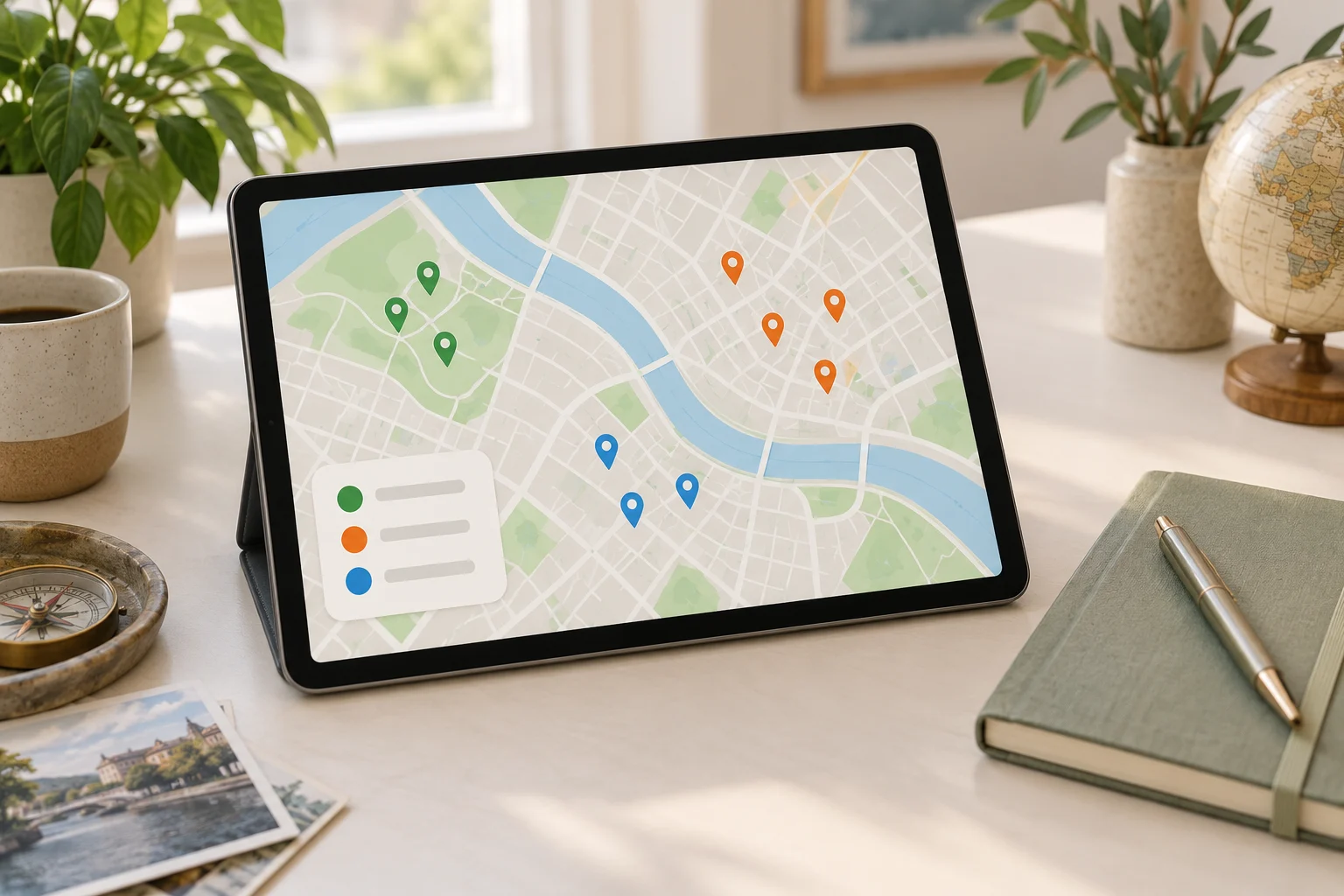
    저장 장소를 색상별로 나눈 지도 화면

    왜 장소를 목적별로 나눠야 할까

    지도 저장 기능은 후보를 모으는 데 유용하지만, 저장한 순서만으로는 여행 일정이 만들어지지 않습니다. 식당과 관광지, 숙소 주변의 편의시설, 이동 중 들를 곳이 한 목록에 섞이면 출발 직전에 다시 검색해야 할 수 있습니다.

    목적별 분류의 기준은 장소의 업종보다 여행 중 어떤 결정을 도와주는지에 두는 편이 실용적입니다. 예를 들어 카페도 ‘아침 식사 후보’, ‘이동 중 휴식’, ‘비 오는 날 대안’처럼 역할이 달라질 수 있습니다. 한 장소에 여러 역할이 있다면 대표 목적 하나만 정하고, 필요한 경우 메모에 보조 역할을 적습니다.

    4단계 프레임워크: 준비·분류·실행·점검

    1단계. 준비: 흩어진 정보를 한 화면에 모으기

    먼저 지도 앱, 메모 앱, 예약 메시지 등 장소 정보가 흩어진 곳을 확인합니다. 이 단계에서는 새로운 장소를 추가하지 않는 것이 핵심입니다. 검색을 시작하면 목록이 다시 커져 분류 시간이 길어질 수 있기 때문입니다.

    • 저장한 장소 목록을 엽니다.
    • 숙소, 교통 거점, 예약 장소처럼 일정에 이미 포함된 정보를 먼저 표시합니다.
    • 이름이 불분명하거나 위치를 알 수 없는 항목은 별도 보류 목록으로 옮깁니다.
    • 이번 여행과 관계없는 장소는 삭제하지 않고 ‘다음 여행’ 목록으로 분리해도 됩니다.

    2단계. 분류: 장소마다 대표 목적 하나 붙이기

    다음 표의 분류를 기본 틀로 사용해 보세요. 여행 성격에 따라 일부 항목을 빼거나 이름을 바꿔도 됩니다.

    분류 판단 기준 예시 메모
    핵심 방문 이번 여행의 주요 목적과 직접 연결되는 곳 첫째 날 오전 후보
    식사·휴식 식사, 카페, 짧은 휴식에 활용할 곳 관광지 주변 점심
    이동 보조 역, 주차장, 환승 지점, 이동 중 들를 곳 숙소에서 도보 이동
    날씨·상황 대안 비, 혼잡, 휴무 등으로 계획이 바뀔 때 쓸 곳 비 오는 날 실내 후보
    보류 정보가 부족하거나 우선순위가 낮은 곳 운영 여부 확인 필요

    분류할 때 장소 하나에 긴 설명을 쓰지 말고, 목적·지역·확인할 점만 짧게 기록합니다. 예를 들어 ‘식사·휴식 / 숙소 근처 / 늦은 시간 운영 확인’처럼 적으면 현장에서 다시 읽기 쉽습니다.

    3단계. 실행: 15분 안에 일정에 연결하기

    정리의 목표는 예쁜 목록을 만드는 것이 아니라 실제 선택을 쉽게 하는 것입니다. 다음 실행표를 타이머와 함께 사용해 보세요.

    시간 할 일 남겨야 할 결과
    0~3분 저장 장소 전체 훑기 이번 여행과 관련된 항목만 표시
    3~7분 대표 목적 분류 각 장소에 분류 하나 지정
    7~11분 지역과 일정 흐름 확인 날짜 또는 동선별 후보 구분
    11~13분 보류·대안 정리 확인할 항목과 예비 장소 분리
    13~15분 최종 점검 출발 전 다시 볼 목록 완성

    15분 안에 모든 장소를 완벽하게 검토하려고 하지 마세요. 우선순위가 낮은 항목은 보류로 남겨도 됩니다. 핵심은 ‘이번 일정에서 바로 쓸 목록’과 ‘나중에 확인할 목록’을 분리하는 것입니다.

    4단계. 점검: 장소 목록을 일정 정보로 바꾸기

    분류가 끝나면 각 장소가 실제 일정과 맞물리는지 확인합니다. 관광지 이름만 남아 있다면 어느 날, 어느 지역, 어떤 상황에서 사용할지 한 줄을 추가합니다. 반대로 일정에 넣었지만 지도에 위치가 표시되지 않거나 운영 정보를 확인하지 않은 곳은 확정 장소로 취급하지 않는 편이 안전합니다.

    • 숙소와 주요 이동 거점의 위치가 표시되어 있는가?
    • 하루에 방문하려는 장소가 지나치게 넓은 지역에 흩어져 있지 않은가?
    • 예약이 필요한 장소와 현장에서 선택할 장소가 구분되어 있는가?
    • 휴무일, 운영 시간, 입장 조건처럼 출발 전에 확인할 항목이 적혀 있는가?
    • 날씨나 체력에 따라 바꿀 수 있는 대안이 있는가?

    복사해서 쓰는 여행 정보 정리 템플릿

    아래 형식을 메모 앱이나 문서에 복사한 뒤, 지도 저장 장소를 하나씩 옮겨 적어 보세요.

    [여행지 또는 지역]
    - 핵심 방문:
      - 장소 / 방문 목적 / 희망 날짜 또는 시간
    - 식사·휴식:
      - 장소 / 어느 일정과 연결할지 / 확인할 점
    - 이동 보조:
      - 장소 / 출발지 또는 도착지 / 이동 메모
    - 날씨·상황 대안:
      - 장소 / 대체할 원래 계획 / 사용 조건
    - 보류:
      - 장소 / 확인이 필요한 정보
    
    출발 전 확인:
    [ ] 운영 시간과 휴무
    [ ] 예약 또는 입장 조건
    [ ] 숙소·역·주요 장소와의 위치
    [ ] 날씨에 따른 대안
    [ ] 현장에서 제외해도 되는 낮은 우선순위 장소

    상황별로 규칙을 바꾸는 방법

    짧은 여행이라면

    하루에 많은 장소를 넣기보다 ‘반드시 방문’, ‘근처에서 선택’, ‘상황이 좋을 때만’의 세 단계로 줄여 보세요. 이동 시간이 길거나 예약 일정이 고정되어 있다면 주변 후보를 적게 남기는 것이 일정 정리에 도움이 됩니다.

    가족 또는 여러 명이 함께 간다면

    개인의 취향만으로 분류하지 말고 일행의 공통 조건을 메모합니다. 예를 들어 식사 장소에는 대기 가능성, 이동 보조 장소에는 쉬어 갈 수 있는지처럼 실제 선택에 필요한 기준을 붙입니다. 특정 구성원에게만 중요한 장소는 핵심 목록과 섞지 않고 별도 표시하면 의견을 조율하기 쉽습니다.

    즉흥적인 여행이라면

    날짜별 고정 일정 대신 지역별 목록을 만듭니다. ‘현재 위치에서 가까운 곳’, ‘다음 이동 방향에 있는 곳’, ‘비상 대안’으로 나누면 현장 상황에 따라 선택할 수 있습니다. 다만 운영 여부나 예약 필요 여부가 불확실한 장소는 확정 일정으로 기록하지 마세요.

    정리할 때 자주 생기는 문제

    • 장소를 너무 많이 남기는 경우: 우선순위가 낮은 장소를 삭제하기보다 보류 목록으로 옮기고, 하루에 실제로 선택할 후보 수를 줄입니다.
    • 분류 이름이 지나치게 세분화되는 경우: 분류가 많아질수록 다시 판단하는 시간이 늘어날 수 있습니다. 처음에는 다섯 가지 안팎으로 시작합니다.
    • 메모가 길어지는 경우: 장소 설명보다 결정에 필요한 정보만 남깁니다. ‘언제, 왜, 무엇을 확인할지’가 기본입니다.
    • 지도와 일정이 따로 노는 경우: 장소 목록에 날짜나 동선 메모를 한 줄 추가해 두 자료를 연결합니다.

    FAQ

    저장 장소가 적어도 목적별 분류가 필요한가요?

    장소가 적다면 모든 분류를 사용할 필요는 없습니다. 핵심 방문, 식사·휴식, 대안 정도만 나눠도 일정 선택이 쉬워질 수 있습니다. 장소 수보다 서로 다른 역할이 섞여 있는지가 기준입니다.

    한 장소를 여러 분류에 넣어도 되나요?

    가능하지만 대표 목적은 하나로 정하는 편이 좋습니다. 다른 활용법은 메모에 보조 목적을 적으면 목록이 중복되어 커지는 것을 막을 수 있습니다.

    15분 안에 끝나지 않으면 어떻게 하나요?

    시간을 늘려 모든 항목을 확정하기보다 15분 단위를 반복하세요. 첫 번째 회차에는 핵심 장소와 보류 장소만 나누고, 다음 회차에 운영 시간이나 이동 동선을 확인하는 방식이 적합합니다.

    여행 중에도 목록을 수정해도 되나요?

    수정해도 됩니다. 다만 기존 목록을 모두 다시 정리하기보다 ‘오늘 사용할 장소’, ‘다음 일정’, ‘사용하지 않은 후보’처럼 현장용 구역을 따로 만들어 변경 사항을 기록하면 원래 계획과 섞이지 않습니다.

    마무리

    여행 정보 정리는 저장한 장소의 개수를 늘리는 작업이 아니라, 필요한 순간에 선택할 수 있도록 역할을 나누는 작업입니다. 15분 동안 장소를 모으고, 목적별로 분류하고, 일정과 연결한 뒤, 운영 정보와 대안을 점검해 보세요. 모든 장소를 확정할 필요는 없습니다. 이번 여행에서 바로 사용할 목록과 나중에 확인할 목록이 구분되어 있다면 출발 전 준비와 현장 판단이 한결 단순해질 수 있습니다.


  • A 15-Minute System for Organizing Saved Map Places

    A 15-Minute System for Organizing Saved Map Places

    작성자: Kai Life Editorial Team

    If your saved map contains restaurants, museums, hotels, viewpoints, shops, and “maybe later” locations mixed together, a purpose-based rule can make travel planning easier: organize each place according to what you might do with it next. In a 15-minute routine, prepare a small working list, sort places by purpose, choose a few actionable locations, and review the result before the trip or local visit.

    Saved map places grouped by colored location pins

    Why purpose works better than a long list

    A saved place is not automatically part of an itinerary. It may be a useful option for a rainy afternoon, a restaurant near a station, a location worth visiting only if you are already nearby, or simply an idea you do not want to forget. Treating all saved places as equally important creates extra decisions later.

    A purpose-based system asks a more useful question: What decision could this place help me make? The answer becomes its working group. This keeps the organization connected to real travel situations instead of turning it into a collection project.

    • Go: places you are likely to visit during this trip or outing.
    • Eat: food and drink options connected to a time or area.
    • Do: activities, attractions, events, or experiences.
    • Nearby: useful options if you are already in a particular neighborhood.
    • Weather backup: indoor or flexible choices for changing conditions.
    • Reference: places worth keeping for a future plan, but not part of the current one.

    The labels can be adapted to your travel style. The important feature is that every saved place has a reason for being kept.

    The four-step framework: prepare, sort, act, and review

    1. Prepare: define the planning container

    Start by choosing one planning container. This might be a trip note, a temporary map list, a paper page, or a simple table. Avoid opening several systems at once. The aim is to create a small workspace for one trip, one weekend, or one local visit.

    Write three boundaries at the top:

    • Time: the dates, day, or approximate visiting window.
    • Area: the neighborhood, route, or group of nearby places.
    • Purpose: what you want the outing to provide, such as food, culture, shopping, rest, or a short walk.

    These boundaries prevent a general saved-place archive from taking over a specific planning task.

    2. Sort: assign each place a practical role

    Review saved places one by one. Give each place one primary role before adding extra details. If a place fits several groups, choose the role that would help you make a decision later.

    For example, a bakery could be classified as Eat if you want breakfast, or Nearby if it is simply a convenient option close to a museum. The classification can change when the trip changes. It is not a permanent judgment about the place.

    Use a short note when the reason is not obvious. “Good after the station” is more useful than a generic label such as “interesting.” A useful note explains when or why the place may be selected.

    3. Act: convert saved places into next actions

    Sorting is only useful when it leads to a decision. For each selected place, record one next action. Examples include “check opening hours,” “compare with nearby lunch options,” “place after the gallery,” or “keep as rain backup.”

    Then reduce the active list. A travel plan can include optional choices, but an unfiltered list makes it harder to see the route. Consider separating places into:

    • Planned: connected to a specific time, route, or reservation.
    • Flexible: suitable if there is time or energy.
    • Backup: useful when weather, crowds, closures, or fatigue change the plan.
    • Archive: retained for another occasion and removed from the current view.

    This distinction keeps options available without treating every option as an obligation.

    4. Review: remove friction before you leave

    Finish by scanning the active list for gaps and duplicates. Check whether each planned place has enough information for the next decision. Depending on the trip, that may include the area, intended day, opening-hours check, reservation status, or a note about why it matters.

    Review also means accepting that some saved places should be moved out of the current plan. A place can remain valuable without belonging to this itinerary.

    A 15-minute travel planning organization routine

    Use a timer and stop when the routine ends. The goal is a clearer working list, not a complete catalog of every place you have ever saved.

    Minutes Action Output
    0–2 Choose the trip, day, or local outing and write its area and purpose. A defined planning container
    2–6 Scan relevant saved places and assign each one a purpose. A sorted shortlist
    6–10 Mark places as planned, flexible, backup, or archive. An active list with priorities
    10–13 Add one next action and one useful context note to selected places. Actionable trip notes
    13–15 Check gaps, duplicates, route conflicts, and unresolved details. A review list for later

    If the list is large, do not attempt to process every saved place. Filter by the relevant area or trip first. A smaller, current list is more useful than a complete archive that requires repeated sorting.

    A copyable place-list template

    Copy the following fields into your notes or spreadsheet. Use only the columns that support your decisions.

    Place Purpose Status Area or route Why it matters Next action
    [Name] [Eat/Do/Nearby/Backup] [Planned/Flexible/Backup/Archive] [Area] [Short reason] [Check/book/place after]
    [Name] [Purpose] [Status] [Area] [Short reason] [Next action]

    Keep the “why it matters” field short. A phrase such as “quiet stop near the afternoon route” can be enough. If a place requires extensive explanation before you can decide whether to use it, mark it for later research rather than allowing it to slow down the entire list.

    Checklist for a useful saved-place review

    • Have I defined one trip, day, route, or local outing?
    • Does each active place have a purpose?
    • Have I separated planned locations from flexible options?
    • Is there a backup option for a likely change, such as weather or fatigue?
    • Does each selected place have one clear next action?
    • Have I removed places that belong to a different area or future trip?
    • Are there duplicates or places whose role is unclear?
    • Do I need to verify current opening hours, reservations, access, or travel time?

    The final question is especially important because map information and business conditions can change. Treat saved-place organization as a planning aid, not as confirmation that a location is currently available.

    Common problems and simple adjustments

    Too many categories

    If every type of place has its own label, the system becomes difficult to maintain. Start with broad purposes and add a narrower label only when it changes a real decision.

    Everything feels important

    Use the status field to distinguish interest from intention. “I would like to visit” and “I will build the route around this” are different planning states.

    The map is doing too much

    A map is useful for location and route context, while a note may be better for timing, priorities, and questions to verify. Let each tool handle the information it presents most clearly.

    Old saves keep returning

    Create a reference or archive area. Moving an old place out of the active view is not the same as deleting the idea. It simply keeps the current plan readable.

    FAQ

    Should I organize every saved place?

    No. Begin with the places relevant to the next trip or outing. A focused review reduces work and gives the system a clear purpose.

    How many places should be in an itinerary?

    There is no universal number. The practical test is whether the list leaves room for travel time, meals, rest, delays, and spontaneous choices. Use planned, flexible, and backup statuses instead of forcing every saved place into a fixed schedule.

    What if I travel without a fixed itinerary?

    Organize by situation rather than by time. Groups such as “near the hotel,” “short walk,” “rainy afternoon,” and “near the station” can support spontaneous decisions without requiring a detailed route.

    When should I review the list again?

    Review it when the area, dates, transport plan, or purpose changes. A short check before leaving can also identify details that need current verification.

    Conclusion

    Travel planning organization becomes more manageable when saved map places are connected to decisions instead of stored as one undifferentiated list. Define a small planning container, sort places by purpose, assign a status, record the next action, and review the result in 15 minutes. This approach keeps useful options visible while leaving room for changing plans and real-world conditions.


  • 짧은 여행 준비물 체크리스트, 15분 여행 정보 정리 루틴

    짧은 여행 준비물 체크리스트, 15분 여행 정보 정리 루틴

    작성자: Kai Life 편집팀

    짧은 여행 준비물을 빠르게 확인하려면 모든 가능성을 조사하기보다 여행에 꼭 필요한 정보만 한곳에 모으고, 준비물·일정·장소·출발 전 점검을 순서대로 확인하면 됩니다. 아래 15분 루틴은 여행 정보 정리를 준비, 분류, 실행, 점검의 네 단계로 나누어 짧은 시간 안에 누락 가능성을 줄이도록 만든 방법입니다. 목적지, 이동 방식, 숙박 여부에 따라 필요한 항목은 달라질 수 있으므로 최종 확인 때 자신의 일정에 맞지 않는 항목은 빼고 추가 항목을 넣어 사용하세요.

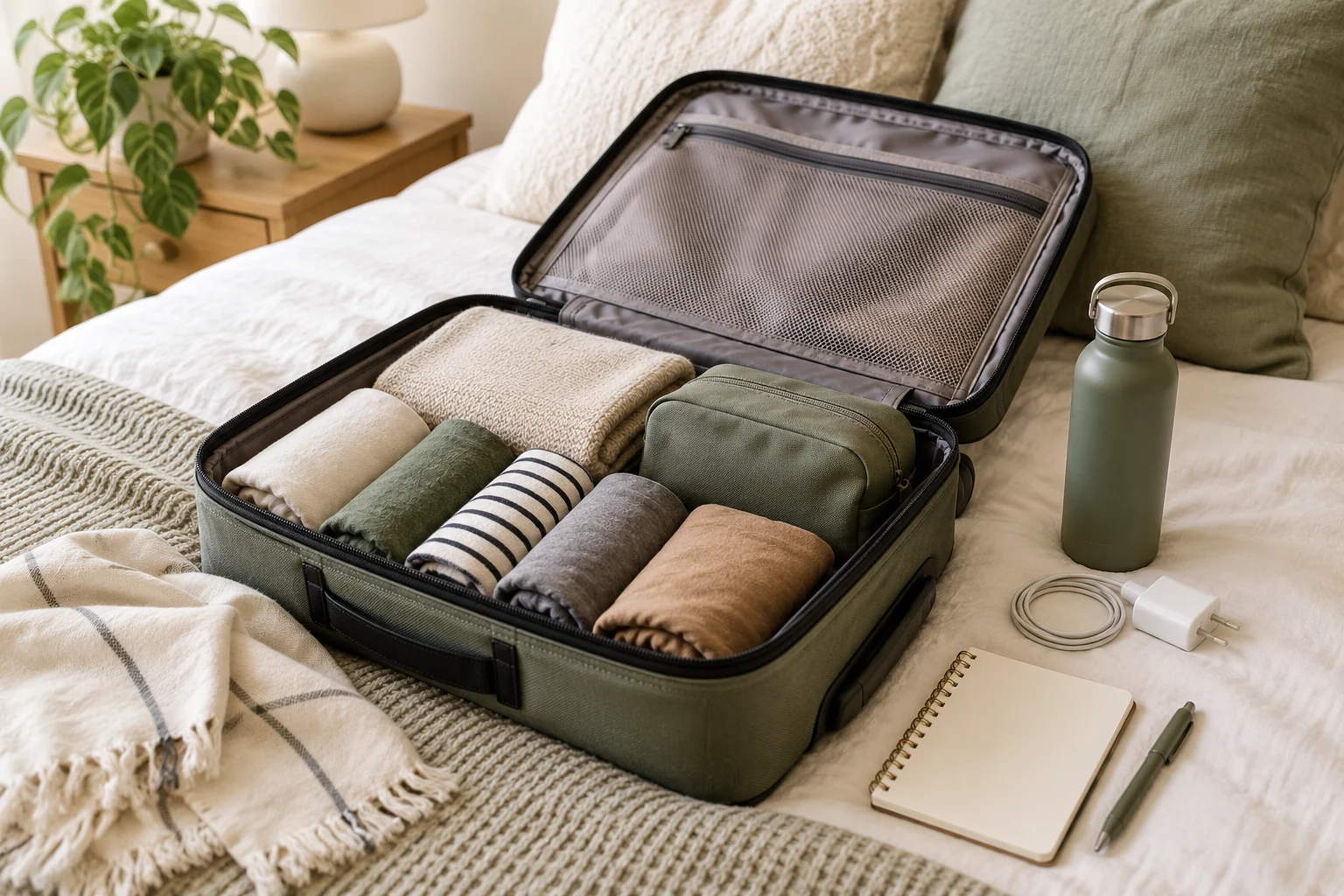
    짧은 여행에 필요한 옷과 준비물을 정리한 가방

    15분 여행 정보 정리 루틴 한눈에 보기

    처음부터 예쁜 여행 계획표를 만들려고 하면 검색과 기록에 시간이 길어질 수 있습니다. 먼저 빈 메모 하나를 만들고 아래 시간표에 따라 핵심 정보만 적습니다. 중요한 점은 자료를 찾는 시간과 실제로 준비하는 시간을 나누는 것입니다.

    시간 단계 할 일 완료 기준
    0~3분 준비 여행 날짜, 이동 지역, 숙박 여부, 이동 수단을 적습니다. 여행의 기본 조건이 한 줄로 정리됩니다.
    3~7분 분류 필수 준비물, 일정 관련 자료, 개인별 추가물로 나눕니다. 물건과 정보가 섞이지 않습니다.
    7~12분 실행 실제로 챙길 물건을 꺼내거나 위치를 확인하고, 장소 목록과 메모를 채웁니다. 준비 여부를 눈으로 확인할 수 있습니다.
    12~15분 점검 출발 시점에 필요한 것과 현지에서 확인할 것을 구분합니다. 미확인 항목에 표시가 남습니다.

    이 표에서 완료 기준은 여행이 완벽하게 준비되었다는 뜻이 아닙니다. 아직 결정되지 않은 항목을 숨기지 않고 표시해 다음 행동을 정하는 것이 목적입니다. 예를 들어 숙소에서 제공되는 물품을 모르면 준비물 목록에 ‘확인 필요’라고 적고, 필요 여부를 확인한 뒤 체크하는 방식입니다.

    1단계: 여행 조건을 먼저 한 줄로 고정하기

    여행 정보 정리가 느려지는 이유 중 하나는 준비물을 정하기 전에 검색부터 시작하기 때문입니다. 먼저 아래 네 가지를 메모 상단에 적어 기준을 고정하세요.

    • 기간: 출발일과 돌아오는 날 또는 이동 시간을 적습니다.
    • 지역: 도시, 동네, 방문 목적지처럼 실제로 이동할 범위를 적습니다.
    • 이동: 도보 중심인지, 대중교통인지, 차량 이동이 포함되는지 구분합니다.
    • 숙박: 숙박 여부와 숙소에서 확인해야 할 조건을 적습니다.

    이 네 가지는 준비물의 양과 종류를 판단하는 기준이 됩니다. 예를 들어 짐을 두고 이동할 수 있는지, 일정 사이에 물건을 다시 챙길 시간이 있는지, 장시간 이동이 있는지를 먼저 생각하면 불필요한 목록을 줄이기 쉽습니다. 특정 지역의 운영시간이나 입장 조건처럼 변동될 수 있는 정보는 기억에 의존하지 말고 방문 전 별도로 확인할 항목으로 남겨 두세요.

    기본 여행 메모 템플릿

    여행 날짜: ____________________
    방문 지역: ____________________
    이동 방식: ____________________
    숙박 여부: ____________________
    이번 여행의 핵심 목적: ____________________
    출발 전 다시 확인할 정보: ____________________

    ‘이번 여행의 핵심 목적’은 사진 촬영, 산책, 식사, 업무, 가족 방문처럼 짧게 적습니다. 목적을 한 줄로 쓰면 여행에 필요하지 않은 물건이나 장소를 자동으로 걸러내는 데 도움이 됩니다.

    2단계: 준비물을 네 묶음으로 분류하기

    준비물은 한 줄 목록보다 용도별 묶음으로 나누는 편이 점검하기 쉽습니다. 다음 네 묶음을 기본값으로 사용하고, 자신의 여행에 해당하지 않는 묶음은 삭제하세요.

    1. 신분·결제·예약 확인: 신분 확인에 필요한 것, 결제 수단, 예약 및 이용에 필요한 정보처럼 출발과 이용 과정에서 확인할 항목입니다.
    2. 연락·기록·충전: 연락 수단, 여행 메모, 충전에 필요한 물품처럼 정보 확인과 기록에 쓰는 항목입니다.
    3. 개인 위생·의류: 일정과 숙박 여부에 따라 필요한 세면, 의류, 위생 관련 물품입니다.
    4. 상황별 추가물: 날씨, 활동, 동행자, 이동 시간에 따라 추가할 항목입니다.

    여기서 특정 제품이나 수량을 일률적으로 정하지 않는 것이 좋습니다. 짧은 여행이라도 활동 내용과 개인 습관에 따라 필요한 물건이 다르기 때문입니다. 대신 각 항목 옆에 ‘필요’, ‘확인 필요’, ‘이번에는 제외’ 중 하나를 표시하면 판단이 빨라집니다.

    복사 가능한 준비물 체크리스트

    • 신분·결제·예약 확인 — 확인할 것: ____________________
    • 연락·기록·충전 — 챙길 것: ____________________
    • 개인 위생·의류 — 챙길 것: ____________________
    • 상황별 추가물 — 조건: ____________________
    • 숙소 또는 방문 장소에서 제공 여부를 확인할 것 — ____________________
    • 출발 직전에 챙길 것 — ____________________

    ‘출발 직전에 챙길 것’은 미리 가방에 넣기 어려운 물건을 따로 적는 칸입니다. 사용 중인 물건이나 냉장 보관이 필요한 물건처럼 마지막에 챙겨야 하는 항목은 이 칸에 모아 두면 미리 챙긴 목록과 섞이지 않습니다.

    3단계: 일정과 장소 목록을 행동 단위로 줄이기

    일정 정리는 방문하고 싶은 장소를 많이 모으는 작업이 아니라, 이동 순서와 우선순위를 확인하는 작업입니다. 장소 목록에는 장소명만 적지 말고 ‘왜 가는지’와 ‘언제 판단할지’를 함께 기록하세요.

    구분 장소 또는 일정 방문 목적 확인할 점
    우선 ____________________ ____________________ 이용 조건·운영 정보 확인
    가능하면 ____________________ ____________________ 시간이 남을 때 이동
    대체 ____________________ ____________________ 날씨나 혼잡 등 변수 발생 시

    장소는 우선순위에 따라 세 그룹으로 나누면 계획이 지나치게 빡빡해지는 것을 막을 수 있습니다. ‘우선’은 여행 목적과 직접 연결된 장소, ‘가능하면’은 시간이 남을 때 추가할 장소, ‘대체’는 일정 변경이 필요할 때 활용할 장소입니다. 모든 장소를 방문해야 한다고 정하지 말고, 이동 시간과 체력에 따라 줄일 수 있는 구조를 만드세요.

    15분 안에 일정 메모를 완성하는 순서

    1. 여행 목적과 가장 가까운 장소를 하나 적습니다.
    2. 그 장소를 기준으로 같은 날 묶을 수 있는 장소를 추가합니다.
    3. 이동 중 식사나 휴식처럼 비워 둘 시간을 표시합니다.
    4. 운영시간, 예약, 이용 조건 등 변동 가능성이 있는 정보는 ‘확인 필요’로 남깁니다.
    5. 시간이 부족할 때 가장 먼저 뺄 장소를 정합니다.

    이 방식은 구체적인 지역 정보를 대신 제공하는 방법이 아니라, 어떤 지역을 방문하더라도 일정 정보를 정리하는 틀입니다. 실제 방문 전에는 각 장소의 공식 안내나 최신 공지를 확인해야 하며, 이 글의 템플릿만으로 운영 여부나 이용 조건을 판단해서는 안 됩니다.

    4단계: 출발 전 3분 점검으로 미완료 항목 찾기

    마지막 점검에서는 이미 준비한 물건을 다시 세기보다, 아직 행동으로 이어지지 않은 메모를 찾습니다. 아래 세 가지 질문에 답하면서 체크하세요.

    • 바로 꺼내야 하는 것은 무엇인가? — 가방에 넣었는지 또는 출발 직전 준비 목록에 있는지 확인합니다.
    • 확인하지 않은 정보는 무엇인가? — 장소 이용 조건, 예약 내용, 이동 관련 메모처럼 다시 찾아야 할 항목을 표시합니다.
    • 일정이 바뀌면 무엇을 뺄 것인가? — 대체 장소와 제외 순서를 정해 둡니다.

    미완료 항목은 ‘나중에 확인’이라고만 적지 말고 행동을 구체화하세요. 예를 들어 ‘숙소 확인’, ‘방문 장소 이용 조건 확인’, ‘출발 직전 물건 챙기기’처럼 다음 동작이 보이게 적습니다. 확인이 끝나지 않은 항목은 체크 표시 대신 물음표나 ‘대기’ 표시를 사용하면 준비 완료로 착각하는 일을 줄일 수 있습니다.

    상황별로 추가하면 좋은 체크 항목

    기본 체크리스트를 만든 다음에만 상황별 항목을 더하세요. 처음부터 모든 상황을 넣으면 짧은 여행의 핵심 준비물이 묻힐 수 있습니다.

    • 날씨 변화가 예상되는 경우: 의류와 이동 계획을 조정할 수 있는지 적습니다.
    • 야외 활동이 있는 경우: 활동에 필요한 복장과 안전 관련 확인 사항을 별도로 기록합니다.
    • 동행자가 있는 경우: 역할, 만날 장소, 공유할 메모를 정합니다.
    • 업무나 공부가 포함되는 경우: 필요한 자료와 사용 시간을 일정에 따로 표시합니다.
    • 방문 장소가 여러 곳인 경우: 우선순위와 대체 장소를 반드시 나눕니다.

    이 항목들은 모든 여행자에게 필요한 고정 목록이 아닙니다. 자신의 일정에 해당할 때만 선택하세요. 건강, 안전, 법률 또는 특정 지역의 출입 조건과 관련된 사항은 일반적인 여행 메모보다 공식 안내와 최신 기준을 우선해 확인해야 합니다.

    실행용 최종 체크리스트

    • 여행 날짜와 방문 지역을 적었다.
    • 이동 방식과 숙박 여부를 구분했다.
    • 준비물을 네 묶음으로 나누었다.
    • 필수, 확인 필요, 제외 항목을 구분했다.
    • 출발 직전에 챙길 물건을 따로 적었다.
    • 장소를 우선, 가능하면, 대체로 나누었다.
    • 변동 가능성이 있는 정보에 확인 표시를 했다.
    • 일정이 늦어졌을 때 뺄 항목을 정했다.
    • 여행 메모를 한곳에 모아 다시 열 수 있게 했다.
    • 마지막으로 실제 가방과 메모를 함께 확인했다.

    결론: 많이 찾기보다 다음 행동이 보이게 정리하기

    짧은 여행의 준비는 긴 목록을 만드는 일이 아니라, 지금 챙길 것과 출발 전에 확인할 것, 현지에서 선택할 것을 구분하는 일입니다. 15분 동안 기본 조건을 고정하고, 준비물을 분류하고, 장소와 일정을 우선순위로 나눈 뒤, 미완료 항목에 다음 행동을 적어 보세요. 여행 정보 정리를 한 메모 안에서 끝내면 준비 과정에서 다시 검색해야 하는 횟수를 줄이는 데 도움이 될 수 있습니다. 다만 실제 운영시간, 예약 상태, 이용 조건처럼 바뀔 수 있는 정보는 출발 전에 해당 공식 안내를 확인해야 합니다.

    자주 묻는 질문

    Q. 15분 안에 모든 여행 준비를 끝낼 수 있나요?

    모든 준비를 끝낸다는 의미는 아닙니다. 15분 루틴의 목표는 필요한 항목을 한곳에 모으고, 미확인 사항과 다음 행동을 구분하는 것입니다. 여행이 복잡하거나 준비할 조건이 많다면 15분 후 남은 항목을 별도 목록으로 이어서 확인하세요.

    Q. 준비물 목록에는 물건을 몇 개까지 적어야 하나요?

    정해진 개수보다 여행 조건과 목적에 맞는지가 중요합니다. 먼저 필수 항목을 적고, 날씨·활동·숙박·동행 여부에 따라 추가하세요. 필요 여부가 불분명한 항목은 바로 챙기기보다 ‘확인 필요’로 분리하면 목록이 과도하게 늘어나는 것을 막을 수 있습니다.

    Q. 장소 목록을 많이 저장해 두면 더 좋은가요?

    많은 장소를 저장하는 것보다 우선순위와 대체 순서를 정하는 편이 실제 일정에 유용합니다. 우선 방문할 장소, 시간이 남을 때 갈 장소, 상황이 바뀌면 선택할 장소를 나누고 이동과 휴식 시간을 고려하세요.

    Q. 여행 메모는 어떤 앱에 작성해야 하나요?

    특정 앱이 반드시 필요한 것은 아닙니다. 출발 전과 이동 중에 다시 열기 쉬운 메모 도구를 사용하고, 준비물·일정·장소 목록·확인 필요 항목이 구분되도록 작성하세요. 중요한 정보는 필요에 따라 별도로 저장하거나 공유하되, 개인정보와 예약 정보는 공개 범위를 확인해야 합니다.


THANKS KAI CONTACT

WeChat

위챗에서 QR코드를 스캔해 주세요.
Scan the QR code in WeChat.

Thanks Kai WeChat contact QR code위챗 열기 / Open WeChat