작성자: Kai Life Editorial Team
For practical travel planning organization, use one trip note with four sections: lodging, transit, places, and action items. In 15 minutes, gather the details you are likely to need soon, label each item by timing, and turn important information into a short checklist. The aim is not to record every possibility. It is to make the next useful detail easy to find when you are moving, checking in, or deciding where to go.
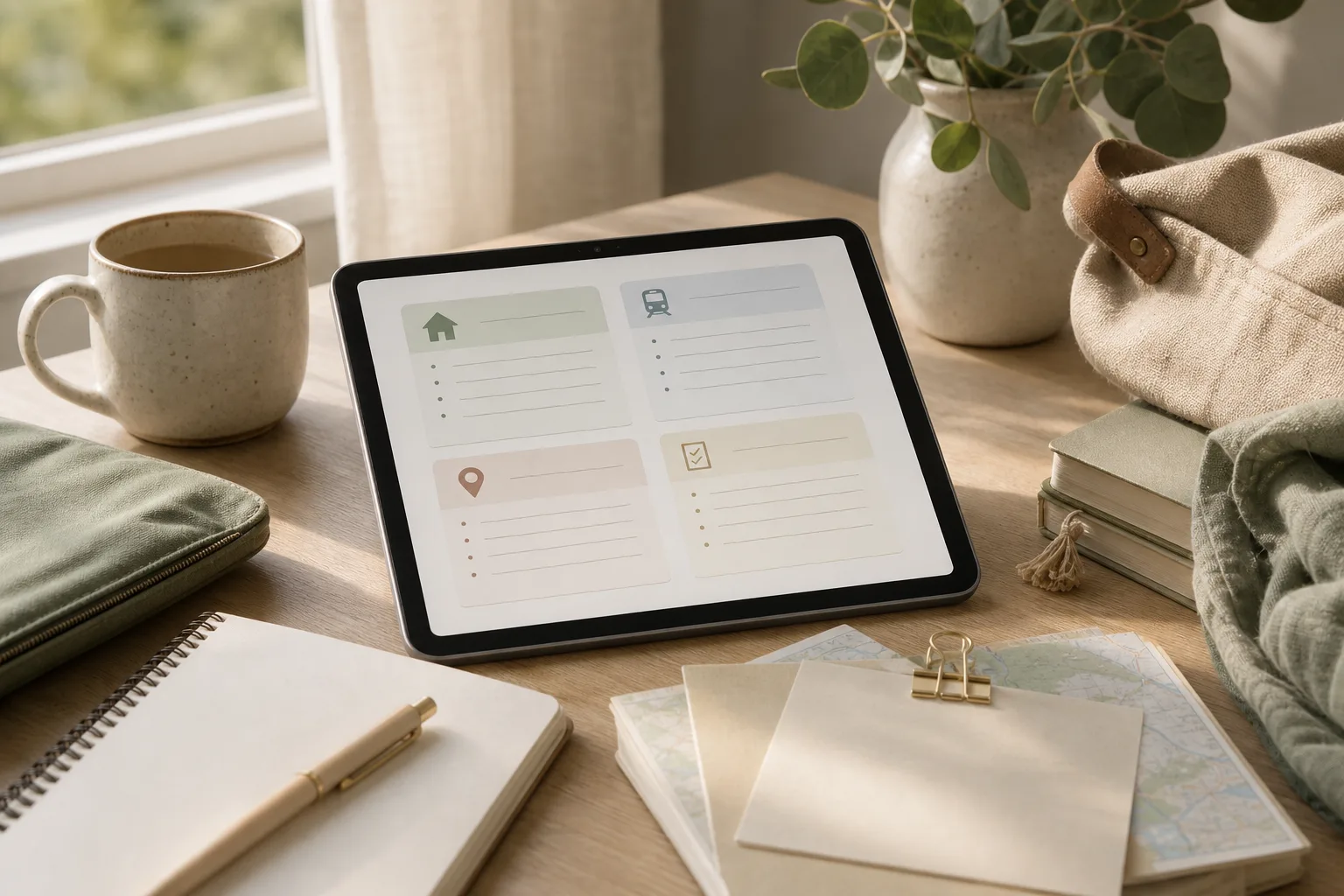
Why a single trip note helps
Travel information often arrives in different forms: a booking message, a map pin, a transport page, a saved post, or a message from someone who has visited before. When these details stay in separate places, the difficult part is often retrieval rather than research.
A central note gives each detail a home. It can be a document, note, or workspace that you already know how to use. The specific tool matters less than a clear structure and a title that you can recognize quickly.
Use a title format such as Trip — place — dates. If the trip has several bases, add a short label for each one. Keep factual details separate from ideas. For example, a confirmed lodging address belongs in the lodging section, while a restaurant you may visit belongs in the place list.
The four-part note system
1. Prepare: create the note skeleton
Start with empty headings before you search. This reduces the temptation to collect information without deciding where it belongs.
TRIP — [place] — [dates]

LODGING
- Name:
- Address:
- Check-in and check-out:
- Arrival instructions:
- Booking reference:
- Contact method:

TRANSIT
- Arrival route:
- Local transport:
- Departure route:
- Tickets or reservations:
- Payment or access notes:

PLACES
- Near lodging:
- Near arrival or departure points:
- Time-sensitive options:
- Weather or energy alternatives:

ACTION ITEMS
- [ ]

OPEN QUESTIONS
-
Use placeholders instead of leaving information in an unstructured paragraph. A blank field also shows what still needs confirmation.
2. Sort: label details by use
As you review messages and saved pages, place each detail in the relevant section. Add a short label that tells you when or why it matters:
- Before leaving: information needed during preparation, such as a reservation reference or departure point.
- Arrival: directions, access instructions, check-in timing, or a meeting location.
- During the stay: nearby places, local transport notes, and flexible options.
- Departure: checkout steps, the route to the next stop, and any timing constraint.
- Confirm: information that is incomplete, changed, or based on an older message.
These labels help distinguish a useful fact from a future possibility. A place can remain in the note without receiving the same priority as a confirmed booking or a time-sensitive connection.
3. Act: convert research into small decisions
After sorting, make the note operational. Write the next action beside any item that could otherwise remain vague. “Check arrival transport” is less useful than “Compare the route from the arrival point to the lodging and record the preferred option.”
For each important item, capture the smallest usable set of information:
- What: the name of the lodging, station, stop, or place.
- Where: the address, meeting point, or map reference.
- When: the relevant date, time window, or opening condition if known.
- What next: the action needed from you.
For transit, separate the route from the decision. The route may be a sequence of stops, while the decision might be which arrival option is easier with luggage or which departure option leaves more time. Avoid turning uncertain information into a firm plan; mark it as an open question or an option to compare.
4. Review: create a quick-use version
At the end of the routine, scan the note as if you were already on the trip. Move the most time-sensitive items near the top or create a short “quick view” section:
- Lodging name and address
- Arrival instructions
- First transport step
- Important reference numbers
- Next unresolved question
Keep the detailed research below this quick view. The detailed sections preserve context, while the quick view reduces scrolling when your attention is divided.
A 15-minute action plan
Use a timer if that helps you keep the session focused. The time blocks are a guide rather than a rule; a complex trip may need more than one session.
| Minutes | Focus | Output |
|---|---|---|
| 0–2 | Prepare | Create the note, add the trip title, and paste the four main headings. |
| 2–7 | Collect and sort | Move confirmed lodging and transit details into the correct sections. |
| 7–11 | Prioritize | Mark arrival, departure, and time-sensitive items. Separate ideas from commitments. |
| 11–14 | Act | Write the next action for open questions and add any missing reference details. |
| 14–15 | Review | Build the quick view and check that the first arrival step is understandable. |
If the note contains too much material, do not solve that by adding more categories. First remove duplicates, group similar place ideas, and move low-priority research under a heading such as “Maybe later.” The main note should support decisions, not preserve every search result.
Copyable checklist for each trip
- [ ] Create one note with a recognizable trip title.
- [ ] Record the lodging name, address, and relevant arrival instructions.
- [ ] Add booking or reservation references in a clearly labeled field.
- [ ] Record the first transport step after arrival.
- [ ] Separate confirmed plans from possible places to visit.
- [ ] Group place ideas by area, timing, or purpose.
- [ ] Mark details that need confirmation.
- [ ] Write one next action for each unresolved item.
- [ ] Create a short quick view for arrival and departure.
- [ ] Review the note after a major booking or route change.
Ways to keep the system usable
Use consistent labels
Choose a small set of labels and use them throughout the note. For example, “Arrival,” “Departure,” “Confirm,” and “Option” are more useful when they have one meaning each. Avoid creating a new label for every kind of detail.
Keep places connected to a reason
A place list becomes easier to use when each entry has a short reason: near the lodging, suitable for a short visit, useful in poor weather, or convenient before departure. This turns a list of names into a set of choices.
Record uncertainty honestly
Use wording such as “check,” “possible,” or “not confirmed” when the information may change. This protects the note from becoming misleading as plans evolve. For changing transport information, consult the relevant operator or official local source when making a final decision.
Review after changes, not constantly
A short review is useful after a lodging change, a new reservation, or a significant route decision. Repeatedly rewriting the entire itinerary can consume attention without improving it. Update the affected section and check whether the quick view still matches the plan.
FAQ
Should every travel detail go into the main note?
No. Keep details that support a decision or help with retrieval. Move background research and low-priority ideas to a separate section so confirmed information remains visible.
What if I have several lodging locations?
Keep the same four-part structure, then add a small subsection for each lodging location. Record the dates beside each location and keep inter-location transit in the transit section or beside the relevant move.
How should I handle places that are not confirmed?
Put them in the place list with a reason and a clear “Option” label. If visiting depends on time, weather, or opening conditions, record that condition instead of treating the place as part of the fixed itinerary.
Can this system work with paper notes?
Yes. Use one page or a small set of pages with the same headings. A paper version may be useful for a short quick view, while detailed references can remain in the original messages or documents.
Conclusion
A useful travel planning organization system does not need many tools. Start with one structured note, sort details by when they matter, turn open questions into actions, and finish with a quick view for arrival and departure. This 15-minute routine creates a practical base for itinerary organization while leaving room for flexible choices during the trip.