By Kai Life Editorial Team
To prioritize today’s work, separate tasks you can start from tasks waiting on an input, then choose a short list that fits the time actually available. A three-column note—Do Today, Prepare or Wait, and Park for Later—makes that decision visible without replacing your project system.
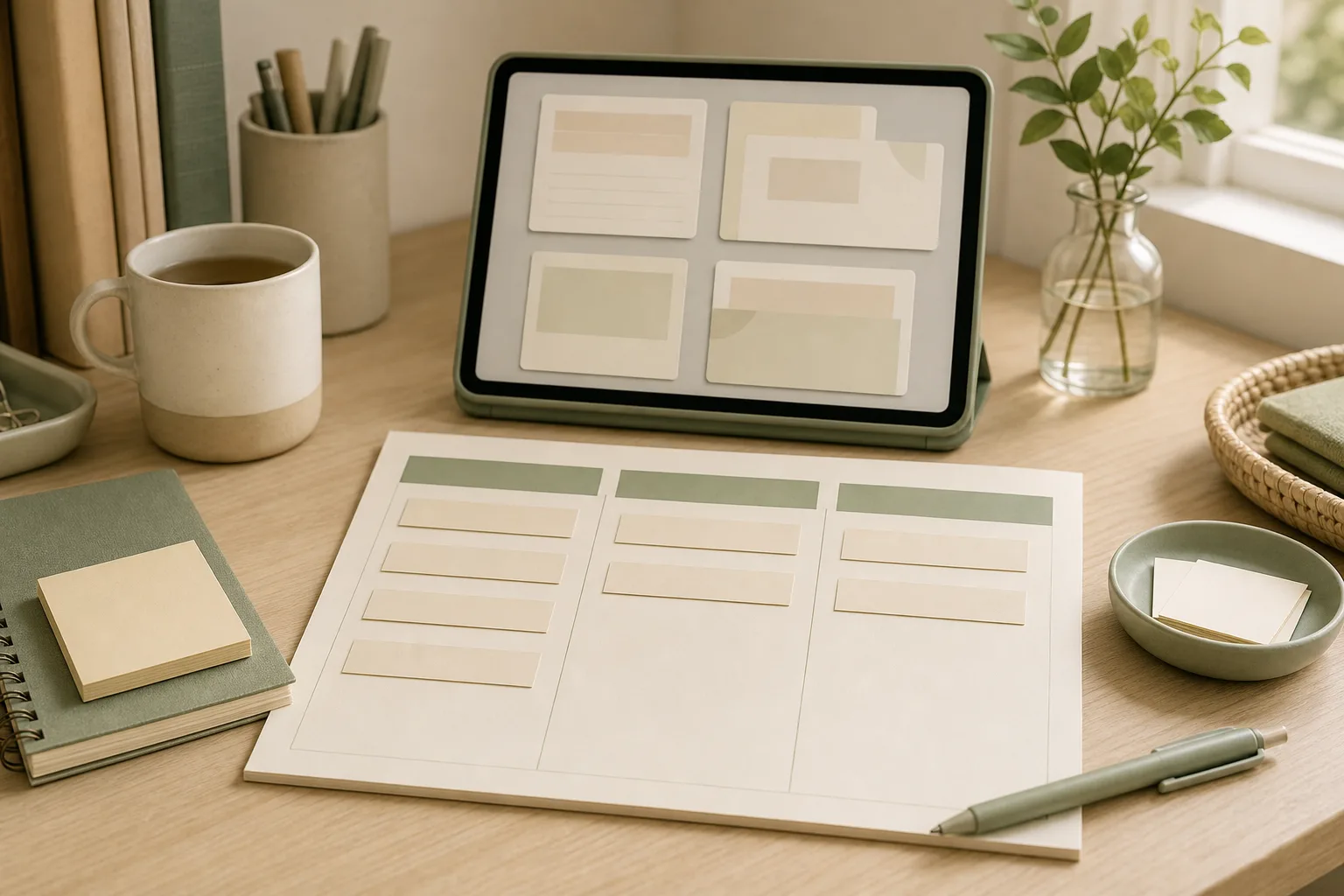
Worked example: an 80-minute work window
This is an invented planning example, not a measured productivity result. Assume meetings leave 80 minutes of open work time. The first draft of your list contains 90 minutes of work, so the list must change before it can become a useful plan.
| Incoming item | Decision | Next action |
|---|---|---|
| Client update, estimated 35 minutes; due today | Do Today | Draft the update and check the three unresolved points. |
| Meeting preparation, estimated 25 minutes; meeting today | Do Today | Write the agenda questions and link the background file. |
| Slide redesign, estimated 30 minutes; no near deadline | Park for Later | Record the first change to test, then move it off today’s list. |
| Report blocked by another person’s figures | Prepare or Wait | Send one request with the missing input and the time it is needed. |
The revised example allocates 60 minutes to the two ready tasks, leaving 20 minutes unassigned for transitions or unexpected work. Those estimates are planning assumptions, not promises that the tasks will finish on time.
A rule for a new urgent request
Before adding it to Do Today, name the item it displaces. If everything remains on the list, you have not resolved the priority conflict. Ask the relevant owner to choose the trade-off when deadlines cannot all be met.
Copy this line: “I can complete A and B in the available time. If C becomes the priority, which item should move?”
The three-column priority note
The note is designed for practical work organization rather than a complete project-management system. It gives every task a temporary home and reduces the need to repeatedly reconsider the same list.
| Column | Use it for | Example |
|---|---|---|
| Do Today | Work that has a meaningful reason to move today and can be started with the information available. | Draft the two-paragraph update for the 3 p.m. review. |
| Prepare or Wait | Tasks blocked by a question, approval, file, meeting, or response from another person. | Ask for the latest figures before updating the report. |
| Park for Later | Useful work that is not needed in the current workday or does not fit the available capacity. | Collect ideas for next month’s process guide. |
Keep the wording action-based. “Client project” is a topic, while “confirm the open items for the client project” is a next action. If a task is too large to begin, add a smaller first step such as “open the previous version,” “list the three missing inputs,” or “write the question for the meeting.”
A four-step routine for today’s work
1. Prepare: collect before you prioritize
Set a short timer and gather tasks from the places you already use: email flags, chat messages, meeting notes, paper reminders, and the previous day’s list. Do not try to organize each item while collecting it. Capture enough detail to recognize the task later.
For repeated tasks, use a consistent verb at the start of each line: review, reply, draft, check, schedule, compare, or send. This makes a work checklist easier to scan and helps separate actions from general concerns.
2. Sort: give each item one temporary home
Move each item into one of the three columns. Ask three practical questions:
- Is there a clear reason to move this forward today?
- Can I begin it with the information and access I have?
- If not today, what event or condition would bring it back?
Items with a time-sensitive commitment may belong in Do Today, but the column should remain small enough to be realistic. Items waiting for a reply belong in Prepare or Wait; write the next follow-up date or question beside them. Items without a current reason to act can go to Park for Later, where they remain visible without competing with today’s work.
3. Act: choose a short sequence, not a perfect schedule
Choose one starting task, one secondary task, and a small number of maintenance actions such as replies or filing. Begin with the task that has the clearest next action, the nearest useful checkpoint, or the greatest effect on other work. The right choice can change when a manager replies, a meeting moves, or new information arrives.
Use the Prepare or Wait column actively. Send the question, request the file, or record the decision needed. A blocked task that has a named follow-up is easier to revisit than a blocked task that simply remains in a list.
4. Review: close the loop before stopping
At the end of the work period, spend a few minutes updating the note. Mark completed actions, move unfinished work to the correct column, and write the next action for anything that remains. Avoid carrying a vague item forward unchanged.
For a weekly review, look across the notes from the past few days. Identify repeated delays, recurring requests, and tasks that repeatedly return from Park for Later. This is not a request to redesign your entire workflow. It is a way to notice whether a recurring task needs a template, a clearer owner, a meeting decision, or a scheduled block of time.
A 15-minute action plan
- Minutes 1–4: Collect tasks from messages, meeting notes, and yesterday’s note.
- Minutes 5–8: Sort every item into Do Today, Prepare or Wait, or Park for Later.
- Minutes 9–12: Choose the first action and write any questions, dependencies, or follow-up dates.
- Minutes 13–15: Put the note where it will be visible and remove duplicate or unclear lines.
After this setup, keep the note open beside the work you are doing. When a new request arrives, capture it in the appropriate column instead of immediately replacing the task already in progress. Re-sort during a natural pause, such as after a meeting or before a break.
Copyable daily template
DATE:
TODAY’S MAIN OUTCOME:

DO TODAY
- [ ] Action / next step — useful checkpoint:
- [ ] Action / next step — useful checkpoint:
- [ ] Action / next step — useful checkpoint:

PREPARE OR WAIT
- [ ] Waiting for / question — person or source — follow-up date:
- [ ] Waiting for / question — person or source — follow-up date:

PARK FOR LATER
- [ ] Task or idea — revisit when:
- [ ] Task or idea — revisit when:

END-OF-DAY REVIEW
- Completed:
- Moved to another column:
- First action for the next work period:
The template can live in a plain text file, a document, a notebook, or an existing task tool. The value comes from the decisions recorded in it, not from a particular format.
Using the note for meeting notes
Meeting notes often mix decisions, information, open questions, and future ideas. After a meeting, translate each useful line into one of the three columns:
- Decision with an owner: place your next action in Do Today only when today is the appropriate time to begin.
- Open question or missing input: place the follow-up in Prepare or Wait and name the person, document, or decision needed.
- Future idea: place it in Park for Later with a review point if one is known.
This separation helps prevent meeting notes from becoming a second, unstructured task list. Keep the original context elsewhere if needed, but bring only the actionable next step into the daily note.
A short checklist for repeated tasks
- Capture: Did I record the task in one place rather than relying on memory?
- Clarify: Does each line begin with an action or a clearly stated question?
- Sort: Is the item in the column that matches its current timing and dependency?
- Limit: Can the Do Today column fit the time and attention available?
- Unblock: Have I sent the request or written the question for waiting work?
- Review: Does every unfinished item have a next action or a reason to wait?
Common adjustments when the system feels strained
Too many items in Do Today
Move items without a current checkpoint to Park for Later. For urgent requests, compare deadlines, dependencies, and the cost of delaying existing work. If priorities conflict, record the conflict and ask the relevant decision-maker rather than silently expanding the list.
Prepare or Wait keeps growing
Add a specific follow-up date and make the dependency visible. If several tasks wait on the same input, group them under one request. A waiting list can reveal a communication or ownership issue, but it does not by itself resolve one.
Park for Later becomes a storage pile
During the weekly review, remove ideas that no longer matter and give useful items a review condition. For example, “revisit after the next process meeting” is easier to act on than “someday.”
FAQ
Should every task have a deadline?
No. A deadline is useful when there is a real date or consequence. For other items, use a next review point, dependency, or decision condition instead of inventing a date.
How many tasks should go in Do Today?
Use the time and attention available as the limit. A short list of meaningful actions is generally easier to update than a long list that treats every task as equally urgent. The exact number depends on the workday, interruptions, and task size.
Can this replace a project-management tool?
It can serve as a daily working note, but it may not replace tools used for shared ownership, approvals, deadlines, audit history, or complex dependencies. Keep the source of truth for team work where your organization expects it, and use this note as a focused daily view.
What should happen to a new urgent request?
Capture it first, then compare it with the current Do Today list. If it changes the order of work, note what will move and communicate that trade-off when another person’s expectation is affected.
Conclusion
A three-column priority note offers a small structure for a busy workday: act on what is ready, make blocked work easier to unblock, and keep later ideas from competing with current commitments. The four-step cycle—prepare, sort, act, and review—turns the note into a repeatable work checklist. Start with the 15-minute setup, adjust the column names to match your language, and review the system after several workdays for patterns that deserve a larger process change.