작성자: Kai Life Editorial Team
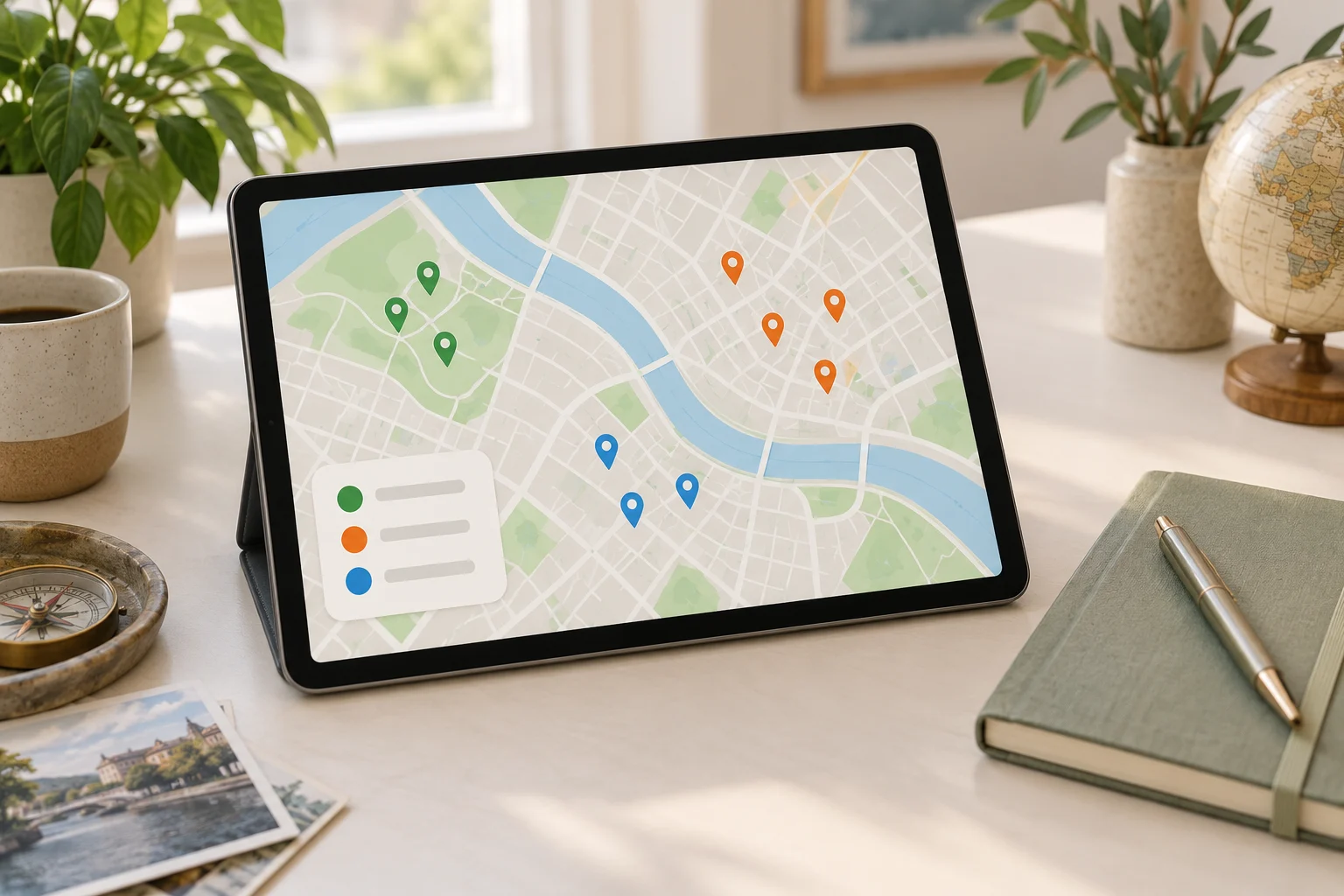
If your saved map contains restaurants, museums, hotels, viewpoints, shops, and “maybe later” locations mixed together, a purpose-based rule can make travel planning easier: organize each place according to what you might do with it next. In a 15-minute routine, prepare a small working list, sort places by purpose, choose a few actionable locations, and review the result before the trip or local visit.
Why purpose works better than a long list
A saved place is not automatically part of an itinerary. It may be a useful option for a rainy afternoon, a restaurant near a station, a location worth visiting only if you are already nearby, or simply an idea you do not want to forget. Treating all saved places as equally important creates extra decisions later.
A purpose-based system asks a more useful question: What decision could this place help me make? The answer becomes its working group. This keeps the organization connected to real travel situations instead of turning it into a collection project.
- Go: places you are likely to visit during this trip or outing.
- Eat: food and drink options connected to a time or area.
- Do: activities, attractions, events, or experiences.
- Nearby: useful options if you are already in a particular neighborhood.
- Weather backup: indoor or flexible choices for changing conditions.
- Reference: places worth keeping for a future plan, but not part of the current one.
The labels can be adapted to your travel style. The important feature is that every saved place has a reason for being kept.
The four-step framework: prepare, sort, act, and review
1. Prepare: define the planning container
Start by choosing one planning container. This might be a trip note, a temporary map list, a paper page, or a simple table. Avoid opening several systems at once. The aim is to create a small workspace for one trip, one weekend, or one local visit.
Write three boundaries at the top:
- Time: the dates, day, or approximate visiting window.
- Area: the neighborhood, route, or group of nearby places.
- Purpose: what you want the outing to provide, such as food, culture, shopping, rest, or a short walk.
These boundaries prevent a general saved-place archive from taking over a specific planning task.
2. Sort: assign each place a practical role
Review saved places one by one. Give each place one primary role before adding extra details. If a place fits several groups, choose the role that would help you make a decision later.
For example, a bakery could be classified as Eat if you want breakfast, or Nearby if it is simply a convenient option close to a museum. The classification can change when the trip changes. It is not a permanent judgment about the place.
Use a short note when the reason is not obvious. “Good after the station” is more useful than a generic label such as “interesting.” A useful note explains when or why the place may be selected.
3. Act: convert saved places into next actions
Sorting is only useful when it leads to a decision. For each selected place, record one next action. Examples include “check opening hours,” “compare with nearby lunch options,” “place after the gallery,” or “keep as rain backup.”
Then reduce the active list. A travel plan can include optional choices, but an unfiltered list makes it harder to see the route. Consider separating places into:
- Planned: connected to a specific time, route, or reservation.
- Flexible: suitable if there is time or energy.
- Backup: useful when weather, crowds, closures, or fatigue change the plan.
- Archive: retained for another occasion and removed from the current view.
This distinction keeps options available without treating every option as an obligation.
4. Review: remove friction before you leave
Finish by scanning the active list for gaps and duplicates. Check whether each planned place has enough information for the next decision. Depending on the trip, that may include the area, intended day, opening-hours check, reservation status, or a note about why it matters.
Review also means accepting that some saved places should be moved out of the current plan. A place can remain valuable without belonging to this itinerary.
A 15-minute travel planning organization routine
Use a timer and stop when the routine ends. The goal is a clearer working list, not a complete catalog of every place you have ever saved.
| Minutes | Action | Output |
|---|---|---|
| 0–2 | Choose the trip, day, or local outing and write its area and purpose. | A defined planning container |
| 2–6 | Scan relevant saved places and assign each one a purpose. | A sorted shortlist |
| 6–10 | Mark places as planned, flexible, backup, or archive. | An active list with priorities |
| 10–13 | Add one next action and one useful context note to selected places. | Actionable trip notes |
| 13–15 | Check gaps, duplicates, route conflicts, and unresolved details. | A review list for later |
If the list is large, do not attempt to process every saved place. Filter by the relevant area or trip first. A smaller, current list is more useful than a complete archive that requires repeated sorting.
A copyable place-list template
Copy the following fields into your notes or spreadsheet. Use only the columns that support your decisions.
| Place | Purpose | Status | Area or route | Why it matters | Next action |
|---|---|---|---|---|---|
| [Name] | [Eat/Do/Nearby/Backup] | [Planned/Flexible/Backup/Archive] | [Area] | [Short reason] | [Check/book/place after] |
| [Name] | [Purpose] | [Status] | [Area] | [Short reason] | [Next action] |
Keep the “why it matters” field short. A phrase such as “quiet stop near the afternoon route” can be enough. If a place requires extensive explanation before you can decide whether to use it, mark it for later research rather than allowing it to slow down the entire list.
Checklist for a useful saved-place review
- Have I defined one trip, day, route, or local outing?
- Does each active place have a purpose?
- Have I separated planned locations from flexible options?
- Is there a backup option for a likely change, such as weather or fatigue?
- Does each selected place have one clear next action?
- Have I removed places that belong to a different area or future trip?
- Are there duplicates or places whose role is unclear?
- Do I need to verify current opening hours, reservations, access, or travel time?
The final question is especially important because map information and business conditions can change. Treat saved-place organization as a planning aid, not as confirmation that a location is currently available.
Common problems and simple adjustments
Too many categories
If every type of place has its own label, the system becomes difficult to maintain. Start with broad purposes and add a narrower label only when it changes a real decision.
Everything feels important
Use the status field to distinguish interest from intention. “I would like to visit” and “I will build the route around this” are different planning states.
The map is doing too much
A map is useful for location and route context, while a note may be better for timing, priorities, and questions to verify. Let each tool handle the information it presents most clearly.
Old saves keep returning
Create a reference or archive area. Moving an old place out of the active view is not the same as deleting the idea. It simply keeps the current plan readable.
FAQ
Should I organize every saved place?
No. Begin with the places relevant to the next trip or outing. A focused review reduces work and gives the system a clear purpose.
How many places should be in an itinerary?
There is no universal number. The practical test is whether the list leaves room for travel time, meals, rest, delays, and spontaneous choices. Use planned, flexible, and backup statuses instead of forcing every saved place into a fixed schedule.
What if I travel without a fixed itinerary?
Organize by situation rather than by time. Groups such as “near the hotel,” “short walk,” “rainy afternoon,” and “near the station” can support spontaneous decisions without requiring a detailed route.
When should I review the list again?
Review it when the area, dates, transport plan, or purpose changes. A short check before leaving can also identify details that need current verification.
Conclusion
Travel planning organization becomes more manageable when saved map places are connected to decisions instead of stored as one undifferentiated list. Define a small planning container, sort places by purpose, assign a status, record the next action, and review the result in 15 minutes. This approach keeps useful options visible while leaving room for changing plans and real-world conditions.