작성자: Kai Life Editorial Team
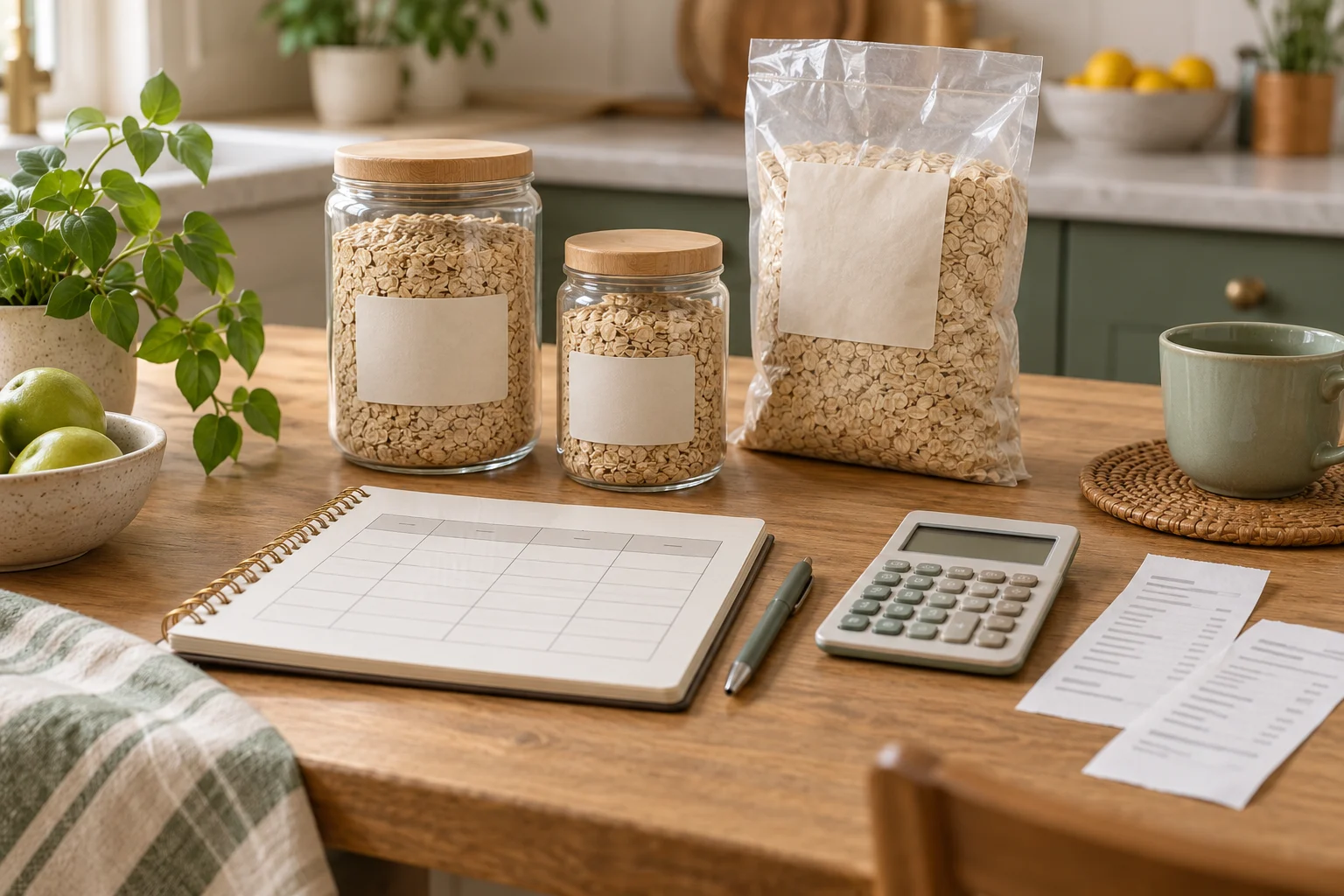
A lightweight grocery price comparison table can help organize household spending without turning everyday shopping into a full accounting project. In about 15 minutes, choose a small group of repeat purchases, record the details in one table, compare like with like, and decide what—if anything—deserves attention next time you shop. The goal is a clear reference for household spending organization, not a promise of a specific saving amount.
Why a small comparison table is useful
Grocery records become difficult to maintain when they include too many categories, irregular items, and details that do not support a decision. A compact table keeps the record focused on products your household buys often enough to compare.
For example, the table might include a staple food, a household cleaning item, a snack, or a personal-care product. The specific items are up to you. What matters is that each row answers a practical question: “What did we buy, in what size, from where, and what should we check next time?”
This approach is different from trying to reconstruct every receipt. It is a reference system for recurring purchases. You can keep a separate general expense note if needed, while using the comparison table for items where price, pack size, or purchase location tends to vary.
The prepare-sort-act-review framework
1. Prepare: choose a narrow scope
Begin with five to ten repeat purchases. A smaller list is easier to update and review. Avoid adding every item from the latest receipt just because it is available. A product belongs in the table when the information may help with a future shopping decision.
Choose one recording location, such as a spreadsheet, notes app, or paper page. The best format is the one you are willing to open again. Keep the initial setup simple enough that another household member could understand the columns without a separate explanation.
Use a date for each entry. Prices and pack sizes can change, so a dated note is more useful than an undated number that looks current long after the purchase.
2. Sort: separate comparable information
Record the product name, brand or version when relevant, pack size, purchase location, listed price, and a short note. If a promotion, substitute, or unusual package affected the purchase, write that in the note rather than hiding it in the price column.
Try to compare products with similar sizes and qualities. A large pack and a small pack should not be treated as equivalent simply because both are labeled with the same product name. If you use a unit price, record the unit clearly, such as price per kilogram, liter, or item. The unit should match the way the product is sold and used.
Do not create a unit comparison when the contents or quality are meaningfully different. In that case, label the difference plainly. A comparison table is more useful when it shows uncertainty than when it creates a misleadingly precise ranking.
3. Act: make one modest decision
After entering the information, select one action for the next shopping trip. Possible actions include checking a second store, buying a different pack size, postponing a nonessential purchase, adding a preferred option to a shopping list, or simply watching the item for another entry.
One decision is enough for a short review. The table is not an instruction to choose the lowest displayed number in every situation. Availability, quality, travel time, household preferences, storage space, and the risk of unused food can all matter. Record the reason for a choice when it is not obvious.
4. Review: keep only useful columns
Review the table after a few shopping trips. Look for columns that you actually use and remove fields that create work without helping a decision. You may find that a notes column is more useful than a detailed category field, or that one product needs a pack-size note while another does not.
A review also helps identify stale entries. Mark old information as outdated rather than silently treating it as a current price. If the table becomes difficult to scan, archive older rows and keep a short current view.
A copyable grocery price comparison table
Copy the following structure into a spreadsheet, document, or notes app. Add only the fields that support your shopping decisions.
| Date | Item | Brand or version | Pack size | Purchase location | Price | Unit, if used | Note or next action |
|---|---|---|---|---|---|---|---|
| YYYY-MM-DD | Product name | Optional | Size or count | Store or channel | Amount | Unit and basis | Promotion, substitute, or check next time |
| YYYY-MM-DD | Product name | Optional | Size or count | Store or channel | Amount | Unit and basis | Promotion, substitute, or check next time |
| YYYY-MM-DD | Product name | Optional | Size or count | Store or channel | Amount | Unit and basis | Promotion, substitute, or check next time |
If you want a simpler version, use just five columns: date, item, pack size, location, and price. Start with that version if detailed entries are likely to interrupt your routine.
The 15-minute action plan
- Minutes 1–3: Choose five to ten recurring grocery or household items. Leave out one-off purchases.
- Minutes 4–6: Open one recording location and create the table headings.
- Minutes 7–10: Enter the most recent information available from receipts, order history, or your existing expense notes. If a detail is unknown, leave it blank or label it as unknown.
- Minutes 11–13: Check whether the entries are comparable. Add pack size, unit, promotion, or substitution notes where they affect interpretation.
- Minutes 14–15: Choose one next action and set a review point after a few future shopping trips.
This schedule is a starting format rather than a requirement. If the available information is incomplete, record what you know and avoid filling gaps from memory with false precision.
Checklist for maintaining the record
- Prepare: I selected a small list of repeat purchases.
- Prepare: I chose one place to store the table.
- Sort: I included the date and pack size for each entry.
- Sort: I separated different versions or qualities instead of combining them.
- Sort: I labeled any unit comparison clearly.
- Act: I chose one practical next step rather than trying to change every shopping habit.
- Review: I marked old, promotional, or uncertain information.
- Review: I removed columns that do not help with a decision.
Common problems and simple adjustments
The table takes longer than shopping
Reduce the number of items and columns. A record with five useful rows is more sustainable than a detailed record that stops after one entry. You can add fields later if a recurring question appears.
Prices look different because pack sizes differ
Keep the pack size visible and add a clearly labeled unit comparison when appropriate. If the products differ in quality or contents, note that distinction instead of relying on the unit number alone.
Promotions make the history confusing
Keep the observed purchase price, but label it as a promotion or special condition. This preserves what happened without presenting the entry as a normal reference price.
The record becomes outdated
Add dates and review the current rows after several shopping trips. Archive older observations if they make the table hard to read. Older entries can remain useful as context, but they should not be mistaken for current information.
Several people in the household shop
Use shared column names and a short note about unusual substitutions. If each person records information differently, agree on a small convention for dates, pack sizes, and locations. Consistency makes the table easier to interpret than detailed instructions.
FAQ
Do I need to record every grocery purchase?
No. This routine is intended for recurring purchases and comparison questions. One-off items can remain in ordinary expense notes if you track them separately.
Should I compare only prices?
Price is one useful field, but it is not the only consideration. Pack size, quality, availability, travel effort, storage, and the likelihood of using the product can affect a household decision. Use the note column to preserve those considerations.
Is a spreadsheet necessary?
No. A notes app or paper page can work. A spreadsheet may help when you want to sort dates or calculate a unit figure, but the system should remain understandable and easy to update.
How often should I update the table?
Update it when a repeat purchase provides information that could affect a future choice. A short review after a few shopping trips is often more practical than trying to maintain a fixed daily schedule.
Conclusion
A grocery price comparison table works best as a small household reference, not as a second job. Prepare a narrow list, sort information by date and comparable size, act on one observation, and review the format when it becomes less useful. Starting with a 15-minute table can create a clearer record while leaving room for real-world factors that a single price cannot capture.