작성자: Kai Life Editorial Team
For a useful post-trip record, spend 15 minutes creating one trip folder, sorting items into a few clear groups, taking only the follow-up actions that matter, and writing a short review. The goal is not to preserve every message. It is to make future travel planning easier by keeping booking details, receipts, places, and trip notes in one predictable location.
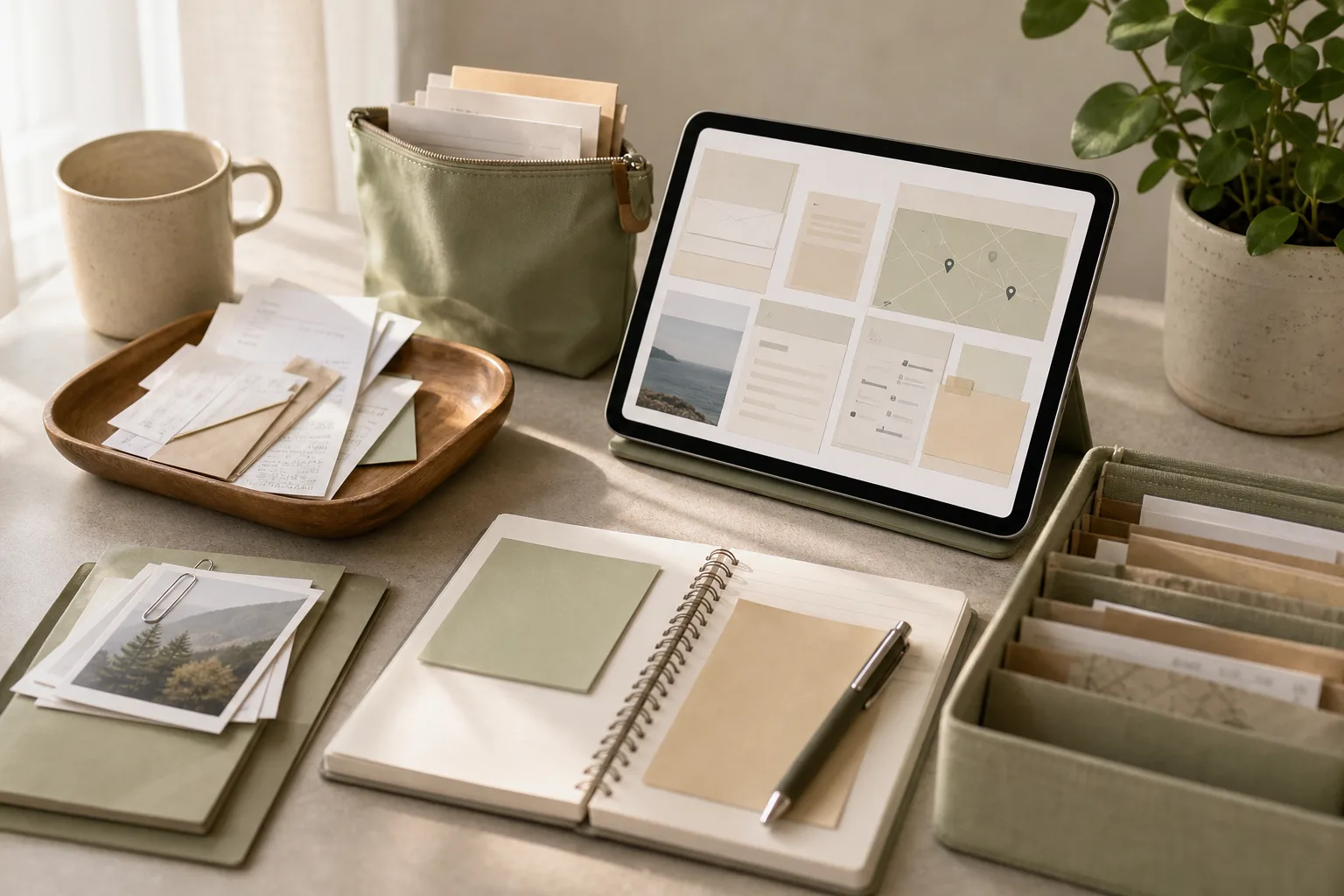
Why post-trip organization becomes difficult
Travel information arrives in different forms. A booking email may contain a confirmation number, a receipt may show the final amount, and a saved map place may contain the detail you wanted to remember. Photos, messages, calendar entries, and paper slips can add more fragments.
The problem is usually not a lack of storage. It is a lack of a shared order. If each trip is handled differently, finding one detail later becomes a small investigation. A simple routine reduces that search by giving every item a first destination.
This method is designed for independent travelers who want a practical record rather than a detailed travel diary. It separates information that supports future planning from information that is only useful for personal memory or short-term administration.
The four-stage framework: prepare, sort, act, review
1. Prepare: create one temporary workspace
Start with a single workspace for the trip. This can be a digital folder, a note, or a paper envelope. Use a name that includes the destination and travel dates if those dates are already known. The exact tool matters less than having one place to collect the first pass.
Gather only the sources that are easy to reach:
- Booking and confirmation emails
- Receipts or payment records
- Saved places and map lists
- Calendar entries
- Short notes about what was useful, inconvenient, or worth repeating
Do not open every photo or message at this stage. Preparation should make sorting easier, not expand the task.
2. Sort: use four practical categories
Give each item one primary category. A four-category system is usually enough for a first pass:
| Category | What belongs there | Why keep it |
|---|---|---|
| Bookings | Transport, lodging, tours, reservations, and confirmation details | Useful for records, follow-up, or reconstructing an itinerary |
| Receipts | Payment confirmations, invoices, and expense notes | Useful for personal budgeting or reimbursement records |
| Places | Cafes, shops, sights, neighborhoods, and saved map locations | Useful for a future place list or local-visit plan |
| Trip notes | Short observations, timing notes, cautions, and ideas | Useful for improving a later plan |
If an item fits two categories, choose the category that explains its future use. For example, a restaurant receipt with a note about the reservation can go under Receipts, while the restaurant name and a brief recommendation can also be copied into Places. Keep the copied note short so the system does not become a second inbox.
3. Act: handle only items with a clear next step
Sorting is not the same as completing every possible task. After placing an item, ask whether it needs an action. Examples include checking a pending refund, saving an invoice for a reimbursement request, deleting a duplicate attachment, or moving a promising location into a broader place list.
Write the next step beside the item rather than relying on memory. A useful action line includes a verb and an object, such as “check refund status,” “save final invoice,” or “add museum to future city list.” If there is no clear action, keep the item in its category and continue.
For sensitive documents, use the storage and access settings you normally use for personal records. This article does not determine how long a particular financial or tax document should be retained; that depends on your circumstances and any applicable local requirements.
4. Review: extract the reusable information
Finish with a short review. Keep no more than a few useful observations for future travel planning. A note can describe a planning preference, a timing issue, a location worth revisiting, or a detail that would reduce friction next time.
Good trip notes are specific enough to guide a later decision:
- “Group nearby places on the same afternoon.”
- “Keep a buffer before the final departure connection.”
- “Check reservation conditions before adding this type of stop.”
These statements are more useful than broad labels such as “good trip” or “busy day.” They turn the record into a planning aid without requiring a long journal entry.
A 15-minute action plan
Use a timer if the task tends to expand. The time blocks below are a guide, not a test. If the trip has many items, complete a first pass and leave a clearly named follow-up task.
- Minutes 0–2: open the workspace. Create or locate the trip folder or note. Add the destination and a date range when available.
- Minutes 2–5: collect the visible items. Search for booking messages, receipts, calendar entries, and saved places. Move or copy only the items that are easy to identify.
- Minutes 5–9: sort into four categories. Place each item under Bookings, Receipts, Places, or Trip notes. Use a short filename or heading where helpful.
- Minutes 9–12: record next actions. Mark items that need a follow-up. Add one action phrase for each. Leave uncertain items in a small “Review later” section rather than stopping the routine.
- Minutes 12–15: write the reusable summary. Add a few planning notes, update the broader place list if appropriate, and note any unresolved task.
At the end, the workspace should answer four questions: What was booked? What payments or receipts exist? Which places are worth remembering? What would help with the next plan?
A copyable trip organization table
Copy this structure into a note or document. The “next action” column helps separate stored information from unfinished work.
| Item | Category | Useful detail | Next action |
|---|---|---|---|
| Example booking | Bookings | Confirmation or reservation reference | Keep for records |
| Example payment | Receipts | Date, merchant, and payment record | Check whether follow-up is needed |
| Example location | Places | What made it useful or memorable | Add to a future place list |
| Example observation | Trip notes | Planning lesson or timing note | Use during the next itinerary draft |
How to decide what to keep, shorten, or remove
Keep information that supports a later decision
Keep confirmation details, final payment records, and notes that change how you might plan a similar visit. A detail earns its place when it helps answer a future question, supports a follow-up, or preserves a useful reference.
Shorten information that is useful but repetitive
If several emails describe the same booking, keep the clearest message and record the important reference in the trip note. If a receipt has a long attachment, use a concise label while retaining the original according to your own record-keeping needs.
Remove information that adds search noise
Duplicate downloads, promotional messages, expired reminders, and screenshots with no context can make the workspace harder to use. Review them only after important records have been identified. Avoid deleting anything when you are unsure whether it has administrative value; place it in “Review later” instead.
When an item does not fit neatly
Uncertainty can consume more time than sorting. Use a temporary label such as “Review later” for items that need context. Then apply one question: “Would I look for this by booking, payment, place, or lesson?” Choose the category that matches the likely search path.
For example, a message about a canceled reservation is primarily a Booking item if you may need its reference later. A message about a charge correction is primarily a Receipt item. A note about a crowded area or a convenient walking route belongs in Trip notes if it affects future planning.
Do not create a new category for every exception. Additional categories are helpful only when they support a recurring type of search.
Copyable 15-minute checklist
- □ Create or open one workspace for the trip.
- □ Gather booking emails and confirmation details.
- □ Gather receipts or payment records that need attention.
- □ Collect saved places worth remembering.
- □ Add short trip notes about planning lessons.
- □ Sort items into Bookings, Receipts, Places, or Trip notes.
- □ Write a next action for unresolved items.
- □ Move uncertain items to a clearly labeled review section.
- □ Update a broader place list when a location has future value.
- □ Write a short summary for the next travel planning session.
- □ Set aside a separate follow-up task if the 15-minute pass is incomplete.
FAQ
Should receipts and booking emails be stored together?
They can share one trip workspace while remaining in separate sections. Bookings answer itinerary and confirmation questions, while receipts support payment records. Keeping those labels distinct makes later searching easier.
What if I have no time to write trip notes?
Write one sentence about a future planning decision. For example, record what to group together, what buffer to allow, or which type of place to revisit. A short specific note can be more useful than a long account written much later.
How should I handle a large backlog?
Use the routine as a first pass. Sort obvious items, mark uncertain ones for review, and avoid opening every attachment. You can process one trip at a time and use the same four categories for consistency.
Should every saved place go into a permanent place list?
No. Transfer a place when you can explain why it may matter later. A short reason—such as location, atmosphere, or suitability for a future itinerary—helps prevent the broader list from becoming an unfiltered collection.
Conclusion
Travel planning organization does not require a complicated archive. A repeatable 15-minute routine can turn scattered booking emails, receipts, saved places, and trip notes into a compact reference. Prepare one workspace, sort into four categories, record clear next actions, and review the few details that can improve a future itinerary. The system remains useful when it is easy to repeat and specific enough to answer the questions you are likely to ask later.