By Kai Life Editorial Team
A practical travel planning checklist should show what is booked, what is only an idea, and what you will do if the first option changes. Keep the reservation source, map link and next action together on one page; save essential addresses and instructions in a form you can access without reopening every website.
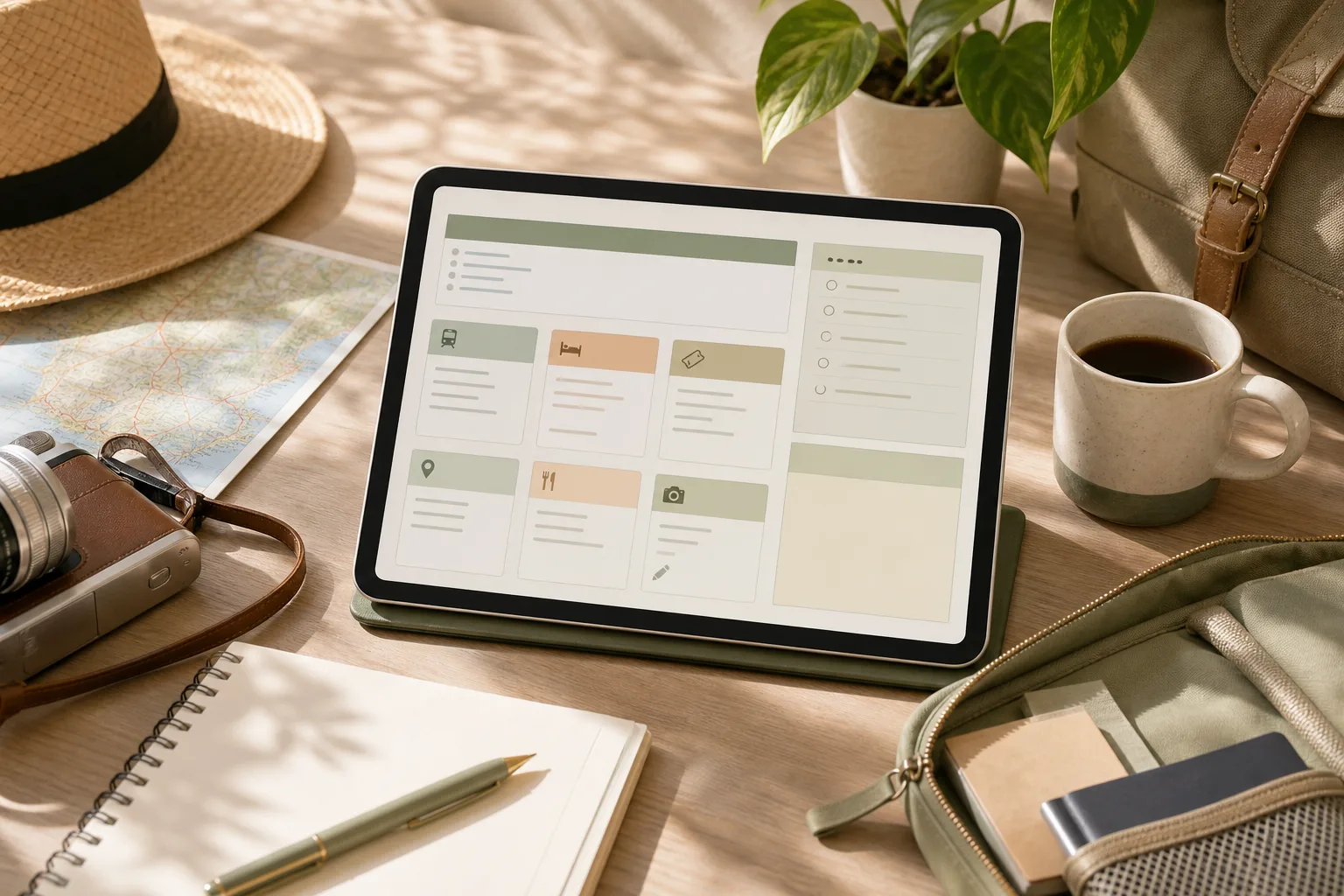
Worked example: turn a saved place into a usable plan
The entries below are fictional and contain no destination-specific opening times, prices or transport promises. Replace each placeholder with information checked on the relevant operator’s official page.
| Planning item | Record now | If the first option changes |
|---|---|---|
| Arrival | Accommodation address, booking reference stored privately, check-in instructions and the official contact route | Keep the address and instructions available offline; check the provider’s current arrival guidance. |
| Main visit | Official place link, intended date and whether booking is actually confirmed | Keep one nearby alternative as an idea, clearly separated from confirmed bookings. |
| Travel between places | The operator’s route information and the station or stop names you checked | Recheck current service information before departure rather than relying on an old screenshot. |
| Flexible time | A small set of optional places grouped by area | Drop an optional stop before compressing the entire day around it. |
Use three status labels
Confirmed means a reservation or requirement has actually been completed. To check means a detail still needs verification. Optional means the item can be removed without disrupting a booking. A saved URL by itself should not be marked Confirmed.
Do not put passport details, full payment information or private booking access links in a publicly shared itinerary. Share only the details the intended recipient needs.
Why one page helps with travel planning
Travel information often arrives in different forms: a booking confirmation in email, a map link in a message, a restaurant idea saved in a browser, and a local attraction found during research. Each item may be useful, but scattered information is difficult to compare when plans change.
A single planning page gives every item a visible place. It does not need to contain every detail about a destination. Instead, it should answer practical questions:
- What is this link for?
- When might I use it?
- Is action required before the trip?
- What should I remember if the page is hard to access later?
The goal is not to create a rigid schedule. It is to create a dependable reference that supports decisions while leaving room for local conditions, energy levels, weather, and unexpected changes.
Step 1: Prepare one home page
Begin with one note, document, or spreadsheet that can be opened from the device you expect to use during the trip. Choose the format based on how you think. A note may be convenient for short plans, while a table can make categories and missing details easier to see.
Give the page a clear title that includes the destination and travel dates or trip name. Then add four simple sections:
- Core bookings: transport, accommodation, tours, or tickets already selected.
- Places: sights, food, neighborhoods, shops, parks, and other ideas.
- Practical details: opening information, arrival notes, access instructions, and transport references.
- Questions and actions: details that still need checking or decisions that remain open.
At this stage, do not try to arrange the ideal itinerary. The preparation step is only about creating a clear home for information. A short heading and consistent layout will make later sorting easier.
Copyable planning table
| Item | Type | Link | When useful | Action or note |
|---|---|---|---|---|
| Accommodation | Booking | Paste URL | Arrival and departure | Save address and check-in details |
| Local place | Idea | Paste URL | Flexible day | Note area, opening information, and priority |
| Transport | Practical | Paste URL | Travel between areas | Record the relevant route or station |
| Reservation | Booking | Paste URL | Specific date or time | Check cancellation or arrival instructions |
Step 2: Sort links by purpose, not by discovery order
Once links are collected, sort them according to how they will be used. Discovery order is rarely useful: the first saved link may not be the most important one, and several links may describe the same place.
Use a small set of labels such as booked, candidate, route, reference, and check. These labels distinguish firm commitments from optional ideas. They also prevent a long place list from looking like a fixed itinerary.
For each link, add a short description in your own words. For example, “museum ticket page” is more useful than a long URL title. If a page contains information that may be difficult to find later, write the relevant detail beside the link rather than relying on memory.
Remove or combine duplicates during sorting. If three pages refer to one location, keep the link that is most useful for the intended task and place other references in a short note if they provide different information. Avoid saving a link without identifying its purpose; an unexplained link becomes another research task later.
Use a priority field
A simple priority field can keep optional ideas from competing with fixed plans:
- High: connected to a booking, a time-sensitive visit, or an important arrival detail.
- Medium: useful if the route and schedule allow it.
- Low: an idea to consider locally or on a future trip.
Priority is a planning aid, not a promise to complete every item. Keeping some ideas in the low-priority group can make the page more realistic and easier to use.
Step 3: Act on the details that affect the trip
After sorting, focus on links that require a decision or a verification. This is where a collection of links becomes a working plan.
- Confirm fixed details: review dates, times, locations, names, and reference numbers shown in your booking materials.
- Mark time-sensitive items: identify reservations, ticket windows, entry periods, or places whose access information may affect the day.
- Group nearby places: place locations in the same area together, without treating the group as a mandatory schedule.
- Write a fallback: add one nearby alternative for an important activity when changing conditions could affect the plan.
- Record access notes: note the information you will need at the moment of use, such as an address, meeting point, or check-in instruction.
Keep the action notes short. The page is not intended to reproduce every webpage. Its role is to reduce the number of decisions you need to make while moving between places.
A 15-minute action plan
- Minutes 1–3: create the page and add headings for bookings, places, practical details, and questions.
- Minutes 4–7: paste the links already found in email, messages, browser bookmarks, or notes.
- Minutes 8–10: label each item by purpose and mark high, medium, or low priority.
- Minutes 11–13: write one useful note beside each high-priority item.
- Minutes 14–15: identify duplicates and list the next two details that need checking.
This short session is enough to create a usable starting page. More research can be added later without changing the basic structure.
Step 4: Review the page before and during the trip
A planning page should be reviewed because information can change and because the page may reveal gaps that were not obvious during research. Review it at a sensible point before departure, then update only the details that affect decisions.
Check whether each important item has a clear label, a working destination, and a short note explaining its use. Look for conflicting dates, duplicated places, missing addresses, and activities that are too far apart to combine comfortably. If you are traveling with other people, make the page readable to someone who did not collect the original links.
During the trip, use a lightweight update method. Mark completed bookings or visited places only when that helps you orient yourself. Move postponed ideas into a separate section rather than deleting them immediately. This preserves useful research without allowing the main plan to become crowded.
Review checklist
- Are the most important bookings easy to find?
- Does every saved link have a purpose or description?
- Are fixed plans separated from optional ideas?
- Have nearby places been grouped sensibly?
- Are arrival, meeting, and access notes written in plain language?
- Have duplicate or outdated links been removed or labeled?
- Is there a short list of unresolved questions?
- Can the page still be understood when you are tired or in a hurry?
How to keep the system useful without overbuilding it
Travel planning organization can become counterproductive when the system takes more time than the trip decisions it supports. Use the smallest structure that answers your questions. A single page with a table is enough for a short visit. A longer trip may benefit from separate sections for each area or day, but the same labels can remain in place.
Separate research from commitment. A saved place is not automatically part of the itinerary, and a suggested route is not necessarily suitable for your timing or mobility needs. Treat the page as a decision aid rather than an instruction to follow every item.
Also consider access. If a link depends on a connection, account, or page that may be difficult to open, copy the key non-sensitive detail into the note. Avoid placing private booking credentials or unnecessary personal information in a broadly shared document.
FAQ
Should one page include the full itinerary?
It can, but a full itinerary is not required. The page may work better as a control center containing bookings, place ideas, route references, and unresolved questions. A separate day-by-day schedule can be linked or added only when it provides practical value.
What should I do with places I cannot fit into the schedule?
Move them into a low-priority or “if nearby” section. This preserves the research while making clear that the items are optional. The list can also become a starting point for a future visit.
How many categories should the page have?
Start with four to five categories. Add another category only when it solves a repeated problem, such as separating transport from accommodation. Too many categories can make quick scanning harder.
What if a saved link stops working?
Replace it with another relevant source when practical and keep the useful detail in your own note. For bookings, refer to the original confirmation or provider account rather than relying only on a copied link.
Conclusion
A one-page travel planning system does not need complex software or a detailed schedule. Prepare one home page, sort links by purpose, act on the details that affect decisions, and review the result before using it. With a few clear labels and short notes, scattered research can become a practical reference for independent travel while leaving space for changes along the way.