작성자: Kai Life Editorial Team
For better travel planning organization, collect every useful trip link in one temporary page, then sort each link into a small set of practical sections. A 15-minute routine is enough to create a working travel hub for maps, reservations, places to visit, transport details, and trip notes. The goal is not to design a perfect itinerary. It is to make important information easier to find when you are deciding what to do next.
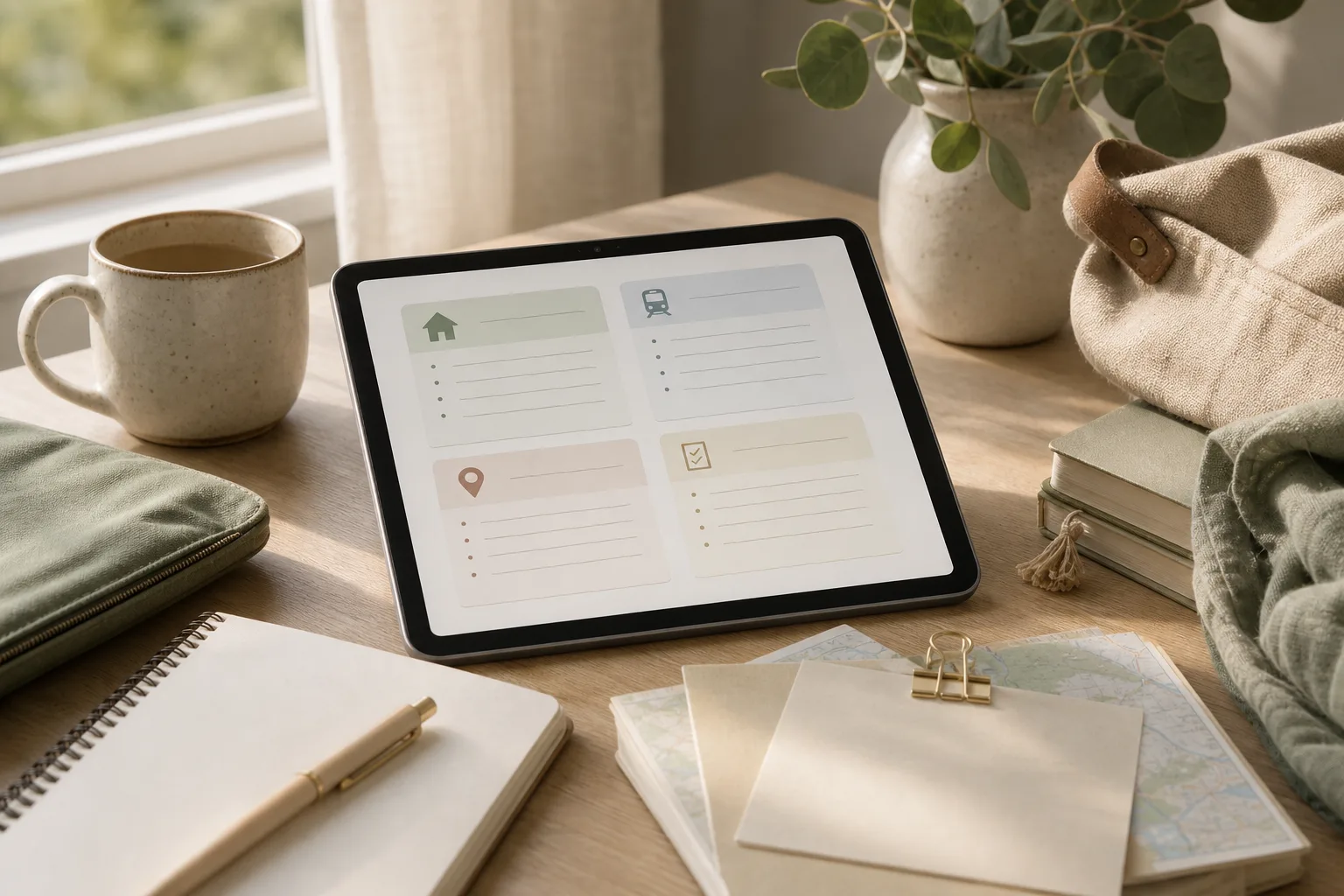
Why one planning page helps
Travel details often arrive from different places: a booking message, a map result, a restaurant page, a local attraction, a transport website, or a note from a friend. Saving each item separately can make the trip feel more complicated because the information is scattered across browser tabs, messages, screenshots, and notebooks.
A single planning page gives each link a temporary home. It can be short and imperfect. You can improve it later, but the first version should answer practical questions quickly:
- Where is this place?
- Why did I save it?
- When might I need it?
- Is there a booking, time restriction, or action attached to it?
- Can I find the original information again?
This approach also separates collecting from deciding. During the first pass, you gather useful material. Later, you choose what deserves a place in the itinerary.
The four-part framework: prepare, sort, act, and review
1. Prepare: make one temporary home
Create one page with a clear title, such as “Lisbon trip links” or “Saturday local visit.” Use a tool you already understand: a plain notes page, document, or digital notebook. The specific tool matters less than having one visible place for the first collection.
At the top of the page, add basic context:
- Destination or local area
- Travel dates, if known
- People involved, if relevant
- The main purpose of the trip
- One open question that still needs an answer
Keep this section brief. It is an orientation label, not a full itinerary.
2. Sort: use categories that support decisions
Next, divide the page into sections. A practical starting structure is:
| Section | What belongs there | Useful note to add |
|---|---|---|
| Bookings | Accommodation, tickets, reservations, confirmation pages | Booking name, date, and any follow-up action |
| Map and transport | Map pins, route pages, stations, parking, transfer information | Starting point and approximate travel context |
| Places | Attractions, restaurants, shops, parks, viewpoints | Reason for saving the place |
| Timing and rules | Opening information, entry instructions, local guidance | What should be checked before visiting |
| Trip notes | Questions, ideas, packing reminders, local observations | Next action or decision needed |
Do not create a new category for every type of link. Too many sections make the page harder to scan. If an item could fit into two sections, place it where you would look for it later and add a short label if needed.
3. Act: turn links into usable notes
A saved URL without context is easy to forget. Add one short sentence beside each important link. For example, write “possible lunch near the station” rather than saving only a restaurant address. This small description helps you understand the link without reopening every page.
Use this format:
Name — why it matters — link — next action
Example:
- City museum — possible rainy-day visit — link — check entry information before the travel day.
- Station map — useful for the arrival route — link — compare with the accommodation location.
- Neighbourhood market — saved for a flexible morning — link — decide whether it fits the route.
Notice that the wording records usefulness without pretending that every saved place will be visited. This keeps the place list flexible and reduces pressure to fit everything into one schedule.
4. Review: remove friction before you need the page
Use the final few minutes to scan the page as if you were already travelling. Can you tell which links relate to arrival, where the reservations are, and which places are only optional ideas?
During review, mark items with simple labels such as:
- Booked: a reservation or ticket is already recorded.
- Decide: the place is interesting but not yet chosen.
- Check: a detail may need confirmation closer to the visit.
- Nearby: the place could fit if you are already in that area.
These labels are more useful than trying to rank every idea immediately. They show what kind of attention each item needs.
A 15-minute travel planning routine
Set a timer and work in four short phases. Stop when the timer ends; the page can be refined during another session.
- Minutes 0–3: gather. Open the pages, messages, and notes that already contain trip information. Copy links into the temporary page without trying to arrange them.
- Minutes 3–7: sort. Move each link into Bookings, Map and transport, Places, Timing and rules, or Trip notes. Leave uncertain items in the closest section rather than pausing for a detailed decision.
- Minutes 7–12: add context. Give important links a name and one reason for saving them. Add a next action only where one is clear.
- Minutes 12–15: review. Mark items as Booked, Decide, Check, or Nearby. Identify one missing detail that would make the next planning session easier.
The routine works best when it produces a useful first draft rather than a finished schedule. If you spend the whole session comparing destinations or rewriting descriptions, you have moved from organizing into itinerary design.
Copyable one-page template
Copy the following structure into your preferred notes tool:
TRIP OR LOCAL VISIT:
DATES:
MAIN PURPOSE:
OPEN QUESTION:

BOOKINGS
- Name — date or time — link — follow-up:

MAP AND TRANSPORT
- Place or route — why useful — link — starting point:

PLACES
- Name — why saved — link — label: Booked / Decide / Nearby:

TIMING AND RULES
- Place or activity — detail to check — link:

TRIP NOTES
- Question:
- Flexible idea:
- Packing or preparation reminder:

NEXT REVIEW
- One detail to confirm:
- One decision to make:
This template is intentionally small. Add a section only when a repeated planning problem justifies it. For example, a family trip might benefit from a separate “shared responsibilities” section, while a short solo visit may not need one.
Checklist for a usable trip page
- One page has a clear destination or visit title.
- Bookings are separated from ideas.
- Important links have a short description.
- Map and transport links include enough context to identify their purpose.
- Places are treated as options unless they are booked or deliberately selected.
- Open questions are written down instead of being held in memory.
- At least one next action is visible.
- The page can be scanned without opening every link.
Common problems and simple adjustments
Saving too many links
If the page becomes a long collection of possibilities, add a reason beside each place. Links without a reason are candidates for later review. You do not need to delete them immediately, but separating useful context from casual browsing makes the list easier to trust.
Mixing fixed plans with flexible ideas
A reservation and a possible café visit do not have the same planning status. Use labels or separate sections so fixed commitments stand out. This helps protect travel time from becoming overloaded.
Writing notes that are too vague
“Good place” may not be enough when you return to the page later. Try “near the afternoon route” or “possible option if the weather changes.” A short reason is usually more useful than a long description.
Building the itinerary too early
Collecting links is a preparation task. Choosing exact times, routes, and priorities is a separate task. Keeping those stages distinct can make the first planning session feel more manageable.
FAQ
Should every saved link go on the page?
No. Put links there when they support a real travel question, possible visit, booking, route, or follow-up task. Casual inspiration can remain elsewhere until it becomes relevant.
Do I need a dedicated travel-planning app?
No dedicated app is required for this method. A simple page is enough to test whether the structure helps. If the page later needs collaboration, map views, or calendar connections, you can consider a different tool based on that specific need.
When should I review the page again?
Review it when a booking changes, a major decision is made, or you begin preparing for the visit. A short review is more useful than repeatedly reorganizing the page without a new planning question.
What if I am planning a spontaneous day out?
Use the same structure with fewer sections. Keep one map link, a short place list, any time-sensitive information, and one backup idea. The method can support a flexible visit without turning it into a rigid schedule.
Conclusion
Effective travel planning organization starts with a page that is easy to use, not a complicated system. In 15 minutes, gather scattered links, sort them by purpose, add a sentence of context, and mark the next decision. The result is a practical trip hub that supports itinerary organization while leaving room for changing plans. Start with one destination, use the template, and adjust the categories after you notice what you actually need to find.