By Kai Life Editorial Team
Start weekly meal planning with a short menu, check the ingredients already available, then write only the remaining shopping items. Keep one flexible meal unassigned so the note can adapt when plans change. The example below links a meal shortlist to a grocery list without requiring a different recipe for every day.
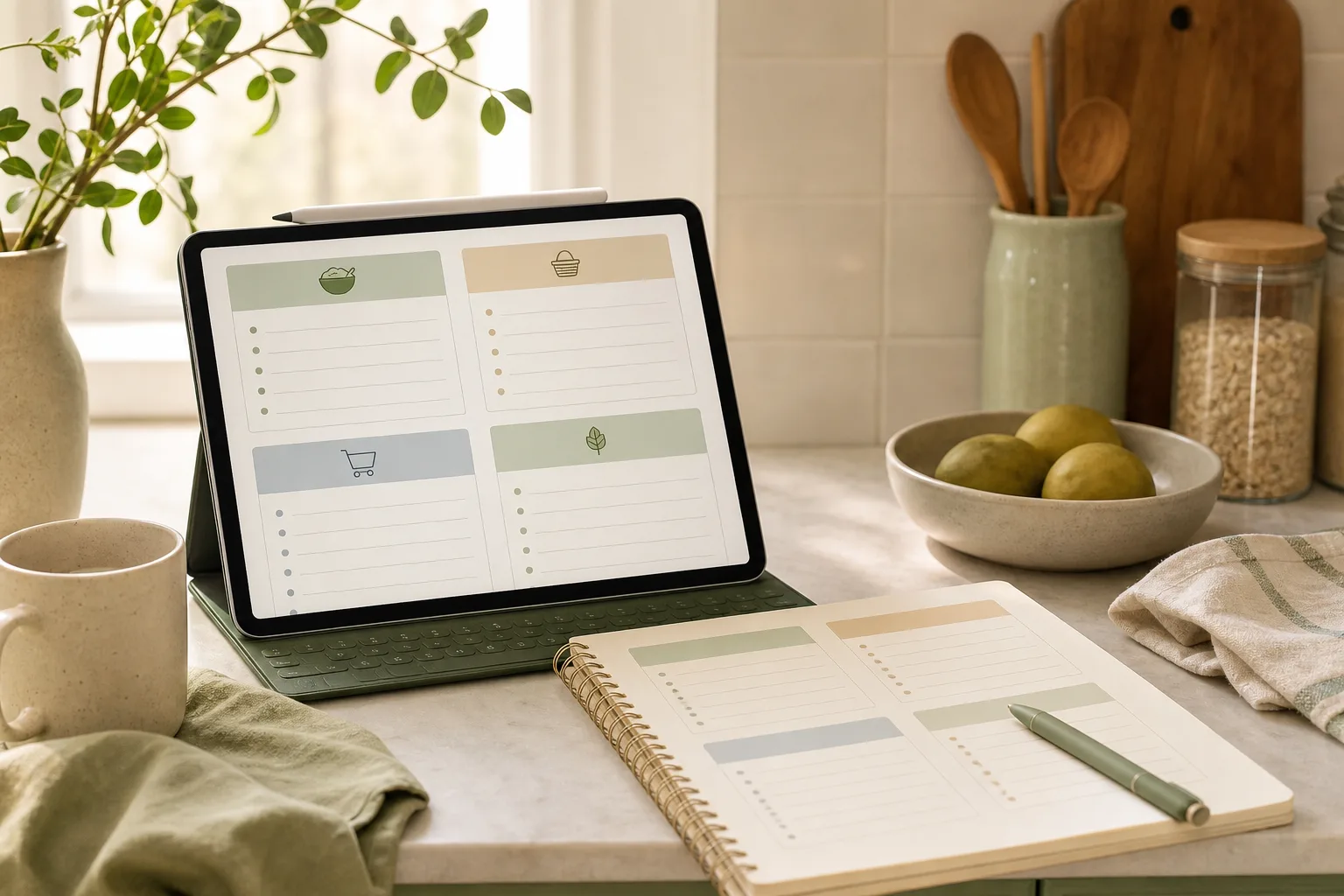
Worked example: three meal ideas, one shopping decision
This is a planning illustration, not a nutrition plan or food-storage guide. Adapt it to dietary requirements and use reliable recipes and appropriate food-safety guidance for preparation and storage.
| Meal idea | Check what is available | Add only what is missing |
|---|---|---|
| Vegetable pasta | Pasta, vegetables and the ingredients required by your chosen recipe | Missing recipe ingredients; do not duplicate items already available. |
| Bean and rice bowl | Rice, beans and suitable toppings | Any missing base or topping items, checked against the actual recipe. |
| Flexible simple meal | A familiar meal you can assemble with verified available ingredients | Only the items needed to keep that option workable. |
Combine ingredients without guessing quantities
If two selected recipes need the same ingredient, total their requirements before shopping. For example, if one recipe calls for one onion and another calls for two, record three in total, then subtract any usable onions already available. This arithmetic is an example, not a suggested serving size.
Copyable note: Meals chosen ___ / Recipes and quantities checked ___ / Available ingredients ___ / Missing items ___ / Flexible option ___.
Keep the long-term recipe collection separate from this week’s shopping decisions. A saved recipe is a candidate, not an instruction to buy all of its ingredients immediately.
Why meal ideas become difficult to organize
Meal planning often collects information from several places: messages, saved recipes, a paper note, a shopping app, and memory. The problem is not necessarily a lack of ideas. It is the effort required to decide which ideas belong to this week, what needs to be bought, and what can wait.
A useful note does not need to contain every possible meal. It only needs to support the next decision. Start with a small working list and separate three kinds of information:
- Ideas: meals you may want to make later.
- Plans: meals you are considering for the current week.
- Actions: ingredients or kitchen tasks that need attention.
Keeping these categories distinct makes the note easier to scan. It also prevents a long collection of saved ideas from being mistaken for a shopping plan.
Step 1: Prepare one weekly note
Create one note for the current planning period. The location can be a notebook, phone note, document, or another tool you already use. The important feature is that the note has a clear title and a limited purpose.
Use a simple heading such as Meals — week of [date]. Under it, add four sections:
- Meal candidates
- Items already available
- Shopping list
- Review notes
At this stage, collect ideas without trying to arrange the entire week. Add meals from your existing notes, recent preferences, or a recipe you intend to try. If an item is only a vague possibility, label it as an idea instead of treating it as a commitment.
One practical boundary is to keep the active note short. A note that tries to hold every future recipe can become an archive rather than a planning tool. Move longer-term ideas to a separate list when possible.
Step 2: Sort ideas into a workable shortlist
Next, review the candidates and choose a small shortlist for the week. This is a sorting task, not a test of creativity. The goal is to identify meals that fit the time, attention, and ingredients you expect to have available.
For each candidate, ask:
- Do I want to consider this during the current week?
- Is the preparation effort compatible with the day it may be used?
- Are key ingredients already available, or would they require a separate shopping task?
- Would this idea be easier to keep as a later option?
You can use three labels to keep the decision light:
| Label | Meaning | Next action |
|---|---|---|
| Now | A meal worth considering this week | Move relevant items to the shopping list |
| Later | A useful idea that does not fit the current plan | Move it to the longer-term idea list |
| Drop | An idea that no longer seems useful | Remove it from the active note |
These labels are intentionally flexible. They do not require a fixed number of meals or a detailed calendar. If a weekly schedule helps you, assign shortlisted ideas to days. If a schedule creates extra maintenance, keep a short list of options instead.
Step 3: Turn the shortlist into an action list
Once the meal candidates are sorted, convert them into actions. Review what is already available before adding items to the shopping list. This keeps the list connected to the plan rather than copying every ingredient from every recipe.
Write shopping items in the form that helps you recognize them quickly. For example, group them by your own shopping route or by broad categories such as produce, pantry, chilled items, and other. The best grouping is the one that reduces searching when you use the list.
Separate decisions from reminders. A meal note might contain:
- Meal: the idea being considered.
- Check: an item to confirm at home.
- Buy: an item to add to the shopping list.
- Do: a preparation or kitchen task to remember.
This separation helps prevent a common source of clutter: putting every thought into one undifferentiated list. A shopping list should support shopping, while a meal note can hold the context behind it.
A copyable weekly note
MEALS — WEEK OF [DATE]

MEAL CANDIDATES
- [ ]
- [ ]
- [ ]

ALREADY AVAILABLE
- [ ]
- [ ]

SHOPPING LIST
Produce:
- [ ]
Pantry:
- [ ]
Chilled or other:
- [ ]

KITCHEN ACTIONS
- [ ]
- [ ]

REVIEW NOTES
- Keep:
- Change:
- Move to later:
Step 4: Review and improve the note
After the week, spend a short time reviewing the note. The review is not about judging the plan. It is a way to learn which parts of the system deserve less attention next time.
Use three questions:
- Which meal ideas were easy to decide on?
- Which shopping or note-taking step caused friction?
- What should be moved to the later list, rewritten, or removed?
Keep the review notes brief. A useful entry might say that a meal was too involved for a busy day, that a shopping category was unclear, or that an idea should remain available for another week. These observations can improve the structure of the next note without requiring a new planning system.
Also remove completed actions. A note that contains old unchecked tasks can make the next planning session harder to read. Archive the finished note if you want a record, then start a fresh weekly note with only the information that still matters.
A 15-minute action plan
If you have limited time, use the following sequence. Adjust the minutes to suit your schedule; the purpose is to create a short, repeatable session rather than a detailed planning ritual.
- Minutes 1–3: Open one note and add the current date. Collect meal ideas from your existing notes.
- Minutes 4–7: Mark each idea as Now, Later, or Drop. Keep the current shortlist manageable.
- Minutes 8–11: Check what is already available and write only the remaining shopping actions.
- Minutes 12–14: Group the shopping list in a way that suits your usual routine.
- Minute 15: Add one reminder for review and remove distracting details from the active note.
If the list remains unfinished, stop at a sensible point and mark the next action. A clear next step is more useful than adding more categories to the system.
Kitchen organization checklist
| Stage | Checklist |
|---|---|
| Prepare | One dated note exists; meal ideas are collected; longer-term ideas are separate. |
| Sort | Each candidate is marked Now, Later, or Drop; current options are easy to see. |
| Act | Available items are checked; shopping tasks are grouped; kitchen actions are separate. |
| Review | Completed tasks are cleared; friction points are noted; useful ideas are carried forward. |
Common mistakes to avoid
Making the note an archive
A large collection of recipes can hide the few ideas relevant to the current week. Keep the active note focused and store future ideas elsewhere.
Writing ingredients before choosing meals
A long ingredient list can create extra decisions. Choose the shortlist first, then write the shopping actions connected to it.
Using too many categories
Categories should help you find information. If maintaining them takes more effort than using the note, combine sections and return to the basic four: candidates, available items, shopping, and review.
Treating the plan as fixed
Plans can change because of time, preferences, or what is available. Mark an idea for later rather than rewriting the entire note when the week changes.
Conclusion
A simple meal note can support kitchen organization when it separates ideas from actions. Prepare one dated note, sort candidates, create a focused shopping list, and review the result. The 15-minute version is enough to begin: collect, label, check, group, and record the next step. The system can remain small while still giving your weekly meal decisions a clearer home.
FAQ
Do I need to plan every meal?
No. You can use the note for a shortlist of meal ideas rather than a complete calendar. Choose the level of detail that supports your routine.
What should I do with ideas I do not use?
Move them to a separate Later list if they may still be useful. Remove them if they no longer fit your preferences or planning needs.
Should my shopping list be organized by store section?
It can be, but it does not have to be. Use categories that make the list easier for you to scan and update.
How often should I review the note?
Review it at the end of the planning period or when you start the next one. A short review is enough to identify what to keep, change, or remove.