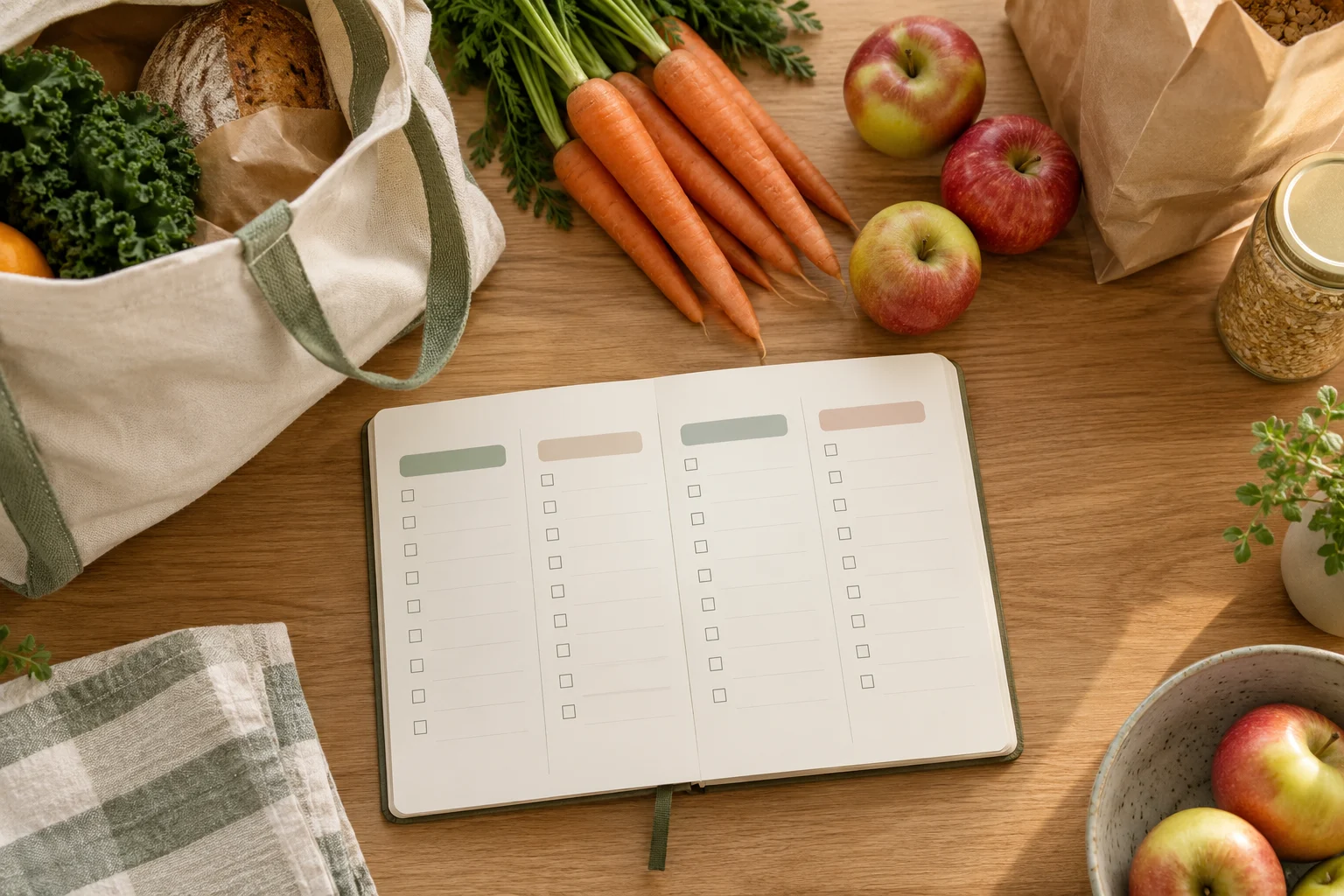
장보기 목록은 메뉴별로 적기보다 매장에서 지나가는 구역 순서대로 나누면 확인하기 쉽습니다. 먼저 메뉴 메모에서 필요한 항목을 꺼내고, 이를 매장 입구·상온 식품·채소·냉장·냉동·생활용품처럼 실제 이동 구역에 맞춰 배치하세요. 마지막으로 집에 있는 재료와 구매 수량을 점검하면, 장보기 중 목록을 반복해서 되짚는 일을 줄이는 데 도움이 됩니다.
왜 메뉴별 목록보다 동선별 목록이 실용적인가
메뉴별 목록은 무엇을 만들지 파악할 때는 편리하지만, 장을 볼 때는 같은 구역을 여러 번 확인하게 만들 수 있습니다. 예를 들어 한 메뉴에 채소와 냉장 재료가 함께 적혀 있으면 채소 코너에서 일부만 사고, 뒤에서 냉장 재료를 다시 찾아야 합니다.
동선별 목록은 재료의 요리 용도가 아니라 구매 위치를 기준으로 묶습니다. 따라서 메뉴가 여러 개여도 한 구역에서 확인할 항목을 한 번에 볼 수 있습니다. 다만 매장 구조가 익숙하지 않거나 매장마다 진열 위치가 다르면 구역 이름을 고정하지 말고, 자주 가는 매장의 실제 이동 순서에 맞춰 바꾸는 편이 좋습니다.
15분 실행 루틴: 준비·분류·실행·점검
1단계: 준비하기
처음 3분은 메뉴 메모와 집에 있는 재료를 확인하는 시간입니다. 이번에 만들 메뉴를 모두 적은 뒤, 이미 보유한 재료에는 표시합니다. 보유 여부가 불확실한 항목은 일단 별도 표시하고, 장보기 직전에 다시 확인합니다.
이번에 만들 메뉴를 한곳에 모아 적기
메뉴마다 필요한 재료를 빠짐없이 옮기기
집에 있는 재료에는 ‘보유’ 표시하기
대체할 수 있는 항목이나 구매를 미룰 항목은 따로 표시하기
2단계: 매장 구역별로 분류하기
다음 5분은 재료를 동선에 맞춰 옮기는 단계입니다. 아래 구역은 예시이므로 자주 이용하는 매장의 순서에 맞게 수정하세요. 중요한 것은 구역 이름 자체가 아니라, 한 번에 지나갈 흐름을 만드는 것입니다.
구역
옮겨 적을 항목 예시
확인 포인트
입구·상온
자주 쓰는 상온 식품, 조미 재료
집에 남은 양과 중복 여부
채소·과일
메뉴에 필요한 신선 식재료
메뉴별 필요 개수 또는 단위
냉장
냉장 보관이 필요한 재료
이번 장보기에서 꼭 필요한 항목인지
냉동
냉동 식품이나 냉동 보관 재료
다른 구역보다 뒤에 둘지 여부
생활용품
주방 소모품, 세척 관련 용품
식품 목록과 섞이지 않았는지
3단계: 실행용 목록으로 줄이기
3분 동안 분류된 목록에서 설명을 줄이고, 매장에서 바로 볼 수 있는 형태로 바꿉니다. 메뉴 이름을 길게 반복하기보다 품목과 필요한 기준만 남기세요. 수량을 정하기 어려운 항목은 억지로 숫자를 만들지 말고 ‘부족할 때 구매’처럼 조건을 적습니다.
예를 들어 ‘메뉴 A에 사용할 채소’라고 적기보다 ‘채소 이름 — 메뉴 A — 필요한 양 확인’처럼 쓰면 구매와 메뉴의 연결을 유지하면서도 목록을 빠르게 읽을 수 있습니다. 스마트폰 메모를 사용한다면 구역마다 줄을 나누고, 구매한 항목에 체크 표시를 할 수 있도록 작성합니다.
4단계: 출발 전 점검하기
마지막 4분은 목록을 줄이는 시간입니다. 메뉴에 반드시 필요한 항목, 집에 없는 항목, 다른 재료로 대체하기 어려운 항목을 우선 남깁니다. 반대로 이미 보유한 항목과 다음 장보기로 미뤄도 되는 항목은 별도 구역으로 보냅니다.
메뉴와 연결되지 않은 항목이 없는가?
집에 있는 항목이 장보기 목록에 남아 있지 않은가?
같은 품목이 여러 메뉴에 중복 표기되어 있지 않은가?
매장에 들어간 뒤 지나갈 구역 순서로 정렬되어 있는가?
수량을 확정하기 어려운 항목에 추정치를 사실처럼 적지 않았는가?
복사해서 쓰는 장보기 목록 양식
아래 양식은 메모 앱이나 종이에 그대로 옮겨 쓸 수 있습니다. 매장의 실제 구조에 맞지 않는 구역은 지우거나 이름을 바꾸면 됩니다.
모든 매장이 같은 순서로 배치되어 있지는 않습니다. 같은 품목이라도 매장, 층, 행사 진열대에 따라 위치가 바뀔 수 있으므로 목록을 고정된 정답으로 보지 않는 것이 좋습니다.
자주 가는 매장이 한 곳일 때
첫 장보기에서 실제로 지나간 구역 순서를 간단히 기록해 두세요. 다음부터는 그 순서를 기본 템플릿으로 사용하고, 위치가 바뀐 항목만 수정하면 됩니다.
여러 매장을 이용할 때
매장별 목록을 완전히 따로 만들기보다 공통 구역과 매장별 예외를 나누는 방식이 편리합니다. 예를 들어 공통 목록에는 메뉴 재료를 적고, 매장별 메모에는 특정 매장에서만 사는 항목이나 위치가 자주 바뀌는 항목을 적습니다.
온라인 장보기를 함께 사용할 때
온라인 장보기는 매장 동선 대신 검색·카테고리 순서가 중요합니다. 이 경우에도 메뉴 메모에서 재료를 먼저 분리한 뒤, 서비스의 카테고리와 검색어에 맞게 다시 묶으세요. 오프라인용 동선 목록을 그대로 복사하면 분류 기준이 맞지 않을 수 있습니다.
장보기 전 최종 체크리스트
메뉴: 이번 기간에 필요한 메뉴만 적었는가?
재료: 메뉴에서 필요한 항목을 빠뜨리지 않았는가?
보유 재료: 집에 있는 항목을 다시 구매하지 않도록 확인했는가?
동선: 내가 이용하는 매장 순서로 배열했는가?
수량: 확정되지 않은 수량을 임의로 단정하지 않았는가?
예외: 품절, 위치 변경, 대체 구매 가능성을 메모했는가?
결론: 목록의 기준을 ‘메뉴’에서 ‘이동’으로 바꾸기
주방 생활 정리에서 장보기 목록을 효율적으로 다루는 핵심은 더 많이 적는 것이 아니라, 필요한 순간에 바로 확인할 수 있게 배열하는 것입니다. 메뉴 메모로 필요한 재료를 먼저 모으고, 집에 있는 항목을 제외한 뒤, 매장 동선에 맞춰 다시 나누면 목록의 역할이 분명해집니다. 매장 구조와 구매 습관은 사람마다 다르므로 위 양식을 기본 틀로 사용하되, 실제로 자주 이용하는 구역 순서와 예외 항목에 맞게 조정해 보세요.
자주 묻는 질문
메뉴가 하나뿐이어도 동선별 목록이 필요한가요?
메뉴가 하나라면 메뉴별 목록만으로도 충분할 수 있습니다. 다만 구매 항목이 여러 구역에 흩어져 있거나 생활용품을 함께 구매한다면 동선별로 나누는 편이 확인하기 쉽습니다.
수량을 정확히 모르겠을 때는 어떻게 적나요?
정확한 기준을 확인하기 전까지는 임의의 수량을 확정하지 마세요. ‘집에 있는 양 확인’, ‘부족할 때 구매’, ‘메뉴 수에 따라 조정’처럼 확인 조건을 적어 두면 목록과 실제 구매 사이의 차이를 줄이는 데 도움이 됩니다.
매장에서 동선이 바뀌면 목록을 다시 만들어야 하나요?
전체 목록을 새로 만들 필요는 없습니다. 위치가 바뀐 구역만 순서를 바꾸고, 다음 장보기 때 사용할 기본 양식에 변경 사항을 반영하면 됩니다.
계절 물건을 꺼내기 쉽게 정리하려면 먼저 사용 시기를 기준으로 세 묶음으로 나누고, 그다음 생활 동선에 맞춰 배치하면 됩니다. 오늘 당장 필요한 물건, 가까운 시기에 쓸 물건, 당분간 쓰지 않을 물건을 구분한 뒤 15분 동안 한 구역만 처리하세요. 수납용품을 새로 사기보다 현재 가진 상자와 가방에 이름을 붙이고, 다시 꺼낼 때 손이 먼저 가는 위치를 우선하는 것이 핵심입니다.
왜 계절 물건 정리가 자주 흐트러질까
계절 물건은 사용 빈도가 일정하지 않습니다. 겨울 이불, 여름 선풍기, 장마철 용품처럼 특정 기간에만 필요한 물건은 평소에는 공간을 차지하지만, 필요한 시기에는 빠르게 찾아야 합니다. 문제는 모든 물건을 같은 기준으로 쌓아두는 데서 시작됩니다.
자주 쓰는 물건과 거의 쓰지 않는 물건이 같은 상자에 들어간다.
상자 겉면에 내용물이 표시되지 않아 열어 봐야 확인할 수 있다.
현재 사용 중인 물건을 꺼내려다 뒤쪽 물건까지 함께 무너진다.
정리 범위를 넓게 잡아 중간에 지치고, 임시로 쌓아 두게 된다.
따라서 이번 정리의 목표는 물건을 최대한 줄이는 것이 아니라 다음 사용 때 찾는 시간을 줄이는 것으로 잡는 편이 현실적입니다. 버리기 어려운 물건은 보류 구역으로 보내고, 먼저 위치와 분류를 정리하세요.
4단계 프레임워크: 준비·분류·실행·점검
1단계 준비: 15분 동안 한 구역만 정하기
현관 수납장, 침대 아래, 옷장 한 칸처럼 경계가 분명한 장소를 고릅니다. 방 전체를 정리 대상으로 잡으면 물건이 다른 공간으로 이동하기 쉬우므로, 처음에는 바닥 면적이 작고 결과를 확인하기 쉬운 곳이 좋습니다.
준비물은 네 가지면 충분합니다.
분류한 물건을 잠시 담을 가방이나 상자 3개
내용물을 적을 메모지와 펜
먼지나 오염을 닦을 마른 천
버림 또는 수선 여부를 따로 적을 작은 메모
상자에는 미리 지금 사용, 다음 사용, 보류라고 적어 두세요. 보류 상자는 결정을 미루기 위한 공간이지, 무제한으로 채우는 공간은 아닙니다.
2단계 분류: 사용 시기와 꺼내는 빈도로 나누기
물건을 발견할 때마다 다음 질문을 순서대로 적용합니다.
이번 계절 또는 가까운 시기에 사용할 물건인가?
사용한다면 한 달 안에 꺼낼 가능성이 있는가?
다음 사용 전에 상태 확인이나 세탁이 필요한가?
비슷한 물건이 이미 다른 곳에 있는가?
첫 번째와 두 번째 질문에 해당하면 손이 닿기 쉬운 위치에 둡니다. 당장 쓰지 않지만 다음 계절에 사용할 물건은 한 묶음으로 모읍니다. 사용 여부를 판단하기 어려운 물건은 즉시 버리지 말고 보류 상자에 넣되, 상자 겉면에 다음 점검 시기를 적어 두세요.
3단계 실행: 생활 동선에 맞게 배치하기
수납 위치는 빈 공간보다 행동 순서를 기준으로 정합니다. 외출 직전에 사용하는 물건은 현관 가까이에, 세탁 후 다시 넣는 물건은 옷장이나 세탁 동선에, 계절이 바뀔 때 한 번 꺼내는 물건은 높은 선반이나 침대 아래처럼 접근 빈도가 낮은 곳에 둘 수 있습니다.
단, 무거운 물건을 높은 곳에 올리거나 꺼내기 위해 의자에 올라가야 하는 위치에 두는 것은 피하세요. 집에 어린이, 반려동물, 거동이 불편한 사람이 있다면 안전을 먼저 고려하고 통풍이나 습기에 민감한 물건은 밀폐 여부를 물건의 특성에 맞춰 판단해야 합니다.
4단계 점검: 다음 사람이 찾아도 알 수 있게 표시하기
상자에는 단순히 ‘겨울용품’이라고 적기보다 종류 + 수량 또는 특징 + 꺼낼 시기를 적습니다. 예를 들어 ‘침구·두꺼운 이불·다음 겨울’처럼 쓰면 다시 열어 보지 않고도 대략적인 내용을 파악할 수 있습니다. 여러 사람이 함께 사는 집이라면 줄임말보다 누구나 이해할 수 있는 표현을 사용하세요.
15분 실행표
타이머를 15분으로 설정하고 아래 순서대로 움직입니다. 시간이 끝났을 때 정리가 완성되지 않아도 괜찮습니다. 남은 물건은 다음 15분의 시작점이 되도록 한곳에 모아 두세요.
시간
할 일
판단 기준
0~2분
구역과 분류 상자 준비
이번 회차에는 한 구역만 처리
2~7분
물건을 꺼내 세 묶음으로 분류
사용 시기와 꺼내는 빈도 우선
7~11분
먼지 제거와 묶음별 배치
무거운 물건은 낮고 안정적인 위치
11~14분
상자 이름과 내용 기록
다음 사용자가 찾을 수 있는 표현
14~15분
통로와 작업면 정리
임시 물건을 남기지 않기
한 번에 많은 물건을 처리하려 하지 말고, 같은 종류가 흩어져 있다는 사실만 기록해도 됩니다. 예를 들어 ‘여름 냉방용품이 현관과 베란다에 나뉨’처럼 적으면 다음 회차에 이동 작업부터 시작할 수 있습니다.
복사해서 쓰는 계절 물건 체크리스트
[ ] 오늘 정리할 구역을 한 곳으로 정했다.
[ ] ‘지금 사용·다음 사용·보류’ 상자를 준비했다.
[ ] 물건을 사용 시기와 꺼내는 빈도로 나눴다.
[ ] 같은 종류의 물건이 여러 장소에 있는지 확인했다.
[ ] 다음 사용에 필요한 세탁, 건조, 점검 여부를 적었다.
[ ] 상자 겉면에 내용과 사용 시기를 표시했다.
[ ] 무거운 물건을 높은 곳에 두지 않았다.
[ ] 보류 상자에 점검 시기를 적었다.
[ ] 통로와 문 여닫는 공간을 확인했다.
[ ] 다음 15분에 할 일을 한 줄로 남겼다.
정리할 때 생기는 예외와 조정 방법
계절이 바뀌는 시점에는 모든 물건을 동시에 꺼내야 할 수 있습니다. 이때는 ‘이번 주에 사용할 것’과 ‘아직 확인하지 않을 것’을 먼저 나누세요. 날씨 변화가 잦다면 완전히 깊숙한 곳에 넣기보다 중간 위치에 두어 교체 부담을 줄일 수 있습니다.
공간이 매우 좁다면 종류별 분류보다 사용 순서를 우선하는 방법도 있습니다. 외출용, 취침용, 세탁용처럼 행동 단위로 묶으면 물건의 종류가 달라도 한 번에 꺼낼 수 있습니다. 반대로 수납공간이 충분한데 찾기 어렵다면 공간 부족보다 표시와 분류 기준의 문제일 가능성이 있으므로 라벨과 묶음부터 점검하세요.
버릴지 말지 결정하기 어려운 물건은 정리 중에 오래 붙잡지 않는 것이 좋습니다. 보류 상자에 넣고 점검 날짜를 정한 뒤, 실제로 다시 찾는지 확인하세요. 다만 고장, 곰팡이, 날카로운 부분 등 안전과 위생에 관련된 상태라면 보관보다 적절한 폐기 또는 수선 여부를 우선 검토해야 합니다.
자주 묻는 질문
Q. 수납함을 먼저 사야 하나요?
꼭 그렇지는 않습니다. 현재 물건의 양과 크기, 꺼내는 빈도를 확인한 뒤 필요한 형태를 정하는 편이 낭비를 줄일 수 있습니다. 우선 가방이나 기존 상자로 분류하고, 반복해서 불편한 지점이 확인될 때 수납 도구를 검토하세요.
Q. 보류 상자는 얼마나 오래 두면 되나요?
집의 계절 변화와 사용 주기에 맞춰 점검 시기를 정하면 됩니다. 중요한 점은 날짜 없이 방치하지 않는 것입니다. 다음 계절 전이나 정기적인 생활 점검일처럼 실제로 확인할 수 있는 시점을 적어 두세요.
Q. 15분 안에 끝나지 않으면 실패인가요?
아닙니다. 15분은 전체 정리의 완료 시간이 아니라 시작을 쉽게 만드는 단위입니다. 한 구역의 분류를 끝냈다면 다음 회차에서는 배치와 라벨링만 진행해도 됩니다. 중간에 멈출 때는 남은 물건을 한곳에 모으고 다음 작업을 한 줄로 기록하세요.
마무리: 찾기 쉬운 정리는 작은 기준에서 시작된다
생활 공간 정리는 물건을 모두 같은 방식으로 숨기는 일이 아니라, 다시 사용할 순간을 예상해 위치와 표시를 정하는 작업입니다. 먼저 한 구역을 고르고, 지금 사용·다음 사용·보류로 나눈 뒤, 생활 동선과 안전을 고려해 배치하세요. 오늘 15분 동안 한 상자에 이름을 붙이는 것만으로도 다음 정리의 기준이 생깁니다.
If your calendar is full, a useful self-care routine can begin with one clearly marked 15-minute break. The aim is not to create an elaborate wellness plan. It is to reserve a small, visible block, decide what kind of pause fits the moment, and make it easy to start and stop. The framework below uses four steps—prepare, sort, act, and review—so break planning feels like a practical organization task rather than another performance target.
Why a calendar break needs a clear shape
A vague note such as “take care of myself later” can disappear when meetings, errands, or household tasks expand. A calendar entry gives the pause a place, but the entry works better when it answers three questions:
When: What 15-minute window is realistic?
What: What activity will you do during the pause?
What protects it: How will you reduce interruptions or avoid extending the task?
These questions do not turn rest into a productivity assignment. They simply reduce the number of decisions you need to make when the break arrives. A short pause might include quiet sitting, stretching within your comfort level, making a drink, reading a few pages, writing a few lines, or stepping away from a screen. The suitable option depends on your schedule, space, energy, and responsibilities.
It also helps to separate break time from catch-up time. Sorting messages, preparing tomorrow’s work, or clearing a task list may feel useful, but those activities serve a different purpose. If you want a genuine break, label the event so its intention is visible.
The prepare-sort-act-review framework
1. Prepare: choose a window you can see
Look at the next day or the current afternoon and find a 15-minute period with the fewest predictable conflicts. A gap after a meeting, before dinner, or near the end of an evening may work. Avoid choosing a time only because it looks empty; consider transitions as well. If a meeting usually runs late, a break immediately afterward may need a small buffer.
Create a calendar entry with a plain label, such as “15-minute reset,” “quiet break,” or “evening routine.” Add the activity in the notes if that helps: “tea and three lines of journaling” is more actionable than “self-care.” Use a reminder only if reminders support you. A notification that creates pressure is not useful protection.
2. Sort: decide what kind of pause you need
Use a quick sort instead of asking yourself to invent a new routine each day. Choose one category:
Quiet: sit away from a screen, breathe naturally, listen to calm audio, or look out a window.
Body change: stand, change rooms, walk briefly indoors or outdoors, or make a comfortable adjustment to your space.
Creative: sketch, play an instrument, write a few sentences, or work on a small personal interest.
Connection: send a kind message or have a short, intentional conversation if that feels restorative rather than demanding.
Evening transition: dim a light, prepare a non-work activity, put away work materials, or write a short closing note for the day.
Pick one primary activity. A long menu can make a 15-minute break harder to begin. You can keep two backup options for days when the original plan does not fit.
3. Act: follow a small beginning and ending cue
When the calendar block begins, use a simple start cue. Close the relevant work window, place your phone out of reach if appropriate, or move to the location associated with the break. The cue does not need to be dramatic. Its purpose is to make the change in activity noticeable.
During the pause, avoid grading the experience. A break may feel pleasant, neutral, or slightly awkward, especially when the day has been busy. The useful question is whether the activity gave you a defined interval away from the task that filled your schedule.
Use an ending cue as well. A timer, a calendar notification, or a visible clock can help you return without checking the time repeatedly. If the activity naturally takes longer, decide in advance whether you are extending it or closing it. The choice should be deliberate rather than caused by losing track of time.
4. Review: adjust the system, not your self-judgment
At the end of the day, spend one or two minutes reviewing the entry. Ask:
Did the time fit the shape of the day?
Was the activity easy enough to begin?
What interrupted it, if anything?
Would a different time, location, or activity be more realistic next time?
Record one short observation rather than writing a full report. For example, “The break worked better before the late meeting” or “Journaling felt too effortful after dinner.” This turns the routine into a small learning loop. Missing a planned break is information about the schedule, not proof that you failed at self-care.
A 15-minute action plan
Use the following sequence when you want to mark a break today. It is designed to take about 15 minutes to set up and complete, although the actual break can be placed later in the calendar.
Minute 1–3: Scan. Look at the next section of your calendar and identify one plausible opening.
Minute 4–5: Name. Add a calendar event with a neutral label and a start and end time.
Minute 6–7: Choose. Select one activity from the quiet, body change, creative, connection, or evening transition categories.
Minute 8–9: Prepare. Put one needed item in place, such as a notebook, mug, book, or comfortable layer.
Minute 10–13: Take the break. Follow the selected activity without adding extra tasks.
Minute 14–15: Close and review. End with a cue and write one note about what to keep or change.
If you cannot take the break immediately, complete the first four steps and keep the event visible. If the day changes, move the entry to another reasonable window rather than treating the original time as a permanent failure. A shorter pause may also be a practical substitute when responsibilities leave less room.
Copyable break-planning checklist
Planning point
Write or choose
Calendar window
Start: ______ End: ______
Break label
____________________________
Primary activity
____________________________
Backup activity
____________________________
Start cue
____________________________
Ending cue
____________________________
Likely interruption
____________________________
Adjustment for next time
____________________________
Before saving the event, check the following:
□ The break has a start and end time.
□ The activity is specific enough to begin without extra planning.
□ The break is not secretly a work or household catch-up block.
□ One simple item is ready, if an item is needed.
□ There is a backup plan for a changed schedule.
□ The review asks what to adjust, not whether you performed perfectly.
How to fit the routine into an evening
An evening routine can become overloaded when it contains every desirable habit at once. Instead, give the 15-minute block one job. For instance, use the first few minutes to transition away from work, spend the middle portion on a quiet activity, and reserve the final minute for a simple note about tomorrow. If journaling is part of the routine, use a small prompt such as “What can I leave unfinished for today?” or “What would make the next hour feel less crowded?”
Keep the language flexible. “Read for 10 minutes” may be more approachable than “complete a reading session.” “Write three lines” may be easier to start than “journal about the day.” These are invitations, not standards. On a demanding evening, the routine can be reduced to marking the break and sitting somewhere away from the current task.
FAQ
What if my calendar has no obvious 15-minute gap?
Look for a transition rather than an empty block. A pause may fit before a scheduled call, after a commute, or between two recurring responsibilities. If a full 15 minutes is not realistic, begin with a shorter block and review whether another time can be protected later.
Should I schedule the same self-care routine every day?
A recurring entry can reduce planning effort, but it may not fit every day. You can schedule a broad block, such as “break,” and choose the activity on the day. A flexible recurring plan may be easier to maintain than a detailed routine that regularly conflicts with real responsibilities.
What should I do if I keep ignoring the reminder?
Change the design before blaming your motivation. Try a different time, a less demanding activity, a quieter reminder, or a location that is easier to reach. You can also place the calendar event beside a natural transition, such as finishing lunch or closing a work session.
Is journaling required for this routine?
No. Journaling is one possible activity and may not suit every person or situation. If writing feels like work, choose quiet sitting, reading, music, a brief walk, or another low-pressure option. The central practice is making a defined space for a break.
Conclusion
A realistic self-care routine can be small enough to fit a busy calendar. Mark one 15-minute window, choose one clear activity, add a beginning and ending cue, and review the setup without self-criticism. The prepare-sort-act-review framework keeps the focus on practical design: making rest visible, reducing decisions, and adjusting the plan when life changes.
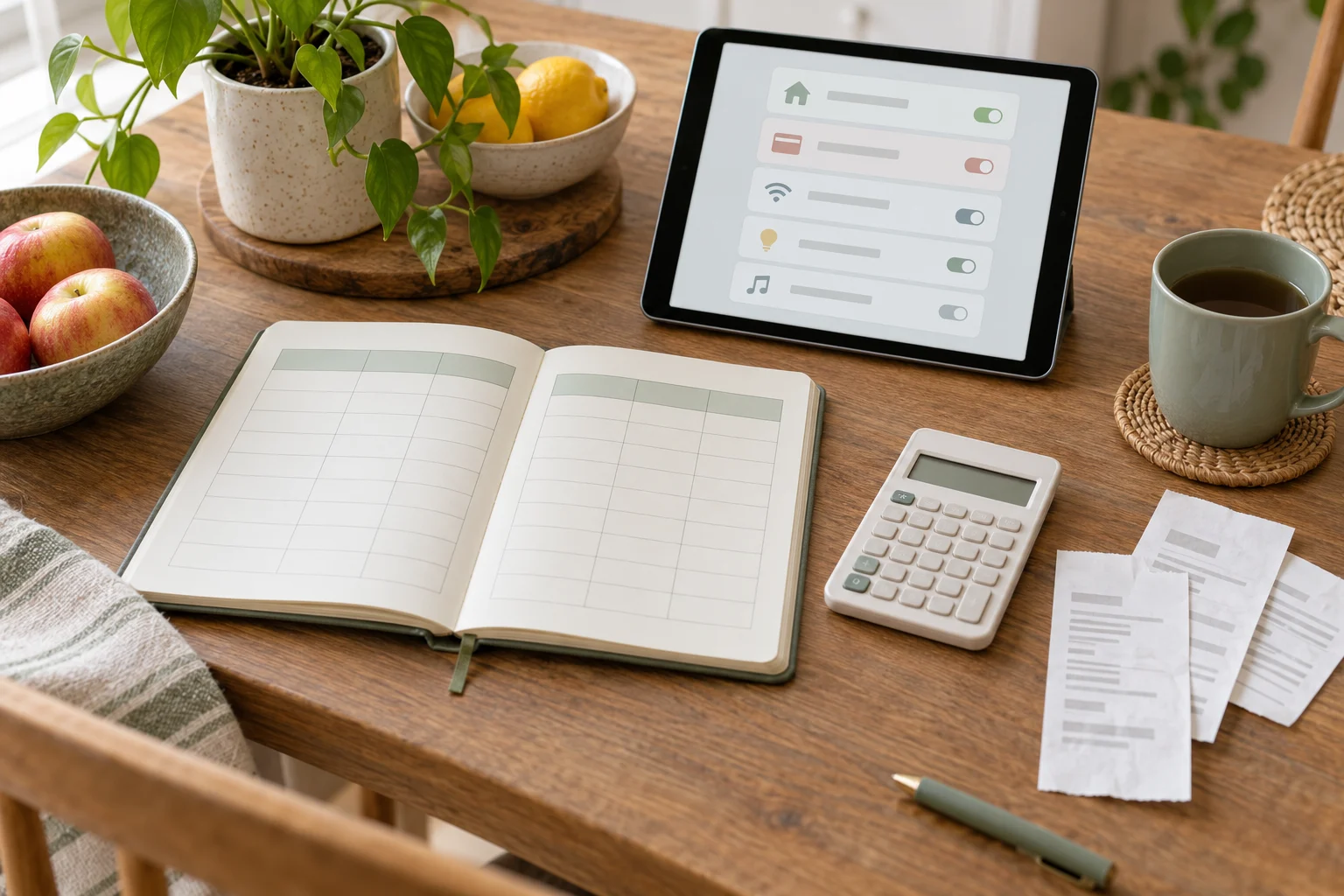
To review recurring subscriptions in 15 minutes, gather the latest payment records, place each recurring charge in one comparison table, sort the list by usefulness and review date, choose a specific action for each item, and set a future review date. The aim is not to build a detailed budget. It is to create a clear household spending organization system that makes recurring payments easier to notice and discuss.
Why a one-page review helps
Recurring payments can become difficult to track when information is spread across bank statements, email receipts, app stores, family members’ accounts, and paper notes. A one-page view brings the practical details together without requiring a complex finance system.
The page can answer four useful questions:
What recurring payment is this?
Who uses it and how often?
When should the household review it?
What action, if any, should happen next?
This approach focuses on organization rather than financial advice. It does not require judging a purchase by price alone. A service may be valuable because it supports work, education, communication, entertainment, or household routines. The table simply makes the current arrangement easier to see.
Prepare: collect the information without overbuilding the system
Start with one place for the review. This could be a sheet of paper, a notes app, or a spreadsheet. Choose the format that household members can open and update with the least friction.
Collect recent evidence from places you already use, such as:
Bank or card transaction records
Email receipts and renewal notices
App-store subscription pages
Household members’ payment records
Invoices or account settings for recurring services
For each item, record the name shown on the payment record rather than relying on memory. Payment descriptions can differ from the brand or service name, so add a short plain-language label if the charge is unclear.
Keep the first pass narrow. The purpose is to identify recurring payments, not to classify every household purchase. One-off purchases, variable utility bills, and irregular expenses can be listed separately for a later review if needed.
Sort: use a comparison table that supports decisions
A useful table contains enough detail to support a conversation but not so many columns that updating it becomes a burden. Copy the template below into a document or spreadsheet.
Service or payment
User
Payment note
Usefulness
Next action
Review date
Example service
Person or household
Renewal or payment detail
Keep, question, or unclear
Keep, check, pause, or cancel
Date to revisit
Use short labels instead of long explanations. For example, “used for school work” or “shared by two people” may be more useful than a detailed review. If the payment amount or billing interval is known from your own records, add it to the payment note. If it is not clear, write “check record” rather than guessing.
For the usefulness column, try three neutral labels:
Keep: The household currently relies on it or has a clear reason to retain it.
Question: The service may be useful, but the household needs to confirm usage, duplication, or timing.
Unclear: The payment or service is not yet identified well enough to decide.
These labels delay a rushed decision when the evidence is incomplete. They also make the table more useful for a household conversation.
Act: choose one next step for each row
After the list is visible, assign one practical next action to each entry. The action should describe something a person can do, not a vague intention.
Keep: Add a short reason and a future review date.
Check: Open the account or receipt to confirm the payment details.
Ask: Confirm with the household member who uses the service.
Compare: Check whether another household payment serves a similar purpose.
Pause or cancel: Follow the service’s account instructions after the household agrees.
Monitor: Leave the item in the table and review it after a defined period.
Writing the next action prevents the page from becoming a passive list. It also separates identification from decision-making. A charge can be recorded today even when the household needs more information before changing it.
When more than one person pays for subscriptions, note the responsible person or account location in a private field if that helps coordination. Avoid storing passwords, full payment card details, or security answers in the table.
The 15-minute action plan
Use a timer if a short session helps the household stay focused. The following structure is designed for a first pass, not a complete financial review.
Minutes 0–3: Prepare. Open the chosen page and gather the payment records, receipts, or account screens that are readily available.
Minutes 3–7: List. Add each recurring payment you can identify. Record the service name, user, and a brief payment note.
Minutes 7–10: Sort. Mark each row as keep, question, or unclear. Group similar services or payments that may overlap.
Minutes 10–13: Act. Assign one next action to each row. Complete a quick confirmation when the relevant account or receipt is already open.
Minutes 13–15: Review. Choose a future review date, note unresolved questions, and store the page where household members can find it.
If the list is longer than the available time, stop after recording the items you found and write “continue list” as the next action. A partial, clearly labeled record can be more practical than rushing through every account.
A copyable household checklist
Use this checklist before closing the review:
Prepare: I chose one shared location for the recurring-payment list.
Prepare: I checked the payment records and receipts available to me.
Sort: I recorded the service name as it appears in the payment record.
Sort: I added the likely user or household purpose.
Sort: I marked items as keep, question, or unclear.
Act: I gave each row a next action.
Act: I avoided guessing when a payment detail was uncertain.
Review: I wrote a future date for the next check.
Review: I stored the page in a location household members can access.
Make the routine easier to repeat
The system works best when the next review requires little setup. Keep the table name clear, such as “Recurring payments review,” and place it with other household records. If a new subscription starts, add it when the receipt or confirmation arrives rather than waiting for the next review session.
A short note can also explain how the table is used: “Add recurring payments, record questions, and review the next actions on the selected date.” This gives household members a shared starting point without requiring a long set of rules.
Consider separating three kinds of information:
Current list: Services and recurring payments that need household attention.
Questions: Charges that need identification or confirmation.
Past decisions: A brief record of what was changed and when, if the household finds that useful.
Do not put confidential login details in the spending record. The table is an organization tool, not a replacement for secure account management.
Common problems and practical adjustments
“I cannot identify the payment name.”
Copy the payment description exactly, then label it “unclear” and record where you plan to investigate it. Check an available receipt, account page, or household member’s records rather than relying on assumptions.
“Different people use different payment accounts.”
Add a user or account-location note that helps the household coordinate. Keep the note general and avoid recording sensitive account credentials.
“The table is becoming too detailed.”
Remove columns that do not support a decision. A service name, user, payment note, next action, and review date may be enough for a simple system.
“We do not agree about whether to keep a service.”
Mark the row as “question,” record the specific point to discuss, and choose a date for revisiting it. The table can hold the unresolved item without forcing an immediate conclusion.
FAQ
How often should a household review recurring subscriptions?
Choose a schedule that fits the household’s routines, such as a monthly, quarterly, or seasonal review. The useful choice is one that people can remember and carry out. A new or changed payment can be added outside that schedule.
Should the table include payment amounts?
It can, if the amount is available in your own records and helps the household understand the entry. If the amount changes or is uncertain, include a note such as “verify current record” rather than entering an unconfirmed figure.
What should happen to an unfamiliar recurring charge?
Record the charge, mark it as unclear, and investigate it through the relevant payment record or account channel. Avoid deleting the row before its source and purpose are understood.
Is a spreadsheet required?
No. Paper, a notes app, or another shared document can work. The key feature is a single, readable view with a clear next action for each item.
Conclusion
A one-page recurring-payment review turns scattered spending records into a manageable household routine. In 15 minutes, prepare the records, sort them into a comparison table, assign practical actions, and set a review date. The result is not a promise of lower spending; it is a clearer system for noticing recurring payments and deciding what deserves attention next.
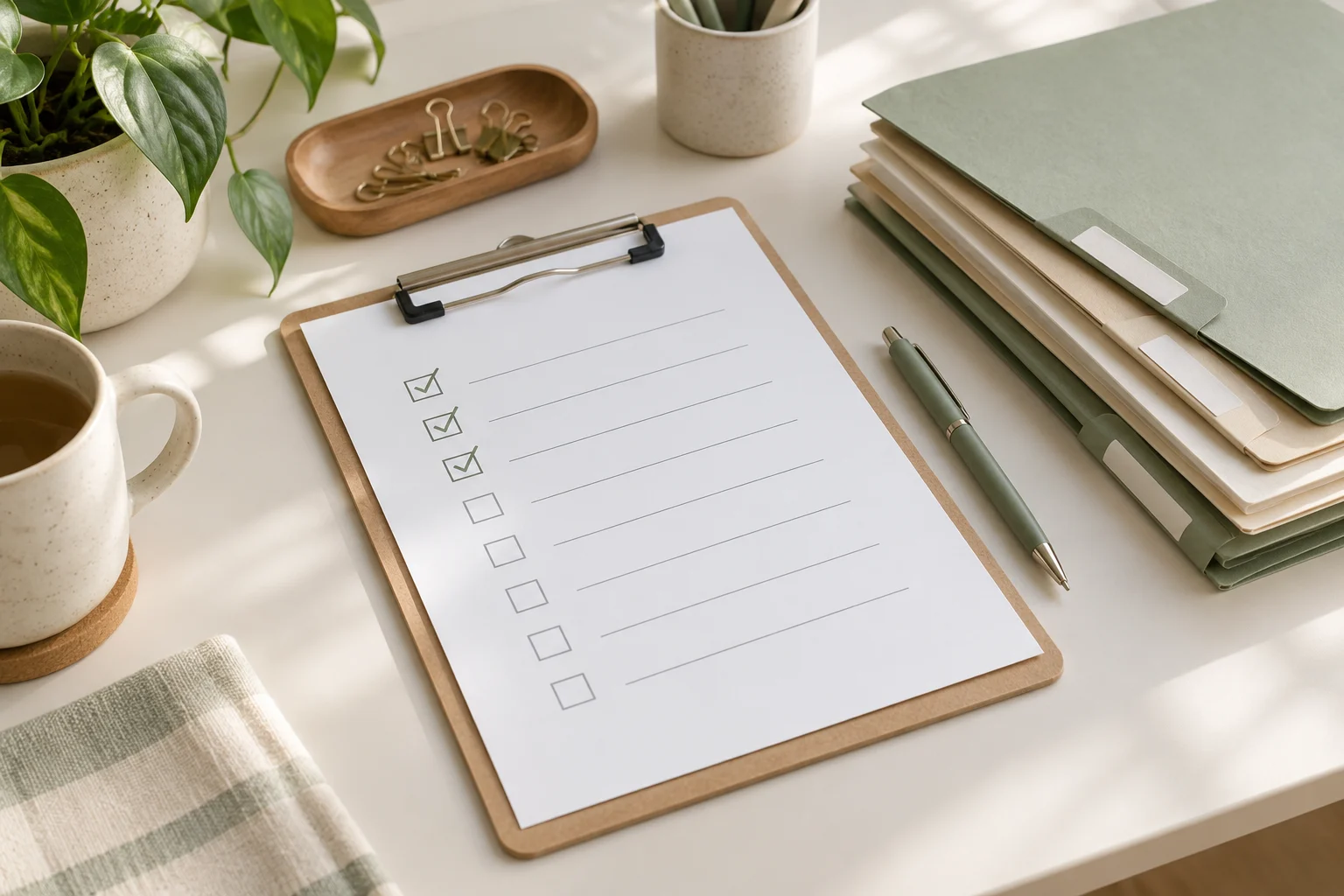
If a repeated task keeps consuming mental energy, turn it into a reusable checklist instead of rebuilding the process from memory. In about 15 minutes, identify the task’s trigger, write its essential steps, separate urgent decisions from routine actions, and add a short review point. The result should be a practical work checklist that supports your priorities without becoming another project to manage.
Why repeated tasks become difficult to manage
Repeated work often looks simple from a distance. It may involve preparing a weekly report, processing requests, organizing meeting notes, checking a shared inbox, or sending a regular update. The difficulty comes from the small decisions around the task:
When should the task begin?
What information needs to be collected first?
Which parts are time-sensitive?
What can be skipped when the available time is limited?
What should be recorded for the next person or the next cycle?
When these decisions remain in your head, the task can feel new each time. A checklist makes the starting point visible and gives you a place to capture exceptions. It does not need to describe every possible situation. It needs to support the common path and point out the decisions that deserve attention.
The four-part framework: prepare, sort, act, and review
Use four sections to design a checklist that is short enough to use and detailed enough to help.
1. Prepare: define the trigger and inputs
Begin with the event that starts the task. A trigger could be a calendar reminder, the arrival of a request, the end of a workday, or the first day of a workweek. Write it as a clear sentence, such as “When the weekly update request arrives” or “At the start of the Monday planning block.”
Next, list the inputs needed before action begins. These might include a document, a list of open items, meeting notes, a deadline, or a person to contact. If an input is missing, the checklist should tell you what to do rather than leave you searching without a plan.
Trigger: What tells me it is time to start?
Inputs: What information or files do I need?
Time box: How much time can I give this pass?
Starting condition: What counts as “ready to begin”?
2. Sort: separate priorities from background work
Sorting prevents a routine task from expanding to fill every available minute. Divide the work into three groups: actions that affect a current deadline, actions that keep the process moving, and items that can wait.
Group
Question
Example action
Priority now
What has a near deadline or blocks someone else?
Confirm a missing decision before sending the update
Routine next
What supports the standard process?
Update the task status and file the notes
Later or optional
What would be useful but does not affect this cycle?
Improve formatting or add background detail
Keep the “priority now” group small. If every item is urgent, the checklist is not helping you choose. When priorities conflict, write down the decision or ask the relevant owner for clarification rather than silently changing the scope.
3. Act: describe observable actions
Write each checklist item as an action that can be checked off. “Handle report” is too broad to guide the next step. “Compare this week’s figures with the previous update” is easier to start and verify.
Use one action per line where possible. Include a result when the result matters:
Collect the latest information from the agreed source.
Check for missing fields, conflicting dates, or unclear ownership.
Record decisions and open questions in the meeting notes.
Send the update to the intended group.
Move unfinished items to a named follow-up list.
A useful checklist also identifies stopping points. For example, after a routine check, you might stop and escalate only if a deadline, owner, or required input is unclear. This keeps unusual cases from making the standard process unnecessarily long.
4. Review: improve the checklist after use
Reserve a short review at the end of the task or during a weekly review. Ask what slowed the process, what was repeated unnecessarily, and what question appeared more than once. Then change one or two lines rather than redesigning the entire system.
Useful review notes include:
A step that was missing from the checklist.
An item that no longer belongs in the routine.
A decision that needs a clearer owner.
An input that should be collected earlier.
An exception that deserves a separate note instead of a longer main list.
A 15-minute setup routine
Use the following sequence when you want to convert one repeated task into a usable checklist during a short planning block.
Minutes 0–2: name the task. Write the task in plain language and state how often it occurs or what event starts it.
Minutes 2–5: capture the normal path. List the actions you take when nothing unusual happens. Do not edit the wording too much yet.
Minutes 5–8: identify decision points. Mark where you check a deadline, choose a priority, request missing information, or involve another person.
Minutes 8–11: shorten and order. Put preparation first, priority decisions next, routine actions after that, and follow-up last.
Minutes 11–13: add exception instructions. Write a brief response for common problems, such as “If information is missing, record the owner and next request date.”
Minutes 13–15: test the first pass. Read the checklist as if you were starting the task tomorrow. Remove vague items and confirm that the final line tells you where unfinished work goes.
The goal of this session is not to document every detail. It is to create a reliable first version that can be adjusted after real use.
Copyable reusable work checklist
Copy the template below into your notes or task system and adapt the labels to the type of work you repeat.
Stage
Checklist item
Notes or owner
Prepare
Confirm the trigger, deadline, and time available.
Prepare
Gather the required files, requests, and previous notes.
Sort
Mark the item that affects the nearest deadline or blocks another person.
Sort
Move optional improvements to a later list.
Act
Complete the standard actions in their working order.
Act
Record decisions, missing information, and follow-up owners.
Act
Share or file the completed output in the agreed location.
Review
Note one friction point and one possible checklist change.
Review
Move unfinished work to a dated follow-up item.
How to use meeting notes and weekly reviews
Meeting notes can improve a repeated checklist when they capture decisions rather than only discussion. For each open item, record the decision or question, the owner, and the next point at which it will be checked. This gives the next work cycle a clear starting point.
During a weekly review, scan completed checklists for patterns. If the same clarification appears repeatedly, add it near the relevant action. If a task is often postponed, examine whether the trigger, time estimate, or priority rule is unclear. If a checklist has grown too long, separate the common path from an exception guide.
A simple weekly review can use these questions:
Which step was easiest to forget?
Which item created the most waiting?
Did the checklist help distinguish important work from optional work?
Were meeting notes clear enough for the next action?
What single edit would make the next cycle easier to start?
Common checklist problems and practical fixes
The list is too detailed
If the checklist reads like a training manual, keep the main list focused on decisions and actions. Link or refer to supporting instructions separately, where appropriate.
The list is too vague
Replace broad verbs such as “review,” “handle,” or “follow up” with a visible action and a completion signal. State what is being checked and where the result should be recorded.
Everything is marked urgent
Add a priority rule based on deadlines, dependencies, or risk to the current work. If two items still compete, record the conflict and seek a decision from the relevant owner.
Exceptions take over the main process
Keep the normal path short. Add a small “if this happens” section for recurring exceptions, and create a separate reference when an exception requires extensive detail.
Unfinished work disappears
End the checklist with a handoff action: record the next step, owner, and date. A task is easier to resume when its current state is visible.
FAQ
How long should a reusable work checklist be?
It should be short enough to scan during the task. The right length depends on the work, but each line should earn its place by guiding an action, decision, or handoff. Detailed background material can sit outside the main checklist.
Should every repeated task have its own checklist?
No. Start with tasks that recur, contain easy-to-forget steps, involve handoffs, or cause repeated uncertainty. A simple task that is already easy to complete may not need formal documentation.
Where should meeting notes fit?
Use meeting notes as an input and follow-up record. Pull decisions, owners, and open questions into the relevant checklist step instead of copying an entire conversation into the routine.
When should I update the checklist?
Update it after a meaningful friction point or during a regular weekly review. Small changes based on actual use are generally easier to evaluate than a large rewrite based only on assumptions.
Conclusion
A reusable checklist is a small work organization system: it tells you when to begin, what to gather, how to sort priorities, which actions to complete, and where to leave the next step. Spend 15 minutes creating a first version with the prepare, sort, act, and review framework. Then use real work, meeting notes, and a weekly review to refine only the parts that cause confusion. The aim is not a more complicated workflow; it is a clearer way to start and finish repeated work.
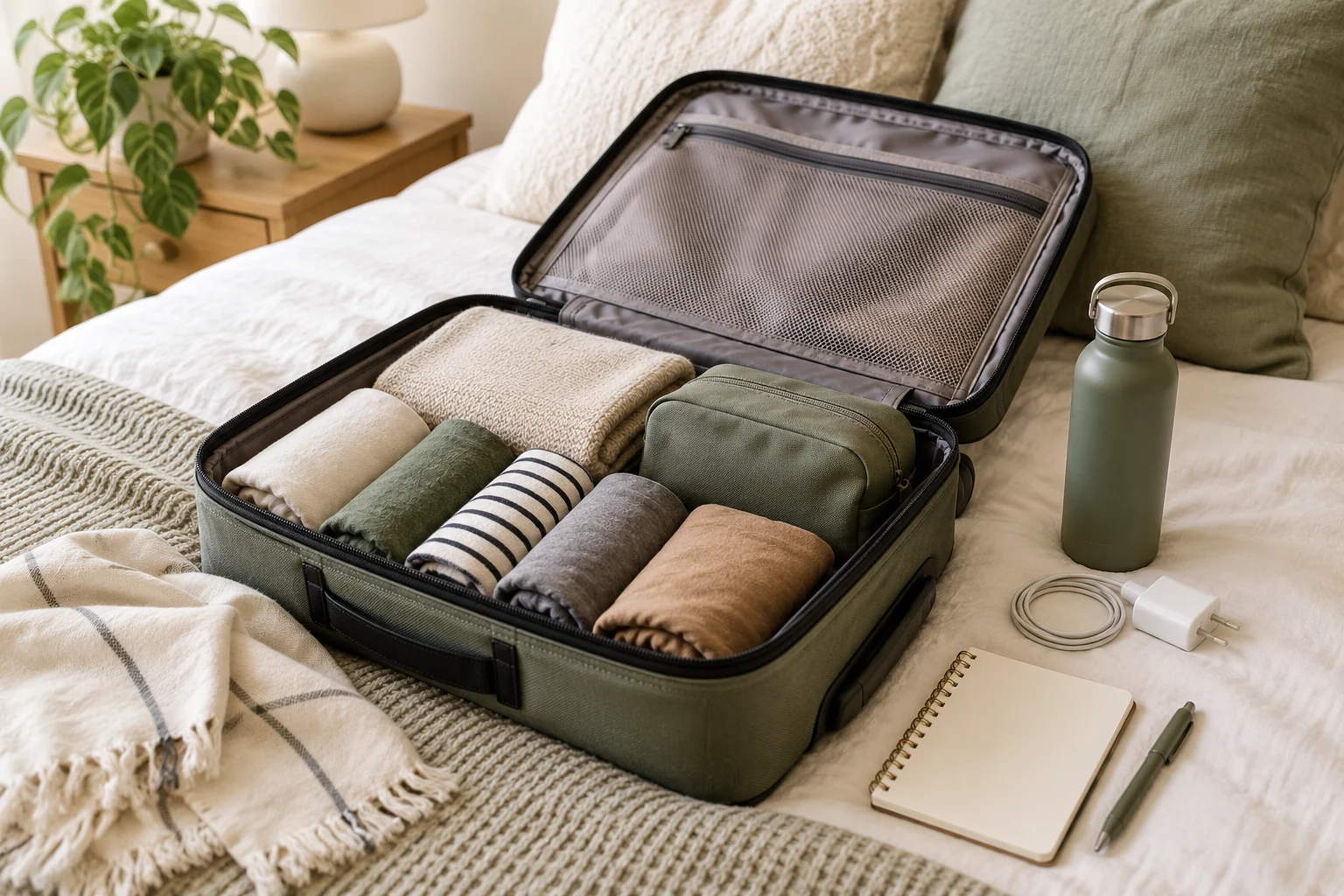
For a short trip, you can build a useful packing list in 15 minutes by first checking the trip basics, then sorting items into a few categories, packing only what supports the plan, and reviewing the list once before leaving. This travel planning organization routine is designed for independent travelers who want a quick system that works across different kinds of local visits and short journeys.
Why a short-trip packing list can become complicated
Packing often takes longer when the decision is treated as one large question: “What might I need?” A better approach is to connect each item to a real part of the trip. Your transport, accommodation, planned activities, access to basic supplies, and personal requirements all affect the list.
The goal is not to create a universal list. A city visit, an overnight stay, a family visit, and a day of outdoor activities can require different items. The goal is to create a repeatable decision process that helps you notice important needs without adding unnecessary objects.
Use four stages:
Prepare: collect the few facts that affect packing.
Sort: group possible items by purpose.
Act: place the selected items together and record what is still missing.
Review: check the packed set against your departure and return plans.
Minute 0–3: Prepare the trip information
Start with your itinerary, booking details, calendar, or trip notes. You do not need to rewrite the entire plan. Look for information that changes what you carry.
Write the departure and return dates or times.
Note how many nights you will be away, if applicable.
List the main activities in short phrases, such as walking, dining, swimming, work, or visiting family.
Check the accommodation and transport information for practical constraints.
Record any personal items that cannot be replaced easily during the trip.
At this stage, avoid browsing for additional places or building a detailed itinerary. New research can expand the scope of the trip and make the packing decision less clear. Keep the preparation focused on information already relevant to this visit.
A compact trip snapshot
Question
Short note
Packing effect
When am I leaving and returning?
Dates or time window
Clothing, food, medication, and charging needs may change
Where will I sleep?
Accommodation type
Check what is already available and what you prefer to bring
How will I travel?
Walking, public transport, car, or another option
Consider carrying comfort, access, and document storage
What will I do?
Short activity list
Pack items that support the actual plan
What is personally important?
Health, accessibility, work, or routine needs
Set these aside before optional items
Minute 3–7: Sort possible items into four groups
Place possible items into four groups. You can use a table, notes app, open bag, or a clear surface. The sorting step separates decisions that are often mixed together.
1. Essentials
Essentials are items linked to identity, access, communication, health, or the ability to complete the trip. Examples may include identification, required payment methods, keys, medication, glasses, and a phone. The exact items depend on your circumstances and destination.
2. Clothing and personal care
Choose clothing based on the number of days, planned activities, and available washing or changing options. Personal care items should reflect what you use and what is available at your destination. Smaller quantities can reduce bulk, but personal health and comfort take priority over saving space.
3. Activity-specific items
These are objects needed because of a particular plan, such as work materials, exercise clothing, a reusable water container, or equipment for a hobby. If an item is connected to no activity in your trip notes, pause before adding it.
4. Convenience items
Convenience items can make a trip more comfortable but are less central to completing it. Examples include entertainment, an extra accessory, or a backup item. Select these after the first three groups, so they do not crowd out essentials.
Group
Decision question
Action
Essentials
Would access, health, or communication be affected without it?
Set aside early
Clothing and personal care
Does the trip length or activity plan support bringing it?
Choose a reasonable quantity
Activity-specific
Which planned activity requires it?
Match it to a trip note
Convenience
Will it provide enough value to justify carrying it?
Review last
Minute 7–11: Act with a focused packing list
Now turn the sorted groups into a list you can use immediately. Write one line per item or item group. Avoid vague entries such as “everything I need,” because they are difficult to check. Use clear phrases like “charging cable,” “sleepwear,” or “work document.”
Pack or place together the items already available. For anything missing, record a short follow-up action rather than leaving it in your memory. For example, write “collect key from desk,” “wash clothing,” or “check booking message.” This turns packing into a visible task list.
Use this copyable checklist as a starting structure:
Trip information: dates, route, accommodation details, and planned activities reviewed
Access: identification or required documents, keys, payment method, and tickets or booking details
Communication: phone, charging equipment, and any needed work or contact information
Health and routine: medication, glasses, accessibility items, and personal care needs
Clothing: clothing for the trip length and activities, sleepwear, and suitable footwear
Activity items: only the equipment or materials linked to the actual plan
Comfort: a small selection of optional items after the essential groups are complete
Before leaving: keys, lights or appliances, rubbish, notifications, and transport timing checked according to your situation
For a reusable digital version, create a note titled Short trip packing with the same headings. Copy it for each journey, then remove sections that do not apply. A consistent structure reduces the need to start from a blank page.
Minute 11–13: Connect packing with itinerary organization
A packing list is more useful when it sits beside your itinerary organization system. Keep three short lists together:
Plan: places, appointments, and activities you intend to visit or attend.
Pack: items that support those plans.
Notes: useful details such as opening information, meeting points, or questions to confirm.
This separation prevents a place list from becoming a packing list. A restaurant, museum, park, or shop may belong in your place list, but it does not automatically require a special item. Add an item only when the plan creates a clear practical need.
You can also use a small connection table:
Trip note
Possible preparation
Status
Planned activity
Relevant clothing or equipment
To pack, packed, or not needed
Transport detail
Document, ticket, timing, or carrying adjustment
To check or complete
Accommodation detail
Personal item not provided or preferred
Confirm or pack
Personal routine
Health, work, or accessibility item
Set aside early
Minute 13–15: Review and close the task
The final review should be short. Compare the packed items with the trip snapshot, then check the items most likely to be forgotten. Review your actual departure situation rather than adding more possibilities.
Confirm that essential documents, keys, communication items, and personal requirements are accounted for.
Check that clothing and activity items match the length and purpose of the trip.
Look for missing actions, such as charging a device or collecting an item from another room.
Remove duplicates and optional items that no longer seem worthwhile.
Place the bag, outerwear, and departure-day items where they are easy to find.
Then close the note. If a future trip reveals a repeated omission, update the template after returning rather than constantly adding items before every departure.
Common packing decisions that need a pause
“I might need it” items
Uncertainty is a useful signal, but it is not a decision by itself. Ask whether the item supports a known activity, a personal requirement, or a realistic contingency. If not, place it in the convenience group and review it at the end.
Weather-dependent items
Weather can affect clothing and equipment, but conditions vary by destination and date. Check a reliable forecast or local information when it is relevant to your trip, then adjust the list. Do not treat a generic packing template as a substitute for current conditions.
Shared items
If you are traveling with another person, clarify who is carrying shared items. Record the owner beside the item in your trip notes. This can reduce duplicate packing while keeping responsibility visible.
Health and accessibility needs
Personal health and accessibility requirements should be handled before optional convenience items. This article does not replace advice from a qualified professional. If a prescribed treatment, medical device, or accessibility arrangement is part of your routine, use the instructions that apply to you and confirm destination-related requirements when relevant.
A reusable 15-minute routine
Save the following sequence as a note or calendar description:
Prepare for 3 minutes: review dates, transport, accommodation, activities, and personal requirements.
Sort for 4 minutes: separate essentials, clothing and personal care, activity items, and convenience items.
Act for 4 minutes: gather selected items and write follow-up actions for anything unavailable.
Review for 2 minutes: compare the bag with the trip snapshot and remove duplicates.
Close: save the updated trip notes and put departure-day items in one visible place.
Conclusion
A short-trip packing list does not need to be a long inventory. The practical value comes from using a repeatable structure: prepare with the trip facts, sort by purpose, act on clear items, and review against the itinerary. Keeping a place list, trip notes, and packing list close together can make decisions easier without turning every journey into a large planning project.
FAQ
How many items should a short-trip packing list contain?
There is no useful universal number. The list should reflect the trip length, activities, accommodation, transport, and personal requirements. Start with essentials, then add activity and convenience items only when they have a clear role.
Should I use a paper list or an app?
Use the format you can check easily during preparation. A paper list works well for a visible packing surface, while a note app can be copied for future trips and connected with itinerary details.
How can I avoid overpacking?
Link each nonessential item to a known activity or realistic need. Review convenience items last, remove duplicates, and distinguish between an item that would be pleasant and one that supports the actual trip.
What should I do if my plans change?
Update the trip snapshot first, then revise the activity-specific section. Recheck clothing, documents, and transport-related items after the change instead of rebuilding the entire list from the beginning.
If you lose time looking for work apps, files, or saved links, you can improve the situation with a short home-screen reset. In 15 minutes, prepare a temporary holding area, sort items by how you use them, place the most important tools where your hand and attention reach them easily, and schedule a brief review. The goal is not a visually perfect phone. It is a home screen that helps you find the next useful item with fewer decisions.
Before You Start: Define What “Easy to Find” Means
Phone organization becomes easier when you organize around actions rather than app names. A worker may need to check a calendar, respond to a message, open a document, and visit a project link. A solo business owner may need a payment dashboard, customer messages, a camera, an expense folder, and a social publishing tool. These items do not belong together because they come from the same company or have similar icons. They belong together because they support a task.
Choose one practical definition of success for this reset:
Work tools are visible without searching through several pages.
Frequently used personal tools do not compete with work tools.
Files and links have a predictable place outside the home screen.
Unused apps and distracting shortcuts create less visual noise.
Keep the scope narrow. This routine is for the home screen and the routes connected to it. It is not a complete photo archive, email cleanup, or cloud-storage migration. If you find a larger problem, write it down for a later session instead of allowing it to consume the 15-minute reset.
The Prepare–Sort–Act–Review Routine
1. Prepare: create a temporary holding area
Start by choosing a simple holding area for items you are unsure about. Depending on your phone, this could be a second screen, an existing utility folder, or a temporary note that lists items for later review. The holding area is not a permanent filing system. It gives you somewhere to move items while you decide.
Next, write down three to five actions you perform on the phone during a normal workday. For example:
Check today’s schedule.
Reply to an important message.
Open a current project file.
Review a business dashboard.
Capture a photo, note, or receipt.
These actions will guide placement. They are more useful than a generic rule such as “put similar apps together,” because similar-looking apps can serve very different purposes.
2. Sort: separate essential, occasional, and uncertain items
Look at the first home-screen page and classify each item into three groups:
Essential: used frequently or needed quickly when a task appears.
Occasional: useful, but not part of the normal daily route.
Uncertain: unfamiliar, duplicated, distracting, or no longer connected to a current task.
Move occasional and uncertain items away from the primary screen temporarily. This creates space for a clearer decision. Avoid deleting an app simply because it is not used every day. Check whether it supports travel, security, payments, accessibility, work continuity, or another occasional need. If you are unsure, leave it in the holding area and review it later.
Use folders when they reduce decisions, not merely because they make the screen look compact. A folder called “Work” may be useful if it contains a small set of tools you open together. A very large folder can become another place to search, so consider splitting it by action, such as “Communicate,” “Create,” or “Manage,” if that matches your routine.
3. Act: place tools by frequency, urgency, and context
Place high-use tools on the primary screen, but give them different positions according to the way you reach for them. A tool used several times a day can stay visible. A tool used only when a notification arrives may work better in a folder or search route. A tool containing sensitive information may deserve a less exposed location, depending on your device and privacy needs.
A practical layout can include:
Primary action area: calendar, messages, notes, tasks, or another daily starting point.
Work area: project, document, communication, or business tools.
Capture area: camera, voice notes, scanning, or quick-entry tools.
Occasional area: travel, shopping, finance, settings, and other less frequent tools.
Keep the bottom dock or equivalent persistent area for tools you open across multiple contexts. If your phone offers widgets, use them only when they answer a repeated question, such as “What is next?” or “What needs attention?” A widget that adds visual information without reducing a decision may increase clutter.
Do not place every work-related item on the first page. The purpose of digital organization is a reliable route, not maximum exposure. A simple folder, a device search shortcut, or a pinned document may be faster than scanning a crowded page.
4. Review: test the route with real tasks
Test the new layout using the actions you wrote down at the beginning. Start from the locked or idle state of the phone and try to reach each item. Notice where you hesitate. If an app is visible but its related file or link remains difficult to reach, the home-screen change is incomplete.
Record the remaining friction in a short note:
Which app was difficult to locate?
Which file needed a clearer folder or name?
Which link is trapped in a message, email, or browser tab?
Which folder contains more items than you can scan comfortably?
Make only one or two final changes during the 15-minute session. A later review can handle deeper cleanup without turning this routine into an open-ended project.
Connect the Home Screen to Files and Links
An organized home screen cannot compensate for unclear file and link storage. Use a small set of consistent destinations for the items you reach from your phone.
File organization
Choose folder names that describe the work or decision connected to the file. Names such as “Current Clients,” “Tax Records,” “Content Drafts,” or “Receipts to Review” may be more useful than vague labels such as “Miscellaneous.” Match the names to your actual responsibilities rather than copying a system that does not fit.
For active work, consider separating files by status, such as “In Progress,” “Waiting,” and “Reference,” if those stages help you decide what to do next. Avoid creating a new folder for every individual file. The structure should make retrieval easier without requiring a long series of taps.
Link management
Saved links often become invisible inside browser bookmarks, messages, or email threads. Collect links that support recurring work in one intentional place, such as a bookmark folder, a note, or a project document. Give the link a descriptive label that explains its purpose. “Weekly order report” is easier to recognize than a raw address or a label copied from a page title.
Review saved links for access and relevance. A link may require an account, redirect to a different page, or depend on information that has changed. If it is important, add enough context to help your future self understand why it was saved.
A Copyable 15-Minute Action Plan
Time
Action
Output
0–2 minutes
List three to five phone tasks you perform during work.
A task-based placement guide
2–5 minutes
Move occasional and uncertain items to a temporary holding area.
More space for daily tools
5–9 minutes
Place essential apps by frequency, urgency, and context.
A clearer primary screen
9–12 minutes
Group related tools and check nearby files or links.
A connected route from app to information
12–15 minutes
Test the layout with real tasks and note remaining friction.
A short follow-up list
Use this checklist during the reset:
[ ] I listed the phone tasks that matter most during work.
[ ] I moved occasional or uncertain items away from the primary screen.
[ ] I placed frequently used tools where they are easy to reach.
[ ] I used folders only where they reduce searching.
[ ] I checked the route from key apps to related files.
[ ] I collected important links in a recognizable location.
[ ] I tested the layout with real tasks.
[ ] I wrote down deeper cleanup for another session.
Keep the System Useful Without Constant Rearranging
After the reset, resist changing the layout every time you install an app. Let new items stay in a secondary location until their role becomes clear. This creates a small review point instead of allowing every download to reshape the home screen.
Set a short review interval that fits your routine, such as once a week or at the end of a project. During the review, ask whether the primary screen still reflects your current work. If a tool has become central, move it closer. If an app has become occasional, move it away. If a file or link repeatedly causes hesitation, improve its name or storage location.
Also consider notification settings as part of digital organization. A crowded home screen and a crowded notification stream can create similar friction. Review which alerts support timely action and which can wait for a scheduled check. Device menus vary, so use the notification controls available on your phone and change them gradually.
FAQ
Should every app be on the first screen?
No. The first screen should support the actions you perform most often or need to reach quickly. Occasional tools can remain in folders, on another page, or in the device’s search system.
Is it better to organize apps by category or by task?
Task-based organization is often easier when you use several tools together to complete an activity. Category folders can still work for occasional tools or when your app collection is small. Choose the structure that reduces hesitation for your own routine.
How can I organize work links without adding many shortcuts?
Store recurring links in a small bookmark folder, note, or project document with descriptive labels. Add context when the purpose is not obvious, and review links that no longer support current work.
What should I do with apps I rarely use?
Move them away from the primary screen first. Before deleting anything, consider whether it supports an occasional need, account access, security process, or work continuity. If the decision is unclear, put it on a later review list.
Conclusion
A useful phone home screen is a navigation system for your actual work, not a display of every available app. In 15 minutes, you can list your key actions, separate essential from occasional tools, connect apps with files and links, and test the route with real tasks. Keep the layout modest, review it after your work changes, and let deeper cleanup happen in separate sessions.
The simplest way to arrange a shopping list by store route is to begin with your meal notes, remove items you do not need, and then sort the remaining items in the order you normally move through the store. A 15-minute routine can be divided into four parts: prepare the notes, sort items by route, act on the finished list, and review what should carry forward.
This approach is useful when your shopping list contains a mixture of meal ingredients, household items, and reminders. Instead of grouping everything only by recipe or food type, you create a list that matches the physical sequence of your shopping trip.
Why a store-route list can simplify kitchen organization
A meal-based list answers the question, “Which recipe uses this item?” A route-based list answers a different question: “What do I need to pick up next?” Both views can be useful, but the route view is often easier to follow while you are moving through a familiar store.
For example, your notes may contain ingredients for two meals, breakfast items, cleaning supplies, and a reminder to check the freezer section. If these notes remain in the order they were written, you may need to scan the whole list repeatedly. Sorting them into route sections creates a short sequence of decisions.
The goal is not to build a detailed inventory system. It is to create a usable bridge between three kinds of notes:
Meal notes: dishes, ingredients, or portions you are considering.
Shopping items: things you actually need to look for.
Route cues: the sections or stops where those items are usually found.
The prepare, sort, act, and review framework
1. Prepare: collect the notes in one place
Set a timer for three minutes. Gather the notes you are using for this trip, such as a phone note, paper list, recipe reminder, or message to yourself. Do not try to organize each item yet. The first aim is to create one working list.
As you collect items, write them in plain language. “Ingredients for soup” is less useful during a trip than the individual items you expect to buy. If a meal note is still undecided, mark it with a question rather than treating it as a confirmed purchase.
Use a quick decision label beside each item:
Buy: needed for the current plan.
Check: confirm whether you already have it.
Optional: useful if convenient, but not central to the plan.
Skip: an old note or an item that no longer fits the plan.
2. Sort: arrange items by your actual route
Spend about five minutes sorting the confirmed items. Use the route you usually take, not a generic store layout. One person may begin with produce, while another may enter near pantry goods or household supplies.
Create broad route sections such as:
First section after entering
Produce or fresh items
Pantry and dry goods
Refrigerated section
Frozen section
Household or non-food items
Checkout-area reminders or items from another stop
Keep the sections broad enough to scan quickly. A list with too many tiny categories can become another form of clutter. If two items are usually close together, place them in the same section even when they belong to different meal notes.
3. Act: turn the sorted list into shopping instructions
Spend four minutes making the list easy to use while walking. Put a square or other simple marker beside each item. Add a quantity only when it helps distinguish what you need. You can also add a short meal tag, such as “breakfast” or “Tuesday dinner,” if the purpose of the item is easy to forget.
Keep extra information out of the main line when it slows scanning. For example, write “tomatoes — dinner” rather than adding a long explanation. If an item has a specific requirement, use one short note below it.
Separate optional items from the main list. This protects the essential route while leaving room for flexible choices. A small “if convenient” section at the bottom can be useful for items that do not justify backtracking.
4. Review: close the loop after the trip
Use the final three minutes after shopping, or before your next planning session, to review the list. Mark items that were unavailable, unnecessary, or difficult to place on the route. This is not a performance score. It is a way to improve the next version of the routine.
Ask three questions:
Which item was hard to find because its section was unclear?
Which note was not specific enough to act on?
Which item should be moved to an optional or recurring reminder?
A copyable 15-minute action plan
Use the following sequence when you want a repeatable kitchen organization routine. Adjust the time blocks if your notes are unusually long.
Time
Task
Result
0–3 minutes
Collect meal notes and shopping reminders
One rough list
3–5 minutes
Remove old notes and label uncertain items
Buy, check, optional, and skip decisions
5–10 minutes
Group confirmed items by store route
Route-based sections
10–12 minutes
Add quantities, meal tags, or short clarifications
Action-ready list
12–15 minutes
Check for duplicates and create a small optional section
Compact final list
Reusable shopping-list template
Copy this structure into a note or write it on paper. Replace the section names with the route you actually use.
SHOPPING TRIP: __________    DATE: __________

FIRST SECTION
[ ] ____________________
[ ] ____________________

PRODUCE OR FRESH ITEMS
[ ] ____________________   meal: __________
[ ] ____________________   meal: __________

PANTRY OR DRY GOODS
[ ] ____________________
[ ] ____________________

REFRIGERATED
[ ] ____________________
[ ] ____________________

FROZEN
[ ] ____________________

HOUSEHOLD OR OTHER STOP
[ ] ____________________

CHECK BEFORE BUYING
[ ] ____________________

OPTIONAL IF CONVENIENT
[ ] ____________________

AFTER THE TRIP
Unavailable: ____________________
Move or remove next time: ____________________
Small adjustments for different shopping styles
If you shop for several meals at once
Keep the route as the main structure and add a short meal label after each item. This preserves the movement order while helping you remember why an item is on the list. A separate meal section can be added only for ingredients that require a decision before buying.
If your shopping trip includes more than one store
Separate the list by stop before sorting each store internally. Use headings such as “Store A,” “market,” or “household stop.” Within each heading, keep the route order that matches that location. This prevents items from different stops from blending into one long list.
If you often change your plan while shopping
Leave space for substitutions or optional choices. The main list can contain the planned items, while a small flexible section holds alternatives. This keeps a change from forcing you to rewrite the whole list.
Quick checklist before you leave
Have all current meal notes been collected?
Have old or duplicate items been removed?
Are uncertain items marked for checking?
Do the headings follow your usual store route?
Are optional items separated from the main list?
Can each line be understood at a quick glance?
Is there a short space for unavailable items or next-trip notes?
FAQ
Should I organize the list by recipe or by store section?
Use the structure that supports the task in front of you. Recipe grouping helps during meal planning, while store-route grouping helps during shopping. A practical compromise is to use store sections as the main headings and add a brief meal label beside items that need context.
What if I do not know the store layout?
Start with broad areas rather than exact aisles. After the trip, note where misplaced items were found and adjust the headings gradually. The route can become more specific as you learn what is useful to you.
Do I need a shopping-list app?
No special tool is required for this method. A paper list, phone note, or other simple format can work if it lets you group items and mark them as you go. Choose the format that is easiest to update before and during the trip.
Conclusion
A route-based shopping list is a small kitchen organization system: prepare the notes, sort items by movement, act on a concise list, and review what to change next time. The 15-minute routine works best when it stays lightweight. Use broad route sections, separate optional items, and keep meal context short so the list remains easy to scan when your attention is divided.
For a short seasonal tidy-up, use one visible staging area, sort items into four decisions, and give each group a specific storage destination. A practical 15-minute home organization routine is: prepare for 2 minutes, sort for 5 minutes, act for 6 minutes, and review for 2 minutes. The aim is not to reorganize the entire home; it is to create a clear next step for the seasonal items currently taking up space.
Why seasonal items create friction in small homes
Seasonal household items often move between useful and unused states. A fan, blanket, picnic set, humidifier, holiday decoration, or rain gear may be needed later, but it does not need to occupy the easiest-to-reach space today. When these items are stored without a shared rule, several small problems appear:
Items from different seasons become mixed together.
A container is opened repeatedly because its contents are unclear.
Useful items are stored too far away, while rarely used items occupy convenient space.
One item is kept in a different place from its accessories.
A short tidy-up turns into a full-room project.
A calmer home flow comes from reducing decisions at the moment of putting something away. The system below focuses on four questions: What is this for? When will it be used? How often will it be accessed? Where can it return without blocking daily movement?
The four-part storage rule
1. Prepare: define the small project
Choose one seasonal category or one storage zone. Examples include cold-weather bedding, warm-weather accessories, outdoor meal items, or holiday decorations. Avoid combining several unrelated categories in the same 15-minute session.
Set out one temporary staging area, such as a clear section of the floor, a table corner, or an empty chair. Gather only what you need to move the items: a cloth if dust is visible, labels or a marker, and an empty bag or box for items that need a different decision. You do not need to buy new storage equipment before testing the system.
2. Sort: make four decisions
Handle each item once when possible and place it into one of these groups:
Use soon: The item is likely to be needed in the next part of the season or within the next few weeks.
Store away: The item is useful but not part of the current routine.
Move elsewhere: The item belongs with another category, room, or household member.
Review later: The item needs a separate decision because it is damaged, duplicated, incomplete, or no longer relevant.
The “review later” group prevents a storage session from becoming a difficult decluttering session. Put those items together and give them a visible note or a later review date. The purpose is to contain the uncertainty, not to hide it inside a box.
3. Act: match access to storage
Place “use soon” items where they can be reached without disturbing other stored items. Place “store away” items in a less convenient location, provided the area is dry, stable, and suitable for the item. Keep sets together when a part is difficult to replace or easy to lose.
For each container, use a label that answers a useful question. “Winter” may be too broad if the container holds several unrelated objects. “Winter bedding—guest room” or “Outdoor picnic items” gives a clearer retrieval cue. If you do not have labels, write the category on a piece of paper and place it where the contents can be seen.
4. Review: check the home flow
Stand back and look at the route you use most often. Check whether the stored items block a doorway, drawer, cleaning tool, laundry path, or frequently used shelf. Then ask whether the next person in the household could find the category without an explanation. If not, change the location or improve the label.
The 15-minute action plan
Time
Action
Decision rule
0–2 minutes
Prepare one category and one staging area.
Keep the project narrow enough to finish a visible part.
2–7 minutes
Sort each item into use soon, store away, move elsewhere, or review later.
Do not solve every uncertain item during the sorting phase.
7–13 minutes
Return items to destinations and group accessories.
Place frequent-use items closer to the point of use.
13–15 minutes
Label, remove the staging area, and check the walking route.
Leave no temporary pile without a next action.
Use a timer if it helps you stop at the planned point. When the timer ends, unfinished work can become the next session’s starting point. A short routine stays useful when it has a clear stopping boundary.
Storage rules that work in a one- or two-person home
Give each category a home
Choose one primary location for each seasonal category. The location can be a shelf, drawer, cabinet section, under-bed area, or another suitable storage zone. A primary home reduces the chance that similar items will be distributed across several places.
Store by retrieval effort, not only by size
A small item may deserve an easy-to-reach location if it is used often. A large item may be acceptable in a harder-to-reach location if it is used briefly during one part of the year. Consider both physical size and retrieval frequency before assigning a space.
Keep components with the main item
Place cables, covers, spare parts, attachments, and related instructions with the item they support when practical. If a component needs a separate location, add a note to the main container. This reduces the chance of finding the main item but not the part needed to use it.
Leave a little decision space
Do not fill a storage area so tightly that returning one item requires removing several others. Some open space makes future seasonal changes easier and provides room for items that genuinely belong in the category.
Use visible cues for shared spaces
In a two-person home, a clear label or category name can be more useful than relying on memory. Use familiar words and avoid labels that describe the storage container rather than its contents. “Rainy-day entry items” communicates more than “blue box.”
Copyable seasonal storage checklist
Copy this checklist into a note or print it for the next short tidy-up:
[ ] Choose one seasonal category.
[ ] Select one staging area.
[ ] Gather a marker, label, cloth, and review bag or box.
[ ] Set a 15-minute boundary.
[ ] Sort items into use soon, store away, move elsewhere, or review later.
[ ] Keep important accessories with the main item.
[ ] Move frequent-use items closer to their point of use.
[ ] Place stored items in a dry, stable, suitable location.
[ ] Label the container or shelf with a clear category name.
[ ] Give review-later items a separate follow-up note.
[ ] Remove the staging area.
[ ] Check that doors, drawers, walkways, and daily-use surfaces remain clear.
What to do when the routine does not fit
Some items need special handling. Fragile objects may need protective packing. Fabrics may need to be clean and fully dry before storage. Items affected by moisture, heat, weight, or pests should be placed only in a location suitable for their material. If you are unsure whether a location is appropriate, pause the storage decision and check the item’s care guidance.
If the category cannot be sorted in 15 minutes, reduce the scope. Work on one shelf, one drawer, or one type of item instead of extending the session indefinitely. If the same category repeatedly creates confusion, the issue may be the storage rule rather than the amount of storage. Consider separating items by point of use or by season instead of adding another mixed container.
FAQ
Should I buy storage containers first?
Not necessarily. Sort the items and test a destination with the storage already available. This reveals the category’s actual shape and access needs before you choose any additional container.
What if I cannot decide whether to keep an item?
Place it in the review-later group rather than making a rushed decision. Keep that group separate from active seasonal storage and record the follow-up action. A contained delay is easier to manage than an unclear box.
Where should items used every season go?
Keep them in a location that is easy to reach during the relevant period. If the item is used frequently, point-of-use storage may be more useful than a distant storage area, even when the item is seasonal.
How often should I repeat the routine?
Repeat it when the season changes, when a storage zone becomes difficult to use, or when a category gains several new items. The routine can also be used after returning from a trip or completing a temporary household project.
Conclusion
A practical home organization system for seasonal items does not need a large reset. Start with one category, sort by the next useful decision, return items to a clear home, and review the walking route before stopping. The four-part sequence—prepare, sort, act, and review—keeps a 15-minute tidy-up focused while creating storage rules that can be repeated across the home.
바쁜 날에도 쉬는 시간을 확보하려면 하루 전체를 완벽하게 재설계하기보다, 일정 메모에 15분짜리 휴식 한 칸을 먼저 표시하는 방법이 현실적입니다. 이때 휴식은 남는 시간에 하는 보상이 아니라, 다른 일정처럼 미리 적어 두고 상황에 따라 조정하는 작은 약속으로 다루면 됩니다. 아래의 준비·분류·실행·점검 4단계를 사용해 오늘의 셀프케어 루틴을 만들어 보세요.
왜 15분 단위로 휴식을 메모할까
‘충분히 쉬어야지’처럼 범위가 넓은 계획은 바쁜 날에 쉽게 밀릴 수 있습니다. 반면 15분은 시작과 종료 시점을 정하기 쉽고, 긴 준비가 필요한 활동보다 선택지가 많습니다. 다만 15분이 모든 사람에게 충분한 휴식량이라는 뜻은 아닙니다. 일정이 매우 빽빽한 날에는 짧은 회복 시간을 확보하는 출발점으로 활용하고, 여유가 있는 날에는 더 긴 휴식이나 수면을 별도로 계획해야 합니다.
핵심은 휴식의 질을 평가하기 전에 휴식 시간을 눈에 보이게 만드는 것입니다. 캘린더, 메모 앱, 종이 수첩처럼 이미 사용하는 도구 하나만 골라도 됩니다. 도구를 새로 정하고 꾸미는 데 시간을 쓰기보다, 오늘 실제로 확인할 수 있는 곳에 간단히 기록하세요.
4단계 셀프케어 루틴: 준비·분류·실행·점검
1. 준비: 오늘의 고정 일정을 먼저 적기
먼저 업무, 이동, 식사, 약속처럼 변경하기 어려운 일정을 적습니다. 이 목록을 바탕으로 빈 시간이 아니라 전환이 끝난 직후나 다음 일정까지 방해가 적은 구간을 찾습니다. 예를 들어 귀가 직후에는 바로 집안일을 시작하기보다 15분을 비워 둘 수 있고, 점심 뒤에는 화면을 보지 않는 짧은 시간을 둘 수 있습니다.
오늘 반드시 해야 하는 일정
시간이 정해진 약속과 이동
미뤄도 되는 일
이미 지친다고 느끼는 시간대
마지막 항목은 자기 상태를 진단하려는 목적이 아니라, 휴식이 필요한 구간을 찾기 위한 참고 메모입니다.
2. 분류: 휴식 메뉴를 세 가지로 나누기
휴식 활동을 그때그때 고르면 선택 자체가 피곤할 수 있습니다. 아래처럼 세 가지 메뉴를 미리 만들어 두면 일정에 넣기 쉽습니다.
분류
활동 예시
적합한 상황
정지형
눈을 감고 앉기, 창밖 보기, 조용히 차 마시기
자극을 줄이고 싶을 때
가벼운 움직임
목과 어깨 풀기, 천천히 걷기, 물 마시러 이동하기
오래 앉아 있었을 때
정리형
내일 할 일 한 줄 적기, 책상 한 구역 정리하기
생각이 많아 마무리가 필요할 때
정리형 활동은 생산성을 높이기 위한 추가 업무가 되지 않도록 범위를 작게 정합니다. ‘방 정리’ 대신 ‘책상 위 컵과 종이 치우기’처럼 종료 조건을 분명히 적는 방식입니다.
3. 실행: 일정 메모에 휴식의 시작과 종료를 적기
휴식 메모는 짧고 구체적으로 작성합니다. ‘셀프케어’라고만 쓰기보다 시간·장소·행동을 함께 적으면 실행 여부를 확인하기 편합니다.
19:30–19:45 / 거실 의자 / 휴대전화 없이 차 마시며 앉기
휴식 중 다른 일을 함께 처리하지 않는 것이 기본이지만, 모든 상황에서 지키기 어려울 수 있습니다. 가족의 연락이나 안전 확인처럼 대응이 필요한 경우에는 휴식 시간을 다시 잡아도 됩니다. 중요한 것은 계획을 지키지 못한 날을 실패로 기록하기보다, 변경된 시간을 다시 표시하는 것입니다.
4. 점검: 활동보다 부담의 변화를 짧게 기록하기
실행 후에는 긴 감상문을 쓰지 말고 한 줄만 남깁니다. 예를 들어 ‘조용한 활동이 편했다’, ‘이동 직후에는 바로 앉기 어려웠다’, ‘화면을 보면 쉬는 느낌이 적었다’처럼 관찰 가능한 내용이면 충분합니다. 만족도를 숫자로 평가해도 되지만, 점수 자체를 목표로 삼을 필요는 없습니다.
예정한 시간에 시작했는가?
활동이 실제로 부담을 줄였는가?
다음에는 시간을 앞당기거나 늦출 필요가 있는가?
휴식 활동이 또 다른 할 일이 되지는 않았는가?
15분 실행표: 오늘 바로 복사해 쓰기
아래 표는 하루 계획을 세울 때 그대로 옮겨 적을 수 있는 기본 양식입니다. 모든 칸을 채울 필요는 없으며, 일정이 불확실한 날에는 휴식 후보 하나만 표시해도 됩니다.
단계
기록할 내용
예시
준비
휴식 전 일정
18:30 귀가, 19:00 저녁
분류
휴식 메뉴
정지형: 음악 없이 앉기
실행
시간·장소·행동
18:35–18:50, 의자, 물 마시며 쉬기
점검
한 줄 관찰
귀가 직후 5분 정리가 먼저 필요함
복사 가능한 체크리스트
[ ] 오늘의 고정 일정과 이동 시간을 적었다.
[ ] 15분 휴식 후보를 한 곳에 표시했다.
[ ] 휴식 활동을 하나만 골랐다.
[ ] 시작과 종료 시간을 적었다.
[ ] 휴대전화나 알림을 어떻게 할지 정했다.
[ ] 실행 후 한 줄만 점검했다.
[ ] 놓쳤다면 다른 시간으로 다시 옮겼다.
상황별 조정 방법
일정이 계속 바뀌는 날
고정된 시각 대신 조건으로 기록하세요. ‘회의가 끝난 뒤 15분’, ‘저녁 식사 전’, ‘귀가 후 가방을 내려놓은 다음’처럼 적으면 일정이 조금 바뀌어도 휴식의 위치를 찾기 쉽습니다. 단, 다음 약속 직전에는 예상치 못한 지연을 고려해 여유를 남겨 두는 편이 안전합니다.
저녁에 할 일이 많은 날
저녁 루틴 전체를 바꾸려 하지 말고, 가장 먼저 시작되는 행동 앞에 15분을 붙입니다. 예를 들어 설거지나 정리 전에 앉아서 호흡을 가다듬고, 이후 해야 할 일을 한 가지씩 진행합니다. 휴식 뒤 집안일을 해야 한다는 사실이 부담스럽다면, 휴식 메모에 ‘이후 설거지 10분’처럼 다음 행동을 하나만 덧붙여 전환을 돕습니다.
휴식 중에도 불안하거나 집중이 어려운 날
가만히 있는 활동이 맞지 않을 수 있습니다. 이때는 천천히 걷기, 물 마시기, 창문을 여는 등 몸을 가볍게 움직이는 메뉴로 바꿔 보세요. 특정 활동이 반복해서 불편하거나 일상 기능에 영향을 주는 상태가 이어진다면, 이 메모법으로 해결하려 하기보다 적절한 전문적인 도움을 검토하는 것이 좋습니다.
일주일 점검은 세 문장으로 끝내기
매일 기록을 자세히 분석할 필요는 없습니다. 일주일에 한 번 아래 세 문장만 완성하면 다음 계획을 조정할 수 있습니다.
가장 실행하기 쉬웠던 시간대는 ________였다.
가장 부담이 적었던 휴식 메뉴는 ________였다.
다음 주에는 휴식 시간을 ________ 방식으로 바꾸겠다.
점검의 목적은 잘한 날과 못한 날을 가르는 것이 아니라, 본인의 생활 흐름에 맞는 조건을 찾는 데 있습니다. 어떤 날에는 15분을 지키기 어렵고, 다른 날에는 더 긴 휴식이 필요할 수 있습니다. 기록은 그 차이를 확인하기 위한 도구로 사용하세요.
FAQ
휴식 시간을 매일 꼭 같은 시각에 넣어야 하나요?
아닙니다. 일정이 일정한 사람은 같은 시각이 편할 수 있지만, 변동이 큰 사람은 ‘귀가 후’나 ‘점심을 먹은 뒤’처럼 조건형 메모가 더 적합할 수 있습니다.
15분 동안 무엇을 해야 할지 모르겠어요.
처음에는 세 가지 메뉴만 정해 두세요. 조용히 앉기, 가볍게 걷기, 한 줄 기록처럼 준비물이 적고 종료가 분명한 활동부터 시작하면 선택 부담을 줄일 수 있습니다.
휴식 시간을 놓치면 계획이 실패한 것인가요?
그렇지 않습니다. 일정이 바뀌었다면 메모를 취소하거나 다른 시간으로 옮기면 됩니다. 다만 다음 일정에 늦지 않도록 이동과 준비 시간을 함께 고려하세요.
셀프케어 루틴을 더 길게 만들고 싶다면 어떻게 하나요?
처음부터 활동을 많이 추가하기보다, 15분 메모가 생활에 맞는지 먼저 확인하세요. 실행이 비교적 편해진 뒤 수면, 식사, 운동, 사람과의 연락처럼 다른 돌봄 요소를 별도로 검토하는 편이 관리하기 쉽습니다.
마무리
바쁜 날의 셀프케어 루틴은 거창한 계획보다 일정 안에 표시된 작은 휴식에서 시작할 수 있습니다. 오늘 고정 일정 하나를 적고, 실행 가능한 15분을 골라 시간·장소·행동으로 메모해 보세요. 실행하지 못한 날에는 계획을 조정하고, 실행한 날에는 한 줄만 점검하면 됩니다. 이 과정을 반복하면서 자신의 생활 리듬에 맞는 휴식 계획을 찾아가는 것이 핵심입니다.